


ImageTranslate.AI vs Translate.Photo
Side-by-side comparison of features, pricing, ratings, and alternatives.

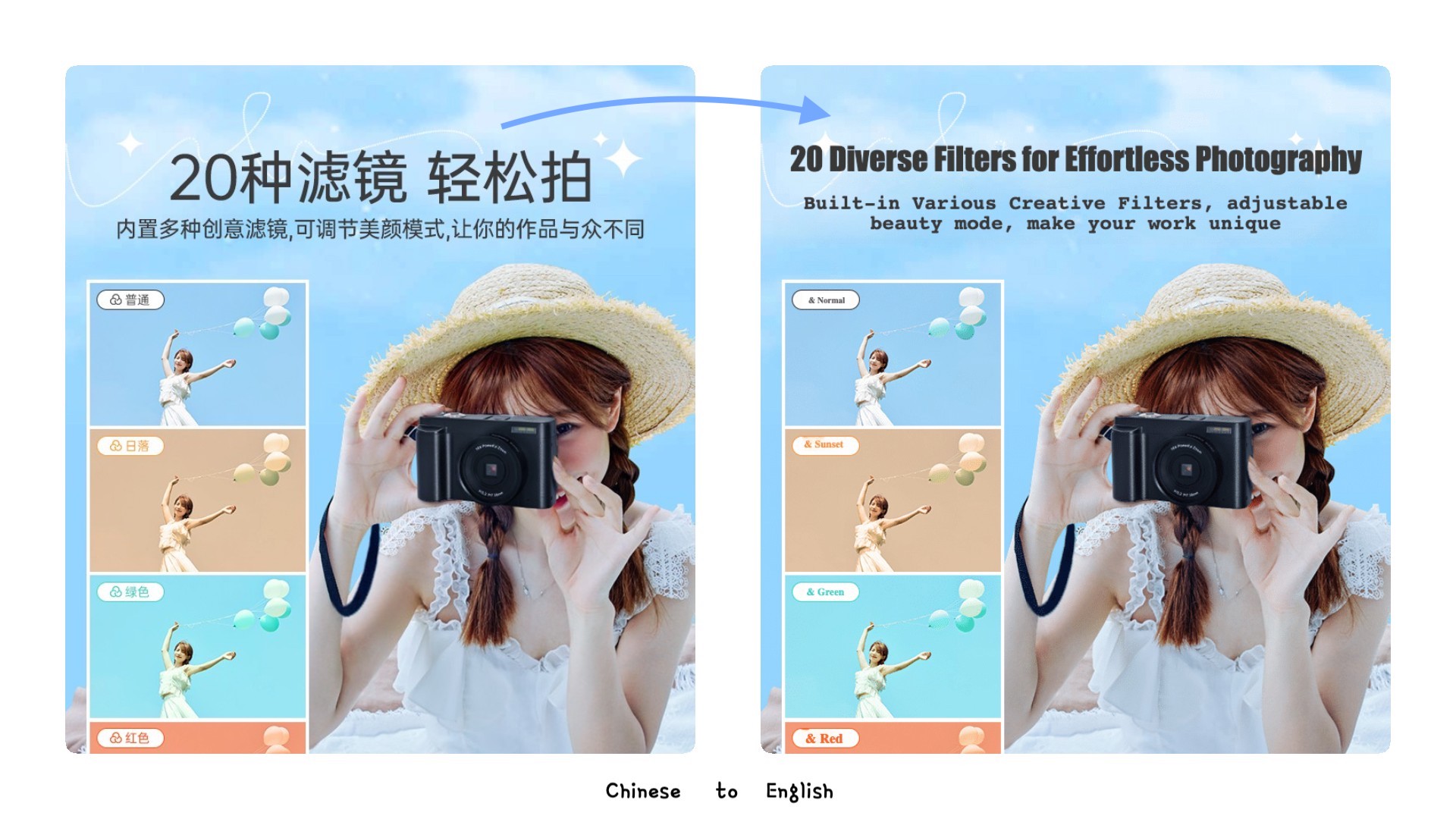
ImageTranslate.AI is an advanced AI-powered platform designed for precise and instant translation of text embedded within images. Leveraging sophisticated artificial intelligence, the tool offers one-click, one-second translations across over 130 languages. It excels at maintaining the original art style and layout integrity, making it ideal for various visual content. The service supports common image formats like JPG, PNG, and WebP, as well as online image URLs, with file size limits varying by subscription tier. Trusted by a growing base of users, ImageTranslate.AI is a versatile solution for individuals and businesses looking to localize content for e-commerce, product marketing, website design, and global expansion. Its features extend beyond simple translation, including OCR beta, image-to-text conversion, and text removal, catering to a wide range of visual content manipulation needs.
Translate.Photo is an AI-powered marketing creative platform that lets teams create, translate, and adapt campaign assets across 130+ languages. It combines an AI Creative Director, brand enforcement, hyperlocal localization, and channel auto-resizing into one continuous workflow, so marketers can go from voice brief to channel-ready localized creative without source files or agency dependency.
The pricing page shows a free Basic tier with daily credits, and three paid monthly tiers billed annually (discounted monthly rates shown with original monthly prices crossed out). All paid plans are billed annually. Exact rates: Starter $8.30/mo (was $9.90), Professional $16.60/mo (was $19.90), Enterprise $83.30/mo (was $99.90).
Translate.Photo offers three monthly subscription tiers: Standard at $9.5/mo, Pro at $59/mo, and Enterprise at $199/mo, each with a monthly credit allowance.
- Supports over 130 languages for both source and target text.
- Preserves original image layout, style, and design elements.
- Offers advanced features like Batch Image Translator, OCR, and Text Remover.
- Provides a free tier for testing and basic daily use.
- Very fast: 25.6 seconds average per asset
- Supports 130+ languages including Arabic RTL, Japanese vertical, Mandarin, Thai, and Spanish
- Hyperlocal adaptation: local landmarks, calendar, dress code, and tone
- Brand glossary and brand guidelines are auto-applied
- Translation credits are consumed per operation, potentially limiting free usage.
- Advanced features like Batch Image Translator are restricted to higher-tier plans.
- Commercial use of translated images requires careful consideration of copyright, with the user being ultimately responsible.
- Refunds are only available within 3 days of purchase and if fewer than 500 credits have been used.
- Credits do not roll over; they reset monthly
- Raw aesthetic quality depends on underlying AI providers
- Deliberately not a pixel-perfect manual editor; Photoshop is still needed for hero-level edits
- No free tier or trial mentioned on the website
More alternatives & similar tools
Alternatives to ImageTranslate.AI
View all →
Experience the world's top AI model to translate your images, preserve the original layout, and improve your work efficiency by 10x


Translate images into 130+ languages while keeping the original text style, layout, and design intact.
Alternatives to Translate.Photo
View all →Precise and instant AI image translation for over 130 languages, preserving original layout and style.
Translate images into 130+ languages while keeping the original text style, layout, and design intact.

The Verdict
AI-generated from listing dataImageTranslate.AI offers a free tier and strong layout‑preserving translation, while Translate.Photo focuses on fast, brand‑aware marketing assets with no free option.
Key differences
- •ImageTranslate.AI preserves original image layout and fonts; Translate.Photo emphasizes brand‑guideline enforcement and automatic channel resizing.
- •ImageTranslate.AI provides a freemium plan with limited daily credits; Translate.Photo requires paid subscription with no free tier.
- •Translate.Photo integrates directly with Photoshop and Figma for design workflows; ImageTranslate.AI offers an API but no listed design‑tool integrations.
- •Batch processing is a paid feature in ImageTranslate.AI; Translate.Photo processes assets quickly but credits reset monthly and don’t roll over.
- •ImageTranslate.AI supports OCR and text‑removal beta features; Translate.Photo focuses on hyper‑local content adaptation rather than OCR.
Pricing & value
ImageTranslate.AI has a free tier with daily credits; Translate.Photo only offers paid subscriptions.
Ease of use / learning curve
Translate.Photo’s voice‑first AI Creative Director requires no prompt engineering, whereas ImageTranslate.AI needs credit management.
Features & depth
ImageTranslate.AI includes OCR, batch translation, text remover, and layout preservation; Translate.Photo centers on brand adaptation.
Integrations & ecosystem
Translate.Photo integrates with Photoshop and Figma; ImageTranslate.AI only mentions an API, no design‑tool integrations.
Collaboration
Both target teams but no specific collaboration features are detailed for either.
Scalability
Translate.Photo’s subscription tiers scale to large marketing teams; ImageTranslate.AI limits free usage and batch features to higher tiers.
Support, Security & privacy
ImageTranslate.AI lists crypto payment options and Stripe processing; Translate.Photo provides no payment method details.
Choose ImageTranslate.AI if…
Small teams or individuals needing precise layout‑preserving translation and want a free entry point.
Choose Translate.Photo if…
Marketing departments needing rapid, brand‑consistent asset creation across multiple channels with Photoshop/Figma integration.
Common questions
Is there a free or trial option?
ImageTranslate.AI offers a free Basic tier with daily credits; Translate.Photo has no free tier or trial mentioned.
Can the tools preserve the original design of images?
ImageTranslate.AI preserves layout, fonts, and design; Translate.Photo focuses on brand adaptation but does not guarantee pixel‑perfect preservation.
What integrations are available for design workflows?
Translate.Photo integrates with Photoshop and Figma; ImageTranslate.AI only provides an API for developers.