


Translate Images vs Translate.Photo
Side-by-side comparison of features, pricing, ratings, and alternatives.
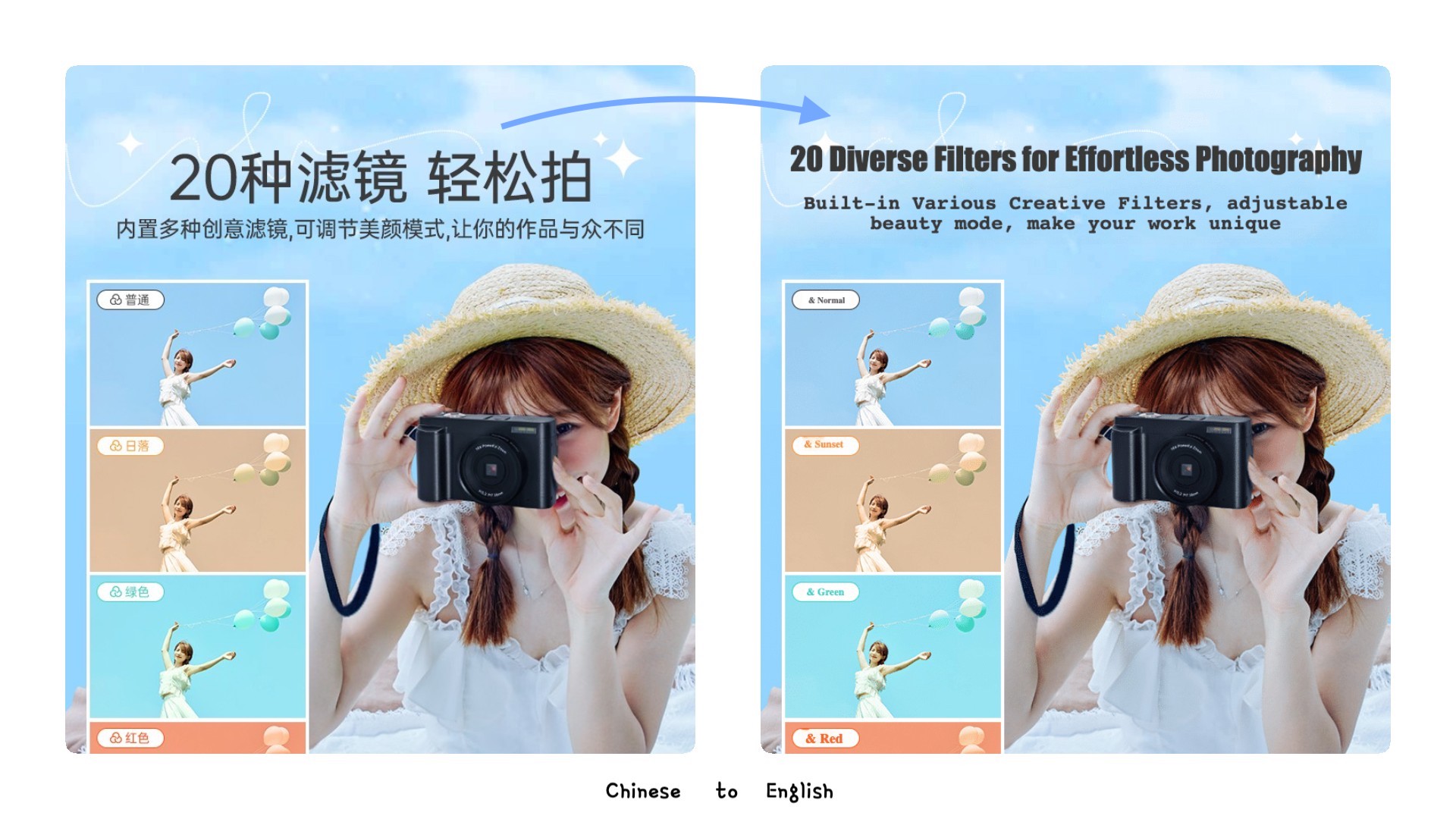
AI-powered image translation tool that uses OCR to recognize text in images and translates it into 130+ languages while preserving original fonts, colors, and layouts. It includes features like background inpainting, text editing, and format preservation for professional-quality output.
Translate.Photo is an AI-powered marketing creative platform that lets teams create, translate, and adapt campaign assets across 130+ languages. It combines an AI Creative Director, brand enforcement, hyperlocal localization, and channel auto-resizing into one continuous workflow, so marketers can go from voice brief to channel-ready localized creative without source files or agency dependency.
Offers both one-time per-image packs (US$9.9–US$99.9) and monthly subscription plans (US$19.9–US$99.9/month), with per-image rates from US$0.99 down to US$0.10.
Translate.Photo offers three monthly subscription tiers: Standard at $9.5/mo, Pro at $59/mo, and Enterprise at $199/mo, each with a monthly credit allowance.
- Preserves original fonts, colors, and layouts
- Supports 130+ languages
- 99% OCR accuracy
- Includes smart background inpainting and text removal
- Very fast: 25.6 seconds average per asset
- Supports 130+ languages including Arabic RTL, Japanese vertical, Mandarin, Thai, and Spanish
- Hyperlocal adaptation: local landmarks, calendar, dress code, and tone
- Brand glossary and brand guidelines are auto-applied
- No free tier mentioned
- Per-image pricing may add up for large volumes
- AI translation may still require manual correction (as stated in editor)
- Dependent on AI accuracy for complex layouts
- Credits do not roll over; they reset monthly
- Raw aesthetic quality depends on underlying AI providers
- Deliberately not a pixel-perfect manual editor; Photoshop is still needed for hero-level edits
- No free tier or trial mentioned on the website
More alternatives & similar tools
Alternatives to Translate Images
View all →
Experience the world's top AI model to translate your images, preserve the original layout, and improve your work efficiency by 10x

Precise and instant AI image translation for over 130 languages, preserving original layout and style.

Alternatives to Translate.Photo
View all →Precise and instant AI image translation for over 130 languages, preserving original layout and style.

Translate images into 130+ languages while keeping the original text style, layout, and design intact.

The Verdict
AI-generated from listing dataTranslate.Photo is a fast, AI‑driven creative automation platform for marketing assets, while Translate Images focuses on OCR‑based image text translation with layout preservation.
Key differences
- •Translate.Photo automates full‑creative workflow (brief → multilingual assets) whereas Translate Images only translates existing image text.
- •Translate.Photo offers voice‑first AI direction and brand‑glossary enforcement; Translate Images provides OCR accuracy and format‑preserving editing.
- •Pricing models differ: Translate.Photo uses monthly subscription tiers; Translate Images offers per‑image packs and subscription per‑image pricing.
- •Processing speed: Translate.Photo averages 25.6 seconds per asset; Translate Images takes 1‑3 minutes per image.
- •Integrations: Translate.Photo connects with Photoshop and Figma; Translate Images lists no native design‑tool integrations.
Pricing & value
Translate Images offers pay‑per‑image or low‑cost per‑image subscription, giving granular cost control; Translate.Photo only has fixed monthly tiers.
Ease of use / learning curve
Translate.Photo’s voice‑first AI Creative Director requires no prompt engineering, streamlining asset creation; Translate Images needs OCR setup and manual fine‑tuning.
Features & depth
Translate.Photo provides end‑to‑end creative creation, brand‑glossary enforcement, auto‑resizing for many channels; Translate Images focuses solely on text translation and layout preservation.
Integrations & ecosystem
Translate.Photo integrates with Photoshop and Figma, fitting existing design pipelines; Translate Images lists no such integrations.
Collaboration
Translate.Photo supports brief sharing, automatic multi‑locale rollout, and brand‑kit enforcement for teams; Translate Images lacks collaboration features.
Scalability
Translate.Photo processes assets in ~25 seconds, handling high‑volume campaigns; Translate Images processes each image in 1‑3 minutes, slower at scale.
Support
Neither product’s support details are specified in the provided facts.
Choose Translate Images if…
Businesses that primarily need accurate OCR translation of existing images while preserving exact fonts and layouts.
Choose Translate.Photo if…
Large marketing teams needing rapid, brand‑consistent multilingual creative assets across many channels.
Common questions
Which tool is cheaper for translating thousands of images?
Translate Images offers per‑image pricing (as low as $0.20 per image monthly), allowing cost control for high volumes; Translate.Photo’s fixed subscriptions may become more expensive.
Can I edit the translated assets directly in my design software?
Yes, Translate.Photo integrates with Photoshop and Figma, letting you finish hero‑level edits; Translate Images does not list such integrations.
How fast can each solution produce a translated asset?
Translate.Photo averages 25.6 seconds per asset; Translate Images takes 1‑3 minutes per image.