


AI Image Translator vs Translate.Photo
Side-by-side comparison of features, pricing, ratings, and alternatives.

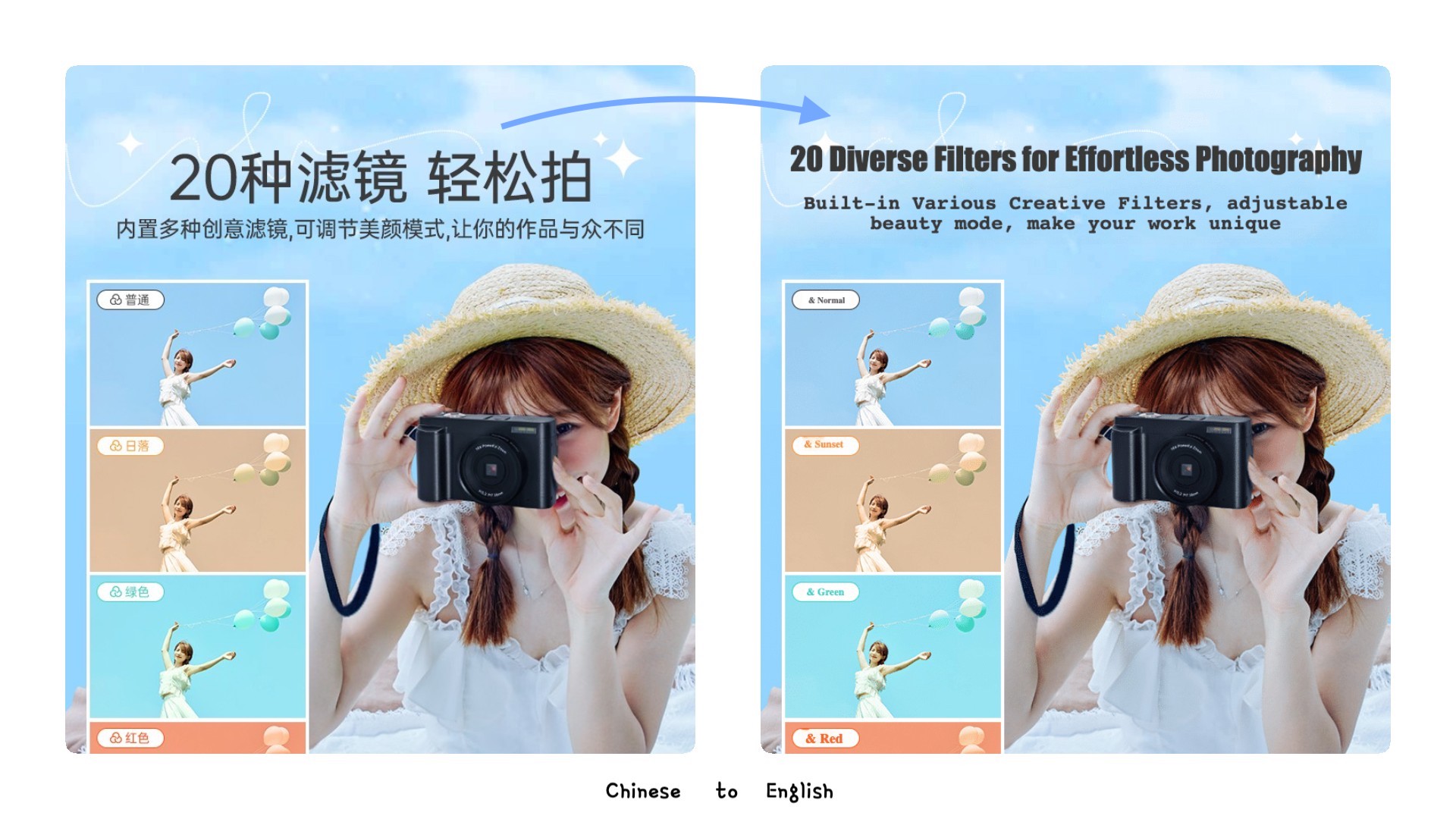
AI-powered image translation tool that detects and translates text in images across 100+ languages, with auto-detection, smart text removal, background restoration, and batch processing capabilities.
Translate.Photo is an AI-powered marketing creative platform that lets teams create, translate, and adapt campaign assets across 130+ languages. It combines an AI Creative Director, brand enforcement, hyperlocal localization, and channel auto-resizing into one continuous workflow, so marketers can go from voice brief to channel-ready localized creative without source files or agency dependency.
Pricing page displays three pricing tiers with credit allowances, but no explicit plan names or dollar amounts are provided in the content.
Translate.Photo offers three monthly subscription tiers: Standard at $9.5/mo, Pro at $59/mo, and Enterprise at $199/mo, each with a monthly credit allowance.
- Supports 100+ languages with automatic detection
- Handles mixed-language content, vertical text, and RTL scripts
- Smart restoration removes text and repairs backgrounds for natural results
- Batch processing with parallel processing and retry logic
- Very fast: 25.6 seconds average per asset
- Supports 130+ languages including Arabic RTL, Japanese vertical, Mandarin, Thai, and Spanish
- Hyperlocal adaptation: local landmarks, calendar, dress code, and tone
- Brand glossary and brand guidelines are auto-applied
- Free tier limited to 5 credits only
- Max 5MB per image and 10 images per upload
- Only basic models available currently
- More models promised but 'coming soon'
- Credits do not roll over; they reset monthly
- Raw aesthetic quality depends on underlying AI providers
- Deliberately not a pixel-perfect manual editor; Photoshop is still needed for hero-level edits
- No free tier or trial mentioned on the website
More alternatives & similar tools
Alternatives to AI Image Translator
View all →
Experience the world's top AI model to translate your images, preserve the original layout, and improve your work efficiency by 10x

Precise and instant AI image translation for over 130 languages, preserving original layout and style.

Translate images into 130+ languages while keeping the original text style, layout, and design intact.
Alternatives to Translate.Photo
View all →Precise and instant AI image translation for over 130 languages, preserving original layout and style.
Translate images into 130+ languages while keeping the original text style, layout, and design intact.
The Verdict
AI-generated from listing dataTranslate.Photo offers a richer, brand‑focused workflow with 130+ languages and Photoshop/Figma integration at higher cost, while AI Image Translator provides a lower‑cost, freemium batch‑oriented tool with 100+ languages but limited file size and no deep integrations.
Key differences
- •Translate.Photo includes brand‑kit enforcement and AI Creative Director for hyperlocal adaptation; AI Image Translator focuses on OCR‑style text removal and batch processing.
- •Translate.Photo integrates with Photoshop and Figma; AI Image Translator only supports PNG/JPG/WEBP upload without design tool integrations.
- •Pricing model: Translate.Photo requires paid subscription (no free tier); AI Image Translator offers a freemium tier with limited credits.
- •Supported languages: Translate.Photo 130+ (including RTL, vertical scripts); AI Image Translator 100+ with auto‑detect.
- •Output speed: Translate.Photo averages 25.6 seconds per asset; AI Image Translator emphasizes lightning‑fast batch processing but no per‑asset timing provided.
Pricing & value
AI Image Translator has a freemium tier (5 free credits) whereas Translate.Photo only offers paid subscriptions.
Ease of use / learning curve
AI Image Translator uses a simple drag‑and‑drop UI; Translate.Photo relies on voice‑first AI and brand‑kit setup.
Features & depth
Translate.Photo provides brand glossary enforcement, hyperlocal adaptation, and multi‑channel resizing; AI Image Translator limited to OCR and batch restore.
Integrations & ecosystem
Translate.Photo integrates with Photoshop and Figma; AI Image Translator has no listed integrations.
Collaboration
Translate.Photo supports continuous flow from brief to shipping for marketing teams; AI Image Translator lacks collaboration features.
Scalability
AI Image Translator designed for batch processing and parallel execution; Translate.Photo limited by monthly credit reset.
Support & security
Neither product provides specific support or security details in the supplied facts.
Choose AI Image Translator if…
Small creators or e‑commerce sellers needing quick, low‑cost batch image translation with basic OCR.
Choose Translate.Photo if…
Large marketing teams needing brand‑consistent, hyperlocal assets across many channels.
Common questions
Is there a free trial or tier?
AI Image Translator offers a freemium tier (5 credits); Translate.Photo has no free tier mentioned.
Can the tools integrate with my design workflow?
Translate.Photo integrates with Photoshop and Figma; AI Image Translator only accepts PNG/JPG/WEBP uploads.
How many languages are supported?
Translate.Photo supports 130+ languages; AI Image Translator supports 100+ languages with auto‑detect.