


Roshi
Create interactive AI-powered lessons in seconds – from prompts to ready-to-share classroom materials.

What is Roshi?
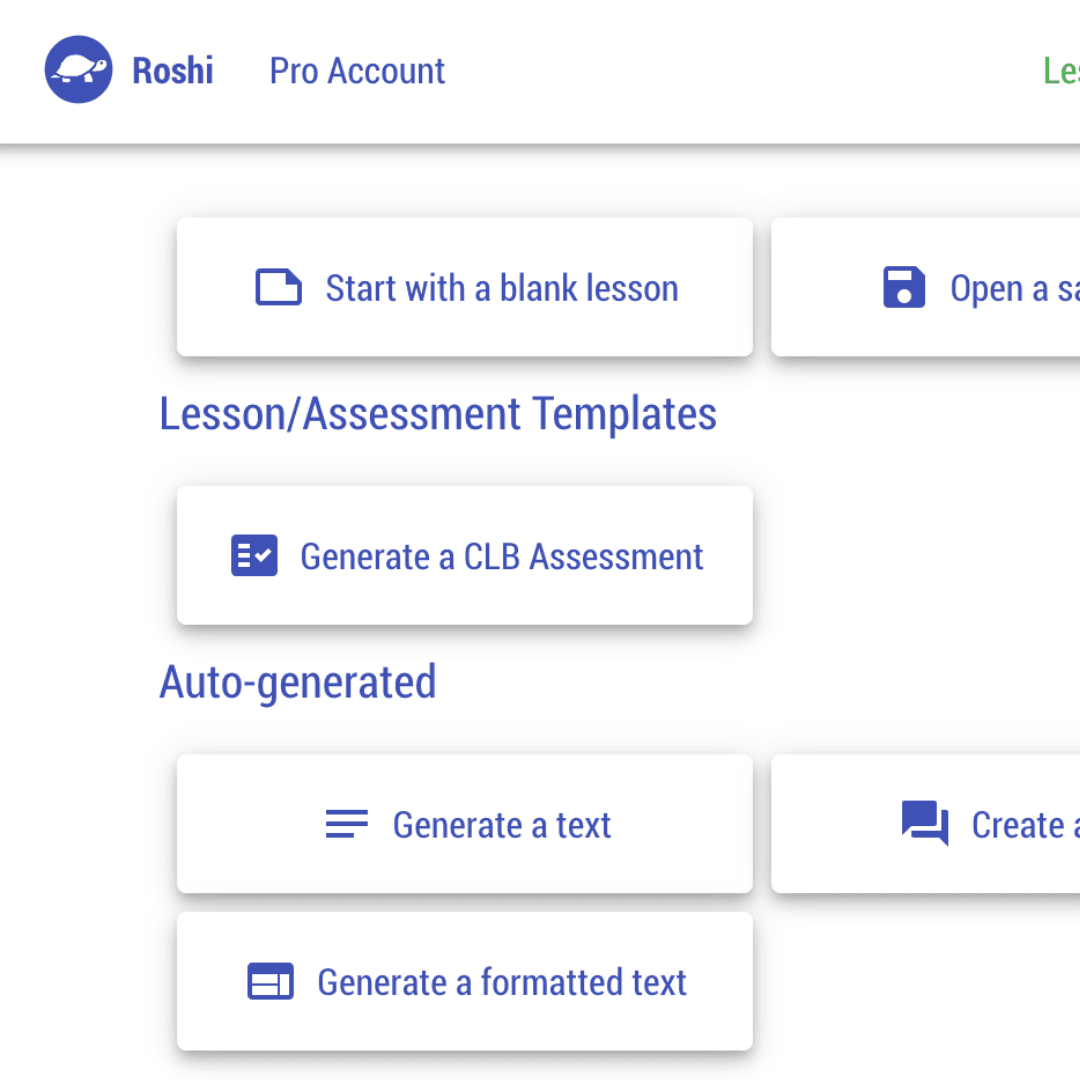
Roshi is an AI-powered lesson creation platform designed specifically for teachers and educators. It lets users turn simple text prompts into interactive learning materials such as fully voiced dialogues, visual documents, and targeted activities in a matter of seconds. The tool aims to dramatically reduce lesson prep time, claiming to save more than four hours of work per week by automating material creation and providing ready-to-share outputs.
SpecificationsAI-estimated
Key Features of Roshi
Use Cases for Roshi
Language lessons with voiced dialogues
Create personalized dialogues for language learning with custom voices and pronunciation.
Visual teaching aids
Generate brochures, images, and documents to supplement classroom instruction.
CLB-aligned exercises
Build activities aligned to Canadian Language Benchmarks or other specialized criteria.
LMS-ready lesson materials
Generate lesson materials and publish them directly to Google Classroom or Moodle.
Quick lesson preparation
Use AI automation to reduce the time spent on lesson preparation and material design.
Custom activity creation
Design custom exercises and interactive content based on specific teacher prompts.
How to use Roshi?
Describe your material
Start by describing the learning material you want to create using text prompts.
Generate with AI
Let Roshi use AI to generate your lesson content, such as dialogues, visuals, or activities, in seconds.
Share to your platform
Share the finished material directly to Moodle, Google Classroom, or other supported learning platforms.
Pros & Cons of Roshi
Pros
- Create interactive lessons quickly with simple prompt-based generation
- Includes fully voiced dialogues with custom voices and pronunciation
- Generates visuals, activities, and documents for diverse lesson needs
- Integrates directly with Moodle and Google Classroom
- Supports specialized activity criteria such as CLB
Cons
- No pricing, subscription, or free-tier details are listed on the website.
- AI-generated content may require teacher review and manual adjustments before classroom use.
- Requires an internet connection; no offline authoring option is mentioned.
- Limited publicly documented information about supported languages, advanced editing, or security/compliance features.
Frequently Asked Questions
What is Roshi?
Roshi is an online AI-powered tool that helps teachers turn text prompts into interactive lesson materials, including dialogues, visuals, and activities.
Who is Roshi for?
Roshi is built for teachers and educators who want to create lesson content quickly, especially those using learning platforms like Moodle or Google Classroom.
What types of learning materials can I create with Roshi?
You can create fully voiced dialogues with custom voices, visual materials such as images and brochures, and targeted activities based on criteria like CLB.
Does Roshi support language learning?
Yes, Roshi can generate voiced dialogues with custom voices and pronunciation, making it useful for language learning and pronunciation practice.
Can I share Roshi materials on Google Classroom or Moodle?
Roshi allows you to share your generated content to Google Classroom, Moodle, and other learning platforms.
How much time can Roshi save for teachers?
Roshi claims to help teachers save over 4 hours of work per week by automating the creation of lesson material.
What are CLB-based activities in Roshi?
CLB stands for Canadian Language Benchmarks, and Roshi can create targeted activities aligned to these specialized language proficiency criteria.
Is Roshi free or does it offer a trial?
The website does not currently mention pricing, free trials, or subscription plans.
Reviews & Ratings0.0
No reviews yet. Be the first to write one!
Top Alternatives & Similar Software
View all alternatives & similar software→No alternatives available yet.
People also viewed

.png)


Related searches
Is this your tool?
Claim this page to update details, reply to user reviews, and drive more traffic to your product.
Claim this Product →
Tags
Explore Related Topics
Keep up with Roshi alternatives
New alternatives, pricing changes and the week's biggest movers - one email every Tuesday.