Discover, compare, and save the best password managers alternatives.
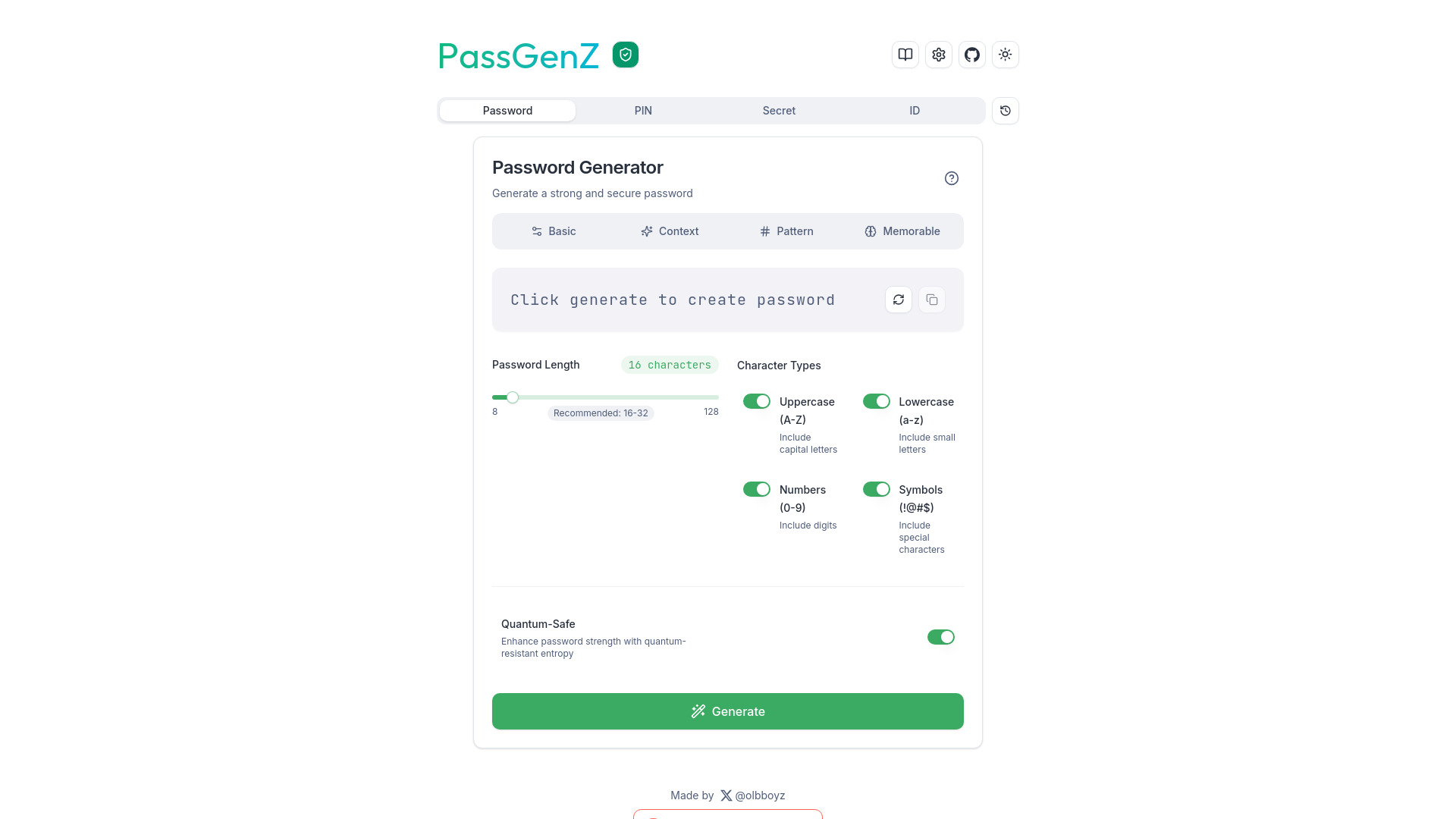
1Password, Bitwarden, Dashlane, PassGenZ, Sticky Password and Password Boss are among the top-rated Password Managers picks.
Password Managers are software solutions designed to securely store and manage passwords for individuals and organizations. They are ideal for anyone who struggles to remember multiple complex passwords or wants to enhance their online security. By using a Password Manager, users can generate and store unique, strong passwords for each of their online accounts, reducing the risk of password-related data breaches. When comparing Password Managers, key differences include pricing models, such as subscription-based (e.g., 1Password, Dashlane) versus open-source (e.g., Bitwarden, nodewarden), as well as features like password sharing, two-factor authentication, and encrypted file storage. Additionally, some Password Managers, like NordPass and Padloc, offer advanced security features like password inheritance and emergency access, while others, like AliasVault and Password Boss, focus on ease of use and simplicity. To choose the right Password Manager, consider your specific needs, such as the number of users, desired features, and budget. Findalternative.net's comparison tool helps narrow down the options by providing detailed reviews and side-by-side comparisons of top Password Managers, including 1Password, Bitwarden, and LastPass. By evaluating factors like security, usability, and customer support, you can find the best Password Manager for your needs and ensure a secure online experience.
The main benefit of using a Password Manager is to securely store and generate strong, unique passwords for each online account, reducing the risk of password-related data breaches and enhancing overall online security.
When deciding between a paid and free Password Manager, consider the features you need, such as password sharing or advanced security features. Paid options like 1Password and Dashlane often offer more features, while free options like Bitwarden and nodewarden provide a more basic set of features.
Yes, most Password Managers, including 1Password, LastPass, and NordPass, offer cross-platform compatibility, allowing you to access your passwords on multiple devices, such as desktops, laptops, smartphones, and tablets.
Reputable Password Managers, such as those listed on findalternative.net, use advanced security measures like encryption, two-factor authentication, and secure storage to protect your passwords. However, it's essential to choose a trustworthy Password Manager and follow best practices, like using a strong master password and enabling two-factor authentication.
Yes, many Password Managers, including 1Password, Dashlane, and LastPass, offer password sharing features, allowing you to securely share passwords with family members, colleagues, or friends. This feature is particularly useful for shared accounts or business environments.
If you forget your master password, most Password Managers, such as 1Password and LastPass, offer recovery options, like password reset or account recovery. However, it's crucial to choose a strong, memorable master password and consider enabling two-factor authentication to prevent account lockout.
Open-source Password Managers, like Bitwarden and nodewarden, can be secure, as their transparent codebase allows for community scrutiny and auditing. However, it's essential to evaluate the specific open-source Password Manager's security features, updates, and community support before making a decision.
Password Managers splits into 7 related categories worth browsing on their own: Security Auditing (41), VPN Services (34), Identity & SSO (29), Antivirus & Anti-Malware (19), Firewalls (18), and Encryption Tools (15) — worth a look if you already know roughly which kind you need.
Browsing by use case instead? These products also surface under Password Manager (23), Security (19), Open Source (10), Productivity (3), Collaboration (2), and Free Software (2) — topic pages that pull from the whole catalog, not just Password Managers.
Comparing across more than just software? Findalternative.net also covers Hardware, Gadgets, Appliances, Games, and Hosting alternatives.
64% run on Mac, 64% on Android, 60% on Windows, and 60% on Web — check platform support before committing if you need something specific.
Computed from real platform data across the category.
Across the Password Managers products in our directory, 84% are free or freemium. 28% of products with a documented drawback cite a learning curve as a tradeoff worth knowing about going in.
Computed from real pricing and pros/cons data across the category — not a review aggregate.