


CaptionCreator vs YTVidHub
Side-by-side comparison of features, pricing, ratings, and alternatives.


CaptionCreator is an AI-powered web tool that automatically generates subtitles for your videos. Instead of manually timing captions, you simply upload a video or audio file and the service transcribes the spoken content into clean, ready-to-use subtitles. It also supports translation, letting you turn a single video into subtitles in dozens of languages without needing a separate translation workflow. The tool offers two main modes: Transcribe and Translate. Transcribe converts speech into subtitles or plain text in 76 supported languages, while Translate converts the audio or video into subtitles in any supported language. You can then burn the subtitles directly into the video, edit them in the built-in studio, or export them as SRT, VTT, or plain text files. Because only the audio track is uploaded, there is no video size limit, and the company says any length of video can be processed in under three minutes. CaptionCreator is aimed at content creators, social media managers, educators, and video editors who need fast, multilingual captioning. It offers a free tier for short clips, plus two monthly subscription plans: Basic at $10/month for 300 minutes of transcription/translation and Pro at $25/month for 1,000 minutes. Paid plans include no watermarks, 4K quality support, and access to all subtitle styles and editing features.
YTVidHub is a free online YouTube subtitle downloader that lets you extract captions from individual videos, entire playlists, or full channels. Instead of manually copying transcript text or juggling multiple browser extensions, you simply paste a link, choose your preferred output format (SRT, VTT, or TXT), and download the subtitles in seconds. The service is designed for anyone who needs editable captions for video editing, accessibility-ready WebVTT files, or clean plain-text transcripts for research and AI workflows. The platform goes beyond simple downloads with built-in AI analysis that generates concise summaries and mind maps for each video. Its bulk processing engine accepts playlist URLs, channel URLs, or a .txt file packed with hundreds of video links, then produces structured subtitle files automatically. For AI researchers and data scientists, the clean TXT export strips away timestamps and formatting noise, making it immediately ready for LLM training corpora, RAG pipelines, or content analysis. YTVidHub also offers a freemium model—free users receive 5 daily credits for subtitle downloads, and guests get a small number of credits to test the pipeline. This makes it an accessible starting point for students, content creators, translators, and researchers who need reliable, scalable subtitle extraction without complex setup. With support for any language available on YouTube, including auto-generated captions, it positions itself as a data-prep powerhouse rather than just a simple downloader.
- Supports 76 languages for both transcription and translation
- Processes videos of any length in under 3 minutes
- Free tier available without an account
- No video size limit because only audio is uploaded
- Free daily credits for testing bulk subtitle downloads
- Supports entire playlists and channels for large-scale extraction
- Exports SRT, VTT, or clean TXT formats
- AI-generated summaries and mind maps add extra value
- Monthly credits expire and do not roll over, so unused minutes are lost at the end of the month
- Free tier is limited to 120-second files and only 3-5 files per day
- No lifetime or perpetual pricing option is mentioned; paid access is subscription-based
- Remaining credits are deleted if you delete your account
- Free tier is limited to 5 daily credits, and guest credits are even more restricted (3 credits, 1 download, 2 AI summaries).
- Web-based only, with no offline desktop application for bulk processing.
- Long-term or commercial use may raise copyright and YouTube Terms of Service considerations.
- Requires a stable internet connection and relies on YouTube subtitle availability.
More alternatives & similar tools
Alternatives to CaptionCreator
View all →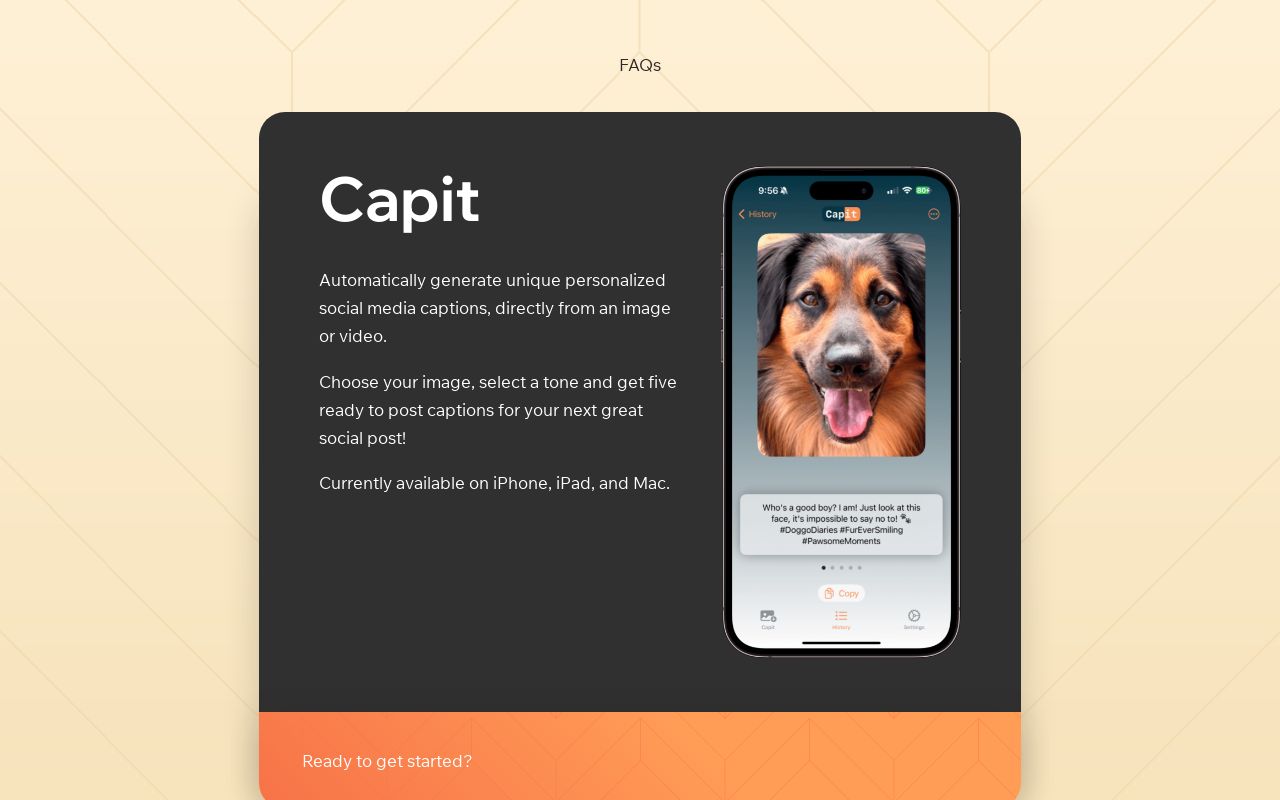
Transcribe, translate, and summarize audio & video in 130+ languages with speaker separation and instant subtitle generation.


Alternatives to YTVidHub
View all →No alternatives listed yet. Browse similar tools →
The Verdict
AI-generated from listing dataCaptionCreator is a general‑purpose AI subtitle generator with fast processing and 76 language support, while YTVidHub focuses on bulk YouTube subtitle extraction with AI summaries.
Key differences
- •CaptionCreator handles any video file and offers 4K quality, whereas YTVidHub only works with YouTube sources.
- •CaptionCreator provides a paid subscription with per‑minute credits; YTVidHub’s free tier is limited to daily credits and has no paid plan listed.
- •YTVidHub adds AI‑generated summaries and mind maps, features not present in CaptionCreator.
- •CaptionCreator allows burning subtitles into video and exporting multiple formats; YTVidHub only exports SRT/VTT/TXT without burning.
- •CaptionCreator has no size limit (audio only); YTVidHub is web‑only and depends on YouTube’s available captions.
Pricing & value
CaptionCreator offers paid tiers ($10/$25 / month) with unlimited video length; YTVidHub only provides limited free daily credits.
Ease of use / learning curve
YTVidHub requires only pasting YouTube links; CaptionCreator involves uploading files and managing credit balances.
Features & depth
CaptionCreator supports transcription, translation, burning subtitles, 76 languages, 4K output; YTVidHub limited to extraction and AI summaries.
Integrations & ecosystem
YTVidHub integrates directly with YouTube playlists/channels; CaptionCreator works with generic video/audio files only.
Scalability
YTVidHub processes entire playlists/channels in bulk; CaptionCreator processes any length but per‑minute credits may limit volume.
Support
Neither product lists specific support details; both provide web‑based interfaces with no stated support tier.
Security & privacy
No information provided about data handling, encryption, or privacy policies for either tool.
Choose CaptionCreator if…
Content creators needing fast, high‑quality subtitles for any video format and multilingual translation.
Choose YTVidHub if…
Researchers or analysts extracting subtitles from large YouTube collections and wanting AI‑generated summaries.
Common questions
Can I use CaptionCreator for unlimited video length without extra cost?
No; you need credits (1 minute = 1 credit) and unused credits expire monthly.
Does YTVidHub work with non‑YouTube videos?
No; it only extracts subtitles from YouTube videos, playlists, or channels.
Are there watermarks on the output videos?
CaptionCreator’s paid plans have no watermarks; YTVidHub only provides subtitle files, so watermarks are not applicable.