



RecCloud
One AI-powered cloud suite to transcribe, subtitle, translate, voice, summarize, and generate video — fast and simple.

What is RecCloud?
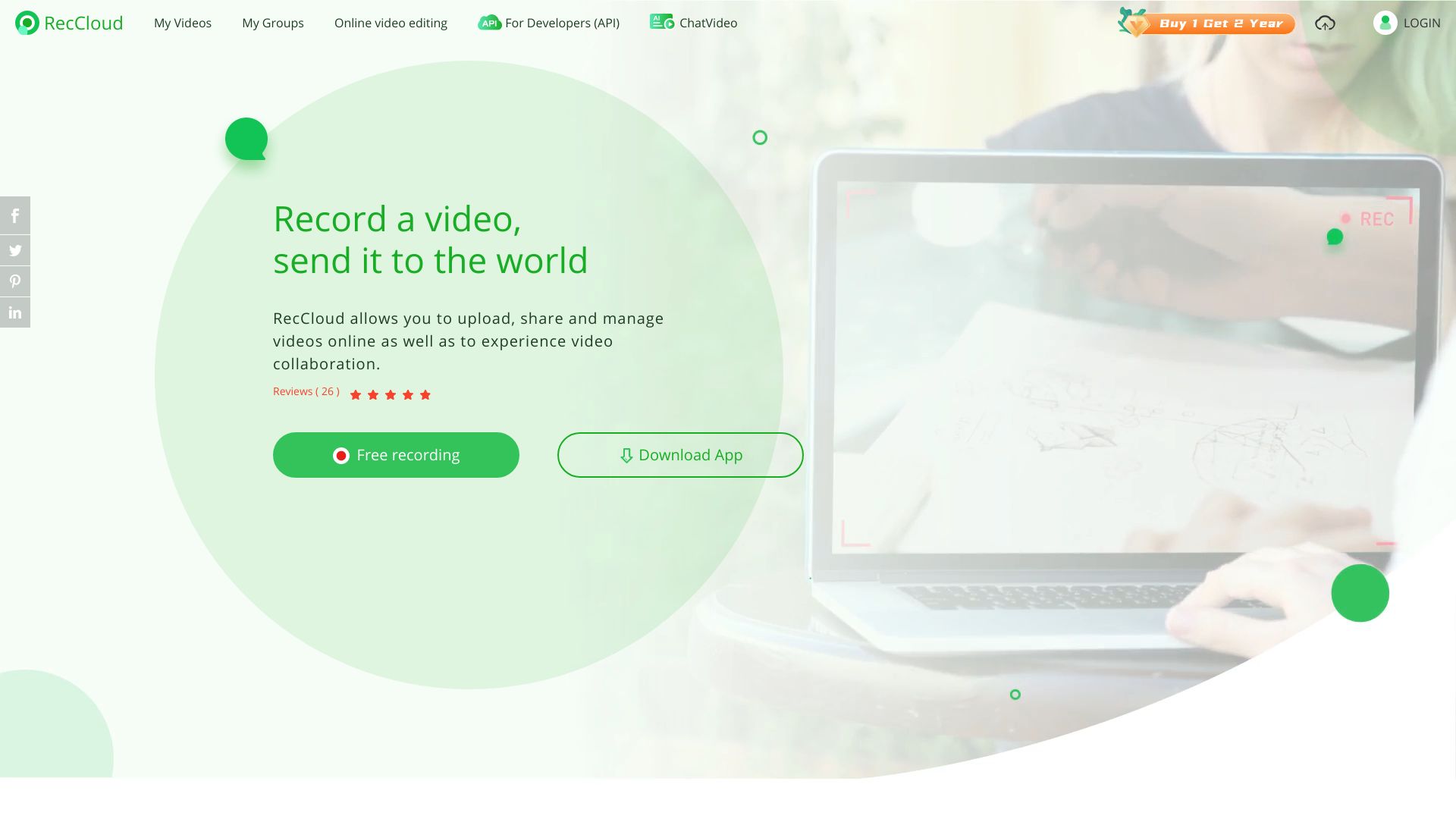
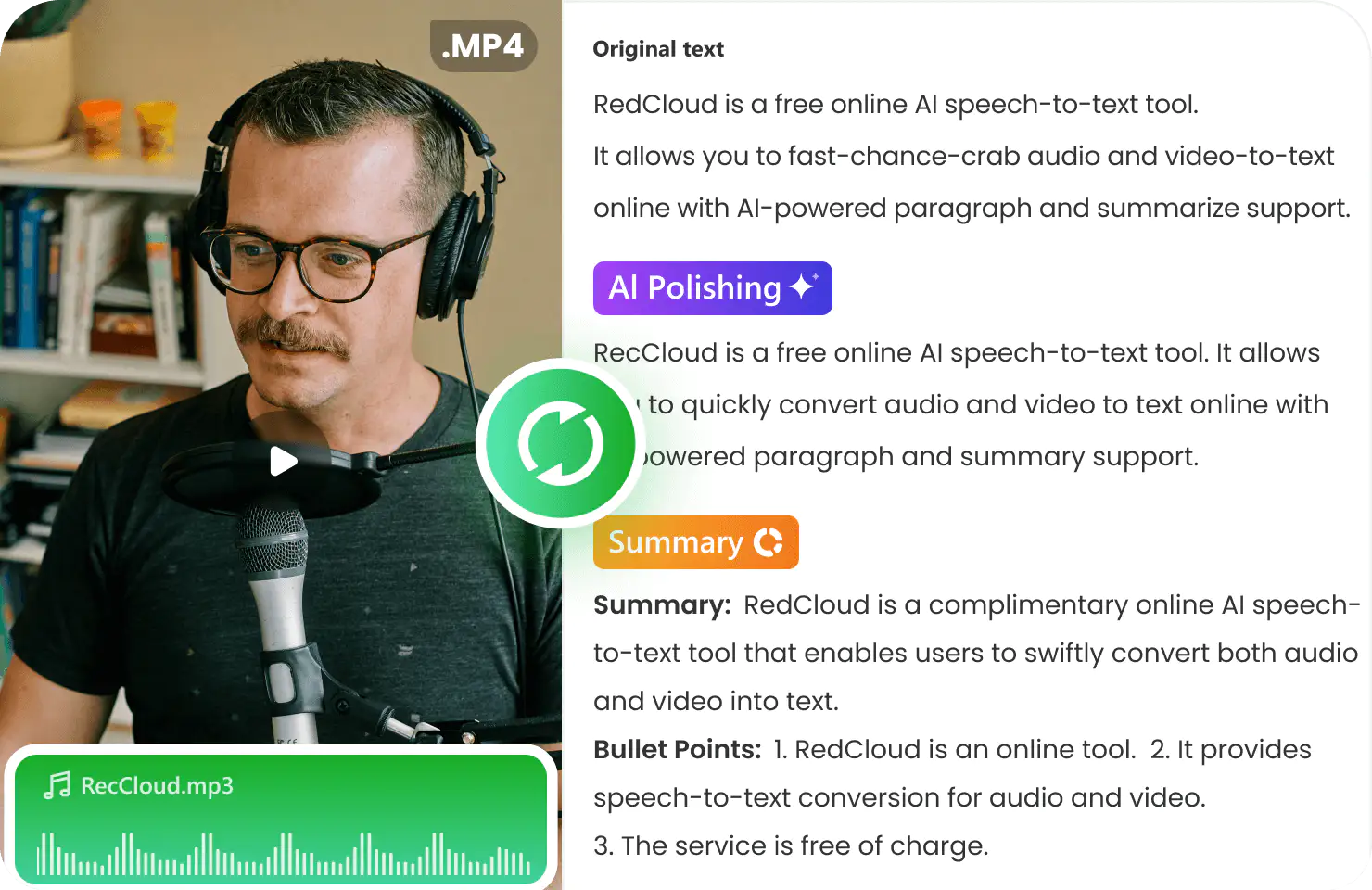
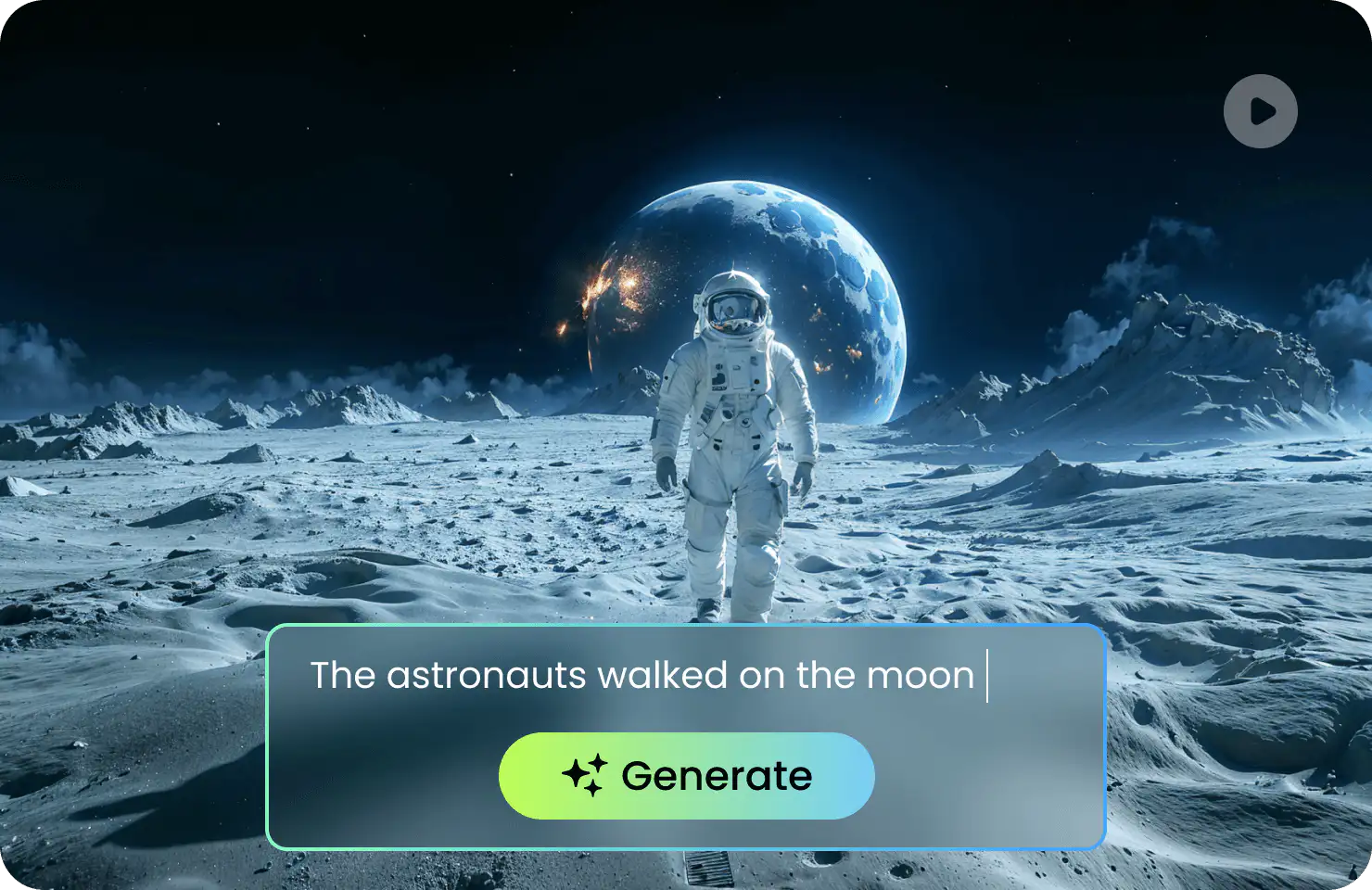
RecCloud is an all-in-one AI audio and video processing platform built around a simple promise: upload fast, process smart, download instantly. Instead of juggling separate tools for transcription, subtitles, voiceovers, translation, and video creation, RecCloud bundles them into a single cloud workspace. From turning spoken words into polished notes to converting plain text into full videos, it is designed for anyone who wants professional results without a steep editing learning curve. The heart of RecCloud is its versatile AI toolkit. Its AI Speech-to-Text tool turns lectures, meetings, and interviews into accurate, automatically summarized text; its AI Subtitle Generator creates original-language captions and translates them into multiple languages; and its AI Voice Generator converts text into natural-sounding speech in various voices and languages, even across languages. Creators can also summarize long YouTube videos or courses and interact with AI based on the content, transform text prompts into generated video clips, translate videos, remove vocals, and edit media with online screen recording, trimming, cropping, and merging tools. RecCloud is available as a web app plus Android/iOS and Windows clients, with an API for developers who want to embed AI processing into their own workflows. The platform is trusted by global brands and features user praise from students, TikTok creators, and educators for saving time on note-taking, multilingual content, and course accessibility. A free trial is available to unlock all AI features, making RecCloud a compelling starting point for creators, marketers, educators, and business teams looking for an AI-powered media workflow.
SpecificationsAI-estimated
Key Features of RecCloud
Use Cases for RecCloud
Meeting & Lecture Transcription
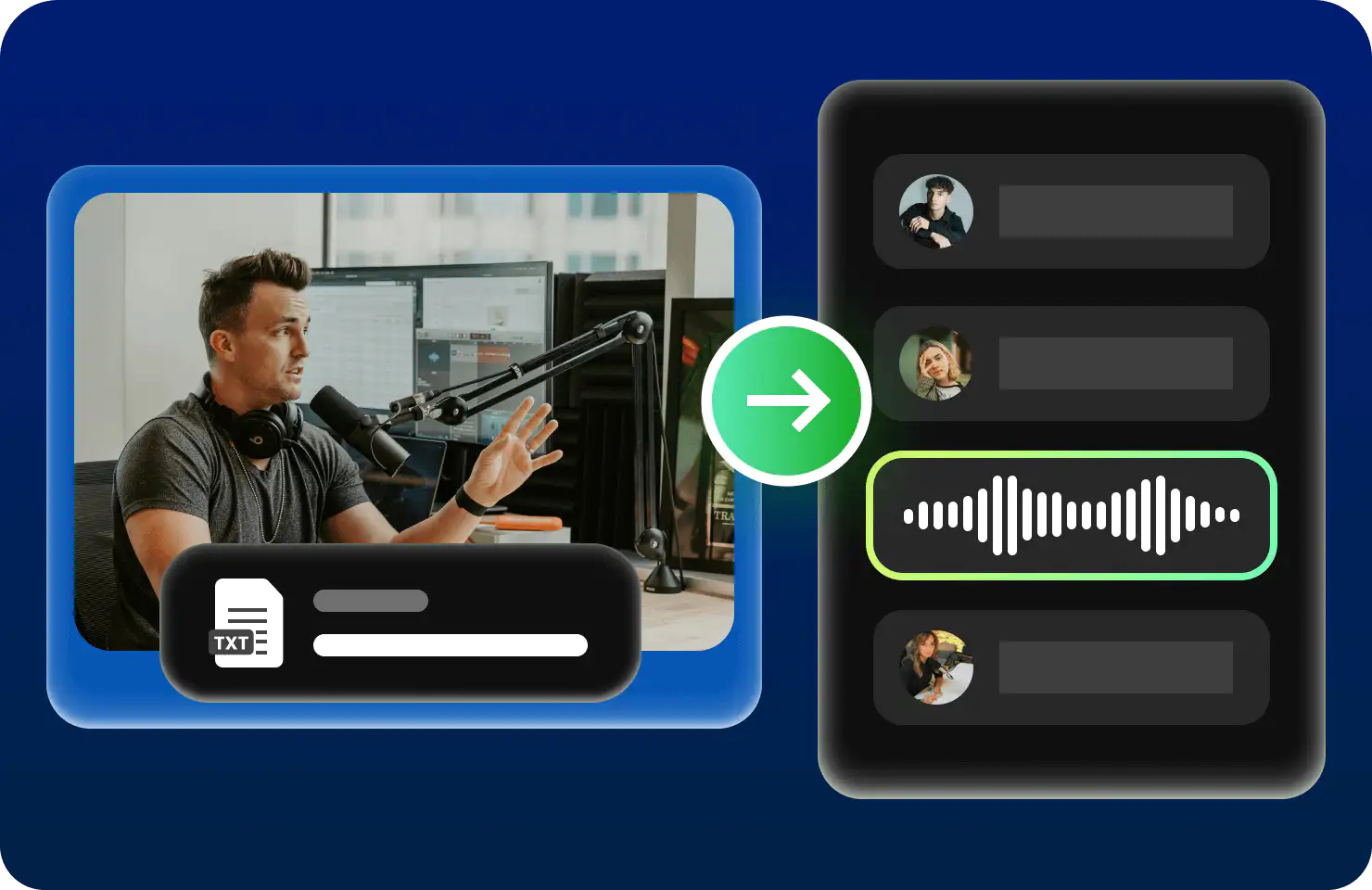
Convert lectures, meetings, interviews, and voice memos into accurate, polished, and summarized text.
Multilingual Subtitles
Generate subtitles in the original language and translate them into multiple languages for global viewers.
Voiceovers & Text-to-Speech
Turn scripts and text into natural-sounding speech for videos, ads, courses, and marketing assets.
YouTube & Education Summaries
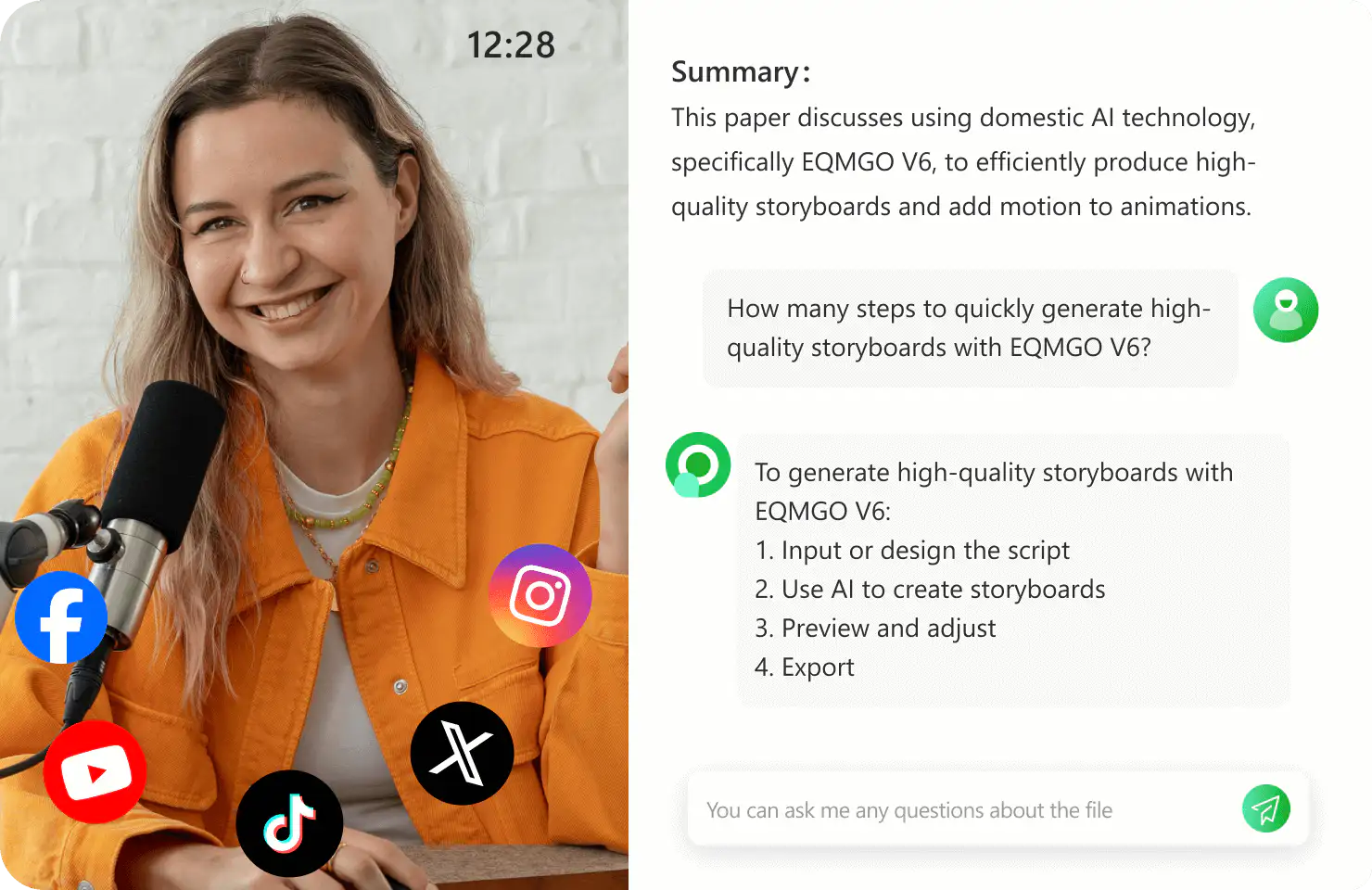
Summarize long YouTube videos, online courses, and presentations, then ask the AI questions about the content.
Text-to-Video Creation
Generate short-form videos from text prompts for social media, storytelling, and promotional content.
Video Localization
Translate videos, audio, and subtitles to localize content for international audiences.
Screen Recording & Basic Editing
Record screen activity and trim, crop, or merge clips for tutorials, demos, and presentations.
How to use RecCloud?
Choose a tool
From the RecCloud homepage, pick the tool you need: AI Speech to Text, AI Subtitle Generator, AI Voice Generator, AI Video/Audio Summarizer, AI Video Generator, or a screen recorder/editor.
Upload or paste your content
Upload a video or audio file, paste a YouTube link, or enter the text you want to convert, depending on which AI tool you selected.
Configure AI options
Select source and target languages, voice style, summary length, subtitle format, or other AI preferences before starting the process.
Process and preview
Run the AI processing and preview the generated transcript, subtitles, voiceover, summary, translation, or video result.
Download or share
Download the final file to your device or continue refining it using RecCloud's editing and recording tools.
Pros & Cons of RecCloud
Pros
- All-in-one AI audio/video toolkit covering transcription, subtitles, TTS, summarization, translation, and video generation
- Simple three-step workflow: upload, process, download
- Cross-platform availability on web, Android, iOS, Windows, plus an API
- Free trial unlocks all AI features for testing
- Backed by Apowersoft's cloud infrastructure and trusted by global brands
Cons
- Advanced AI features likely require paid credits beyond the free trial, and credit-deduction details are not explained on the homepage.
- The native desktop app is only listed for Windows, with no dedicated macOS client mentioned.
- Tools are split across several separate subpages, so a complex workflow may require switching between multiple specialized tools.
Frequently Asked Questions
Is RecCloud free?
RecCloud offers a free trial that unlocks all AI features. For continued heavy use, you will likely need to purchase a plan or credits; exact pricing details are not shown on the homepage.
What can RecCloud do?
RecCloud can transcribe speech to text, generate and translate subtitles, create natural-sounding voiceovers, summarize videos and audio, translate videos, remove vocals, generate videos from text, record screens, and perform basic video editing like trimming, cropping, and merging.
Which platforms are supported?
RecCloud works in web browsers and offers Android/iOS mobile apps as well as a Windows desktop download. An API is also available for developers.
Can I summarize a YouTube video with RecCloud?
Yes. The AI Video/Audio Summarization tool accepts YouTube videos and other long media, producing concise summaries and letting you interact with AI based on the video content.
Can RecCloud translate subtitles and videos?
Yes. The AI Subtitle Generator can translate subtitles into multiple languages, and the AI Video Translator and Audio Translator solutions help localize content for global audiences.
Can the AI voice generator speak in another language?
Yes. The AI Voice Generator supports various voice types and multiple languages, and it can even turn text in one language into speech in another.
Is there an API for developers?
Yes, RecCloud provides an API for integrating its AI audio and video processing features into custom products and workflows.
How do I start using RecCloud?
Visit reccloud.com, choose a tool from the homepage or Products menu, upload your media or paste a text/URL, configure the AI options, process, and then download the result.
Reviews & Ratings0.0
No reviews yet. Be the first to write one!
Top Alternatives & Similar Software
View all alternatives & similar software→No alternatives available yet.
People also viewed



Related searches
Is this your tool?
Claim this page to update details, reply to user reviews, and drive more traffic to your product.
Claim this Product →
Tags
Explore Related Topics
Keep up with RecCloud alternatives
New alternatives, pricing changes and the week's biggest movers - one email every Tuesday.