


RecCloud vs Vidnoz AI Video Translator
Side-by-side comparison of features, pricing, ratings, and alternatives.

RecCloud is an all-in-one AI audio and video processing platform built around a simple promise: upload fast, process smart, download instantly. Instead of juggling separate tools for transcription, subtitles, voiceovers, translation, and video creation, RecCloud bundles them into a single cloud workspace. From turning spoken words into polished notes to converting plain text into full videos, it is designed for anyone who wants professional results without a steep editing learning curve. The heart of RecCloud is its versatile AI toolkit. Its AI Speech-to-Text tool turns lectures, meetings, and interviews into accurate, automatically summarized text; its AI Subtitle Generator creates original-language captions and translates them into multiple languages; and its AI Voice Generator converts text into natural-sounding speech in various voices and languages, even across languages. Creators can also summarize long YouTube videos or courses and interact with AI based on the content, transform text prompts into generated video clips, translate videos, remove vocals, and edit media with online screen recording, trimming, cropping, and merging tools. RecCloud is available as a web app plus Android/iOS and Windows clients, with an API for developers who want to embed AI processing into their own workflows. The platform is trusted by global brands and features user praise from students, TikTok creators, and educators for saving time on note-taking, multilingual content, and course accessibility. A free trial is available to unlock all AI features, making RecCloud a compelling starting point for creators, marketers, educators, and business teams looking for an AI-powered media workflow.
Vidnoz AI Video Translator is a free online tool that lets you translate videos into 140+ languages while keeping the original speaker's voice character. It uses AI to clone voices and adapt lipsync so translated videos feel natural and authentic — not like robotic dubbing. The workflow is entirely browser-based: you upload a video or paste a URL, choose source and target languages, enable optional features like subtitles, multi-voice detection, or accent handling, and the AI processes your file for download. Beyond simple translation, the platform includes specialized tools for content professionals: it can erase original burned-in subtitles, translate subtitle tracks alone, accept proofread SRT/ASS files for higher accuracy, and automatically detect multiple speakers so conversations in your video sound clear and distinct. Advanced options like adaptive speech rate and accent improvement further refine the output for a professional finish. Vidnoz targets content creators, educators, marketers, and media teams who need to localize videos for global audiences — whether it's a YouTube vlog, a corporate training module, or an advertising spot. The free tier is great for testing, while premium credits unlock longer translations, 4K export, watermark-free output, and faster processing.
- All-in-one AI audio/video toolkit covering transcription, subtitles, TTS, summarization, translation, and video generation
- Simple three-step workflow: upload, process, download
- Cross-platform availability on web, Android, iOS, Windows, plus an API
- Free trial unlocks all AI features for testing
- Accurate AI voice cloning maintains the original speaker's identity
- Huge language and regional variant coverage (140+)
- Offers advanced options like lip-sync, multi-voice, and subtitle erasure
- Works entirely in the browser — no software install needed
- Advanced AI features likely require paid credits beyond the free trial, and credit-deduction details are not explained on the homepage.
- The native desktop app is only listed for Windows, with no dedicated macOS client mentioned.
- Tools are split across several separate subpages, so a complex workflow may require switching between multiple specialized tools.
- Free plan only translates the first 60 seconds of a video
- File upload size is limited to 500 MB
- Processing can take a few minutes depending on video length and complexity
- Advanced features like 4K export, faster processing, and no watermark require paid credits
More alternatives & similar tools
Alternatives to RecCloud
View all →Translate your videos seamlessly in 140+ languages with natural voice clone and preserve authentic speaking styles.
.png)
One AI editor to localize any video or audio into 50+ languages through dubbing, translation, captions, and subtitles.

Alternatives to Vidnoz AI Video Translator
View all →AI-powered video translation and dubbing that clones your voice into 14+ languages.
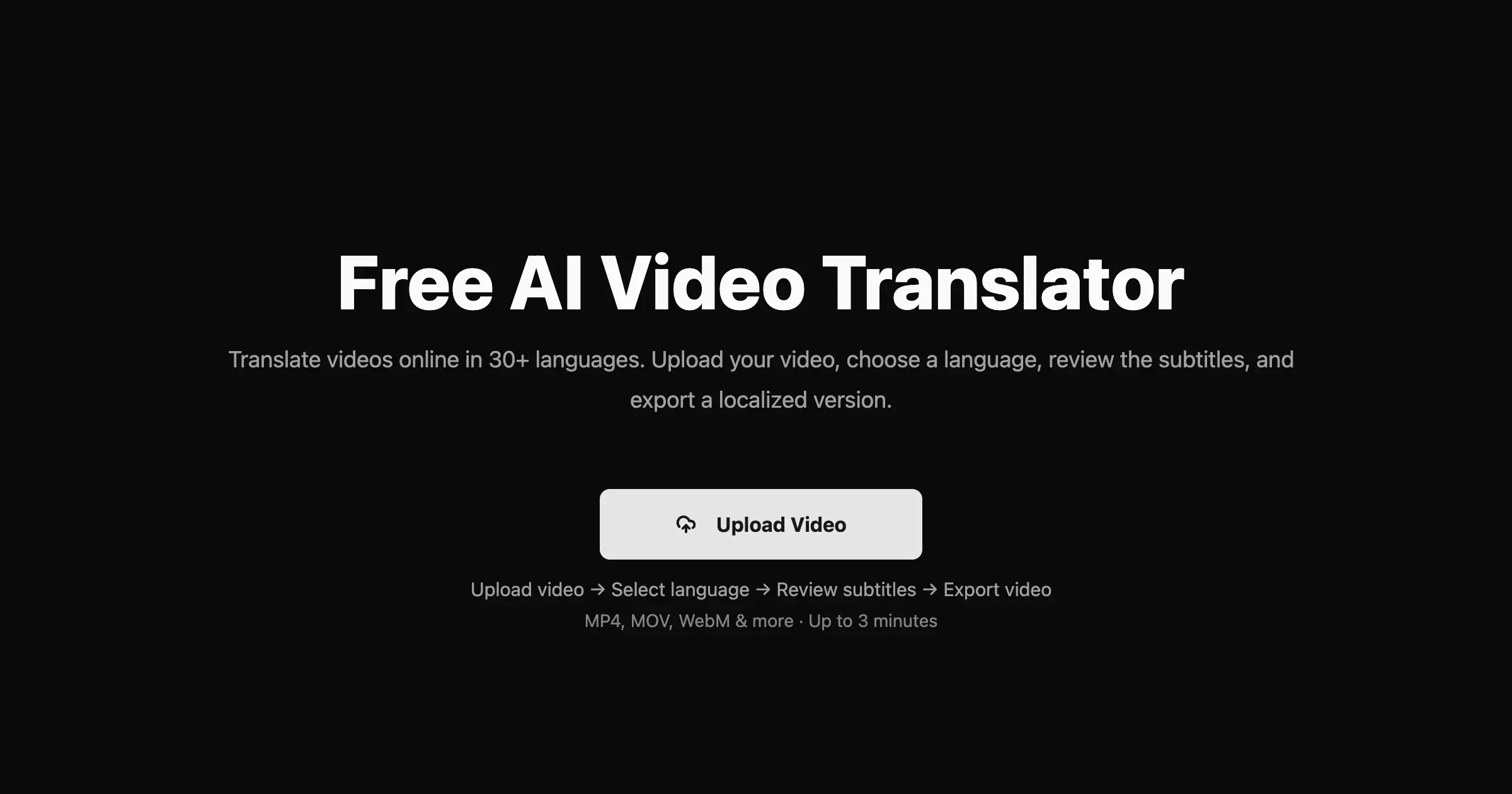

One AI-powered cloud suite to transcribe, subtitle, translate, voice, summarize, and generate video — fast and simple.

Translate videos into 170+ languages with AI voices, voice cloning, subtitles, and lip-synced dubbing—all in one online studio.
The Verdict
AI-generated from listing dataVidnoz AI Video Translator focuses on high‑quality, AI‑cloned voice translation with lip‑sync, while RecCloud offers a broader all‑in‑one suite for transcription, subtitles, TTS, summarization and video creation.
Key differences
- •Vidnoz provides AI voice cloning that preserves the original speaker’s style and lip‑sync; RecCloud uses generic TTS voices.
- •RecCloud includes transcription, summarization, screen recording and video generation tools; Vidnoz is limited to translation and subtitle handling.
- •Vidnoz runs entirely in the browser with no install; RecCloud offers web, Android, iOS and a Windows desktop app.
- •Vidnoz limits free use to the first 60 seconds and 500 MB files; RecCloud offers a free trial that unlocks all features temporarily.
Pricing & value
Both list pricing as unknown; each provides a limited free option (Vidnoz 60 s, RecCloud free trial).
Ease of use / learning curve
Vidnoz is a single‑purpose web tool with a three‑step upload‑process; RecCloud bundles many tools across subpages, adding complexity.
Features & depth
RecCloud covers transcription, subtitle generation, TTS, summarization, video generation, screen recording, and an API; Vidnoz focuses on translation with voice cloning and lip‑sync.
Integrations & ecosystem
RecCloud provides an API and cross‑platform apps (web, Android, iOS, Windows); Vidnoz is browser‑only with no mentioned integrations.
Collaboration
RecCloud’s suite includes sharing‑ready outputs and cloud infrastructure for teams; Vidnoz does not mention collaboration features.
Scalability
RecCloud’s cloud suite and API suggest enterprise‑scale usage; Vidnoz caps free translation at 60 s and premium at 800 min.
Support & security
RecCloud notes backing by Apowersoft’s cloud infrastructure and global brands; Vidnoz provides no support or security details.
Choose RecCloud if…
Teams that want a single platform for transcription, subtitles, TTS, summarization, and video creation.
Choose Vidnoz AI Video Translator if…
Creators needing precise voice‑cloned translation with lip‑sync for short videos.
Common questions
Is there a free way to try each product?
Vidnoz allows free translation of the first 60 seconds; RecCloud offers a free trial that unlocks all AI features temporarily.
Can I use custom subtitles with the translation?
Vidnoz supports uploading proofread SRT/ASS files; RecCloud’s subtitle generator creates subtitles but does not mention custom upload.
Do either tools provide an API for integration?
RecCloud lists an API for developers; Vidnoz does not mention any API or integration capability.