


Translate This Video vs Vidnoz AI Video Translator
Side-by-side comparison of features, pricing, ratings, and alternatives.

Translate This Video is an AI-powered video translation and dubbing platform that lets creators convert their videos into 14+ languages while preserving their original voice. The service combines automatic speech-to-text transcription, speaker diarization, and advanced voice cloning to produce natural-sounding multilingual versions of video content. It is designed for YouTubers, educators, marketers, and media teams who want to expand their audience beyond language barriers without manually re-recording voiceovers. The platform includes a full transcript editing workflow, allowing users to review and correct the AI-generated transcript before translation to maximize accuracy. Smart pause detection helps maintain the natural rhythm and cadence of the original speaker, making dubbed output feel less robotic and more like a genuine performance. The entire pipeline is positioned as broadcast-quality, with a satisfaction guarantee and a competitor price-match guarantee to build trust with users. Pricing is flexible, with a pay-as-you-go option at $2 per minute, as well as subscription plans for content creators who need regular volume. The Content Creator plan includes 60 minutes per month with a 30% discount on additional usage, while Content Creator+ offers 300 minutes and a 50% discount. Bulk pricing is available for teams and enterprises. The service is currently inviting users to join a waitlist for early access as the platform continues to improve.
Vidnoz AI Video Translator is a free online tool that lets you translate videos into 140+ languages while keeping the original speaker's voice character. It uses AI to clone voices and adapt lipsync so translated videos feel natural and authentic — not like robotic dubbing. The workflow is entirely browser-based: you upload a video or paste a URL, choose source and target languages, enable optional features like subtitles, multi-voice detection, or accent handling, and the AI processes your file for download. Beyond simple translation, the platform includes specialized tools for content professionals: it can erase original burned-in subtitles, translate subtitle tracks alone, accept proofread SRT/ASS files for higher accuracy, and automatically detect multiple speakers so conversations in your video sound clear and distinct. Advanced options like adaptive speech rate and accent improvement further refine the output for a professional finish. Vidnoz targets content creators, educators, marketers, and media teams who need to localize videos for global audiences — whether it's a YouTube vlog, a corporate training module, or an advertising spot. The free tier is great for testing, while premium credits unlock longer translations, 4K export, watermark-free output, and faster processing.
- Natural-sounding AI dubbing with automatic voice cloning
- Pay-as-you-go pricing with no monthly commitment
- Transcript editing before translation for better accuracy
- Smart pause detection that preserves speech cadence
- Accurate AI voice cloning maintains the original speaker's identity
- Huge language and regional variant coverage (140+)
- Offers advanced options like lip-sync, multi-voice, and subtitle erasure
- Works entirely in the browser — no software install needed
- Currently only available through a waitlist, so immediate access is limited
- Language support is limited to 14 languages compared to some competitors
- No free tier or trial mentioned on the site
- Per-minute costs may add up quickly for long-form content
- Free plan only translates the first 60 seconds of a video
- File upload size is limited to 500 MB
- Processing can take a few minutes depending on video length and complexity
- Advanced features like 4K export, faster processing, and no watermark require paid credits
More alternatives & similar tools
Alternatives to Translate This Video
View all →Translate your videos seamlessly in 140+ languages with natural voice clone and preserve authentic speaking styles.
Alternatives to Vidnoz AI Video Translator
View all →AI-powered video translation and dubbing that clones your voice into 14+ languages.
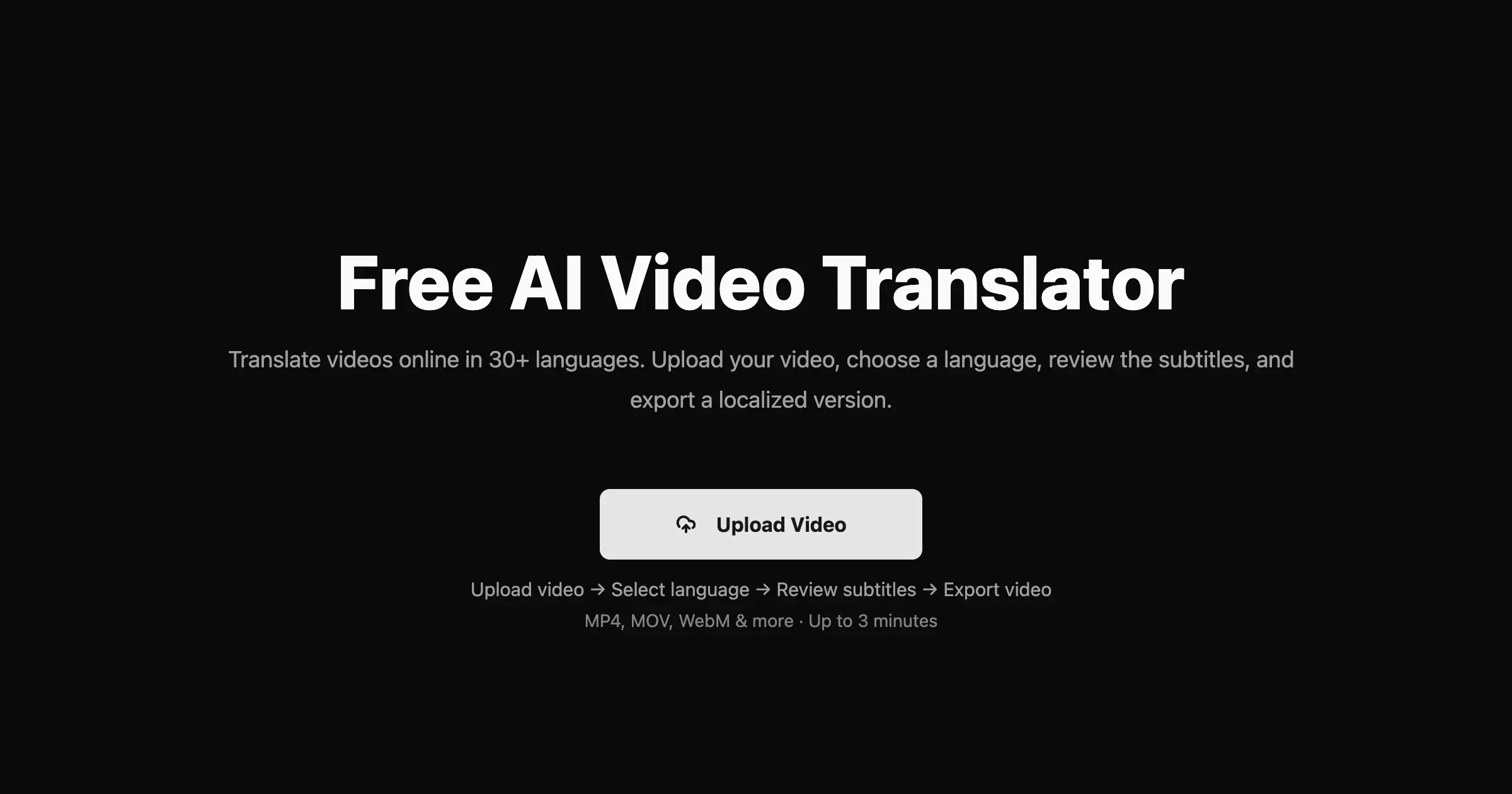

Translate videos into 170+ languages with AI voices, voice cloning, subtitles, and lip-synced dubbing—all in one online studio.

AI-powered cinema-grade bilingual subtitles and dubbing that localize video content frame by frame.
The Verdict
AI-generated from listing dataTranslate This Video offers pay‑as‑you‑go pricing and voice‑cloning for 14+ languages, while Vidnoz AI provides a free 60‑second trial and 140+ languages with advanced lip‑sync features.
Key differences
- •Language coverage: 14+ vs 140+ languages (including regional variants).
- •Pricing model: per‑minute $2 pay‑as‑you‑go vs freemium with limited free minutes and paid credits for up to 800 minutes.
- •Advanced output: Vidnoz includes lip‑sync, subtitle erasure and 4K export; Translate This Video focuses on pause‑preserving dubbing only.
- •Access: Translate This Video requires a waitlist; Vidnoz is instantly usable in the browser.
- •Voice‑cloning scope: both offer cloning, but Vidnoz emphasizes preserving speaker style across many languages.
Pricing & value
Vidnoz offers a free 60‑second trial and paid credits; Translate This Video costs $2/min with no free tier.
Ease of use / learning curve
Vidnoz works entirely in‑browser with instant upload; Translate This Video requires waitlist signup before access.
Features & depth
Vidnoz provides lip‑sync, multi‑voice detection, subtitle erasure, 4K export, and adaptive speech rate.
Integrations & ecosystem
Translate This Video includes transcript editing, speaker diarization and timing precision built‑in; Vidnoz does not mention such tools.
Collaboration
Neither product lists specific collaboration or team‑sharing features.
Scalability
Translate This Video’s pay‑as‑you‑go model scales with minutes used; Vidnoz caps free usage at 60 seconds and premium at 800 minutes.
Support, Security & privacy
Translate This Video offers satisfaction and price‑match guarantees; Vidnoz provides no guarantee information.
Choose Translate This Video if…
Content creators needing reliable dubbing in a limited set of languages and willing to pay per minute without a free trial.
Choose Vidnoz AI Video Translator if…
Creators who want a broader language set, lip‑sync, and a free starter option before purchasing credits.
Common questions
Can I try either service for free?
Vidnoz offers a free 60‑second translation; Translate This Video has no free tier or trial mentioned.
How many languages are supported?
Translate This Video supports 14+ languages; Vidnoz supports 140+ languages with regional variants.
What advanced output options are available?
Vidnoz includes lip‑sync, subtitle erasure, multi‑voice handling, 4K export, and adaptive speech rate; Translate This Video focuses on pause‑preserving dubbing only.