


VideoLingo vs Vidnoz AI Video Translator
Side-by-side comparison of features, pricing, ratings, and alternatives.


VideoLingo is an AI-powered video localization platform that generates cinema-grade bilingual subtitles and natural dubbing, aiming to connect audiences across language barriers frame by frame. Built for content creators, educators, and global teams, it goes beyond simple machine translation by adding cultural localization, domain-specific terminology handling, and polished single-line subtitles with precise timing. The platform is currently in Beta and offers a free trial covering up to 15 minutes of video. With a strong open-source community background, the project has earned more than 18,740 stars on GitHub and emphasizes continuous improvement and collaborative development. Its processing pipeline is designed for speed: users can upload content, choose target languages, and receive localized videos in just a few clicks. The service supports 8+ languages and is frequently praised by technical instructors, bloggers, and designers for accurately capturing jargon and preserving the original speaker's tone and intent. VideoLingo is especially valuable for technical content creators who need precise subtitle translations for programming tutorials, online courses, and professional training materials. The combination of cultural adaptation, domain expertise, and natural voice synthesis makes it a versatile tool for making knowledge accessible globally, without the stiff, robotic feel typical of automated translation and dubbing.
Vidnoz AI Video Translator is a free online tool that lets you translate videos into 140+ languages while keeping the original speaker's voice character. It uses AI to clone voices and adapt lipsync so translated videos feel natural and authentic — not like robotic dubbing. The workflow is entirely browser-based: you upload a video or paste a URL, choose source and target languages, enable optional features like subtitles, multi-voice detection, or accent handling, and the AI processes your file for download. Beyond simple translation, the platform includes specialized tools for content professionals: it can erase original burned-in subtitles, translate subtitle tracks alone, accept proofread SRT/ASS files for higher accuracy, and automatically detect multiple speakers so conversations in your video sound clear and distinct. Advanced options like adaptive speech rate and accent improvement further refine the output for a professional finish. Vidnoz targets content creators, educators, marketers, and media teams who need to localize videos for global audiences — whether it's a YouTube vlog, a corporate training module, or an advertising spot. The free tier is great for testing, while premium credits unlock longer translations, 4K export, watermark-free output, and faster processing.
VideoLingo offers a free tier with limited features plus paid subscription plans at $5 per month for Starter and $30 per month for Pro.
- Cinema-grade bilingual subtitles with accurate cultural localization
- Domain-specific terminology handling for technical content
- Natural voice synthesis preserves emotional tone and speaking style
- Fast, streamlined workflow requiring only a few clicks
- Accurate AI voice cloning maintains the original speaker's identity
- Huge language and regional variant coverage (140+)
- Offers advanced options like lip-sync, multi-voice, and subtitle erasure
- Works entirely in the browser — no software install needed
- Currently in Beta, so features and stability may evolve over time
- Free tier is limited to 15 minutes of video
- Only 8+ languages are supported, which may not cover all regions or dialects
- The homepage lacks detailed information about advanced editing or enterprise features
- Free plan only translates the first 60 seconds of a video
- File upload size is limited to 500 MB
- Processing can take a few minutes depending on video length and complexity
- Advanced features like 4K export, faster processing, and no watermark require paid credits
More alternatives & similar tools
Alternatives to VideoLingo
View all →Translate your videos seamlessly in 140+ languages with natural voice clone and preserve authentic speaking styles.
Alternatives to Vidnoz AI Video Translator
View all →AI-powered video translation and dubbing that clones your voice into 14+ languages.
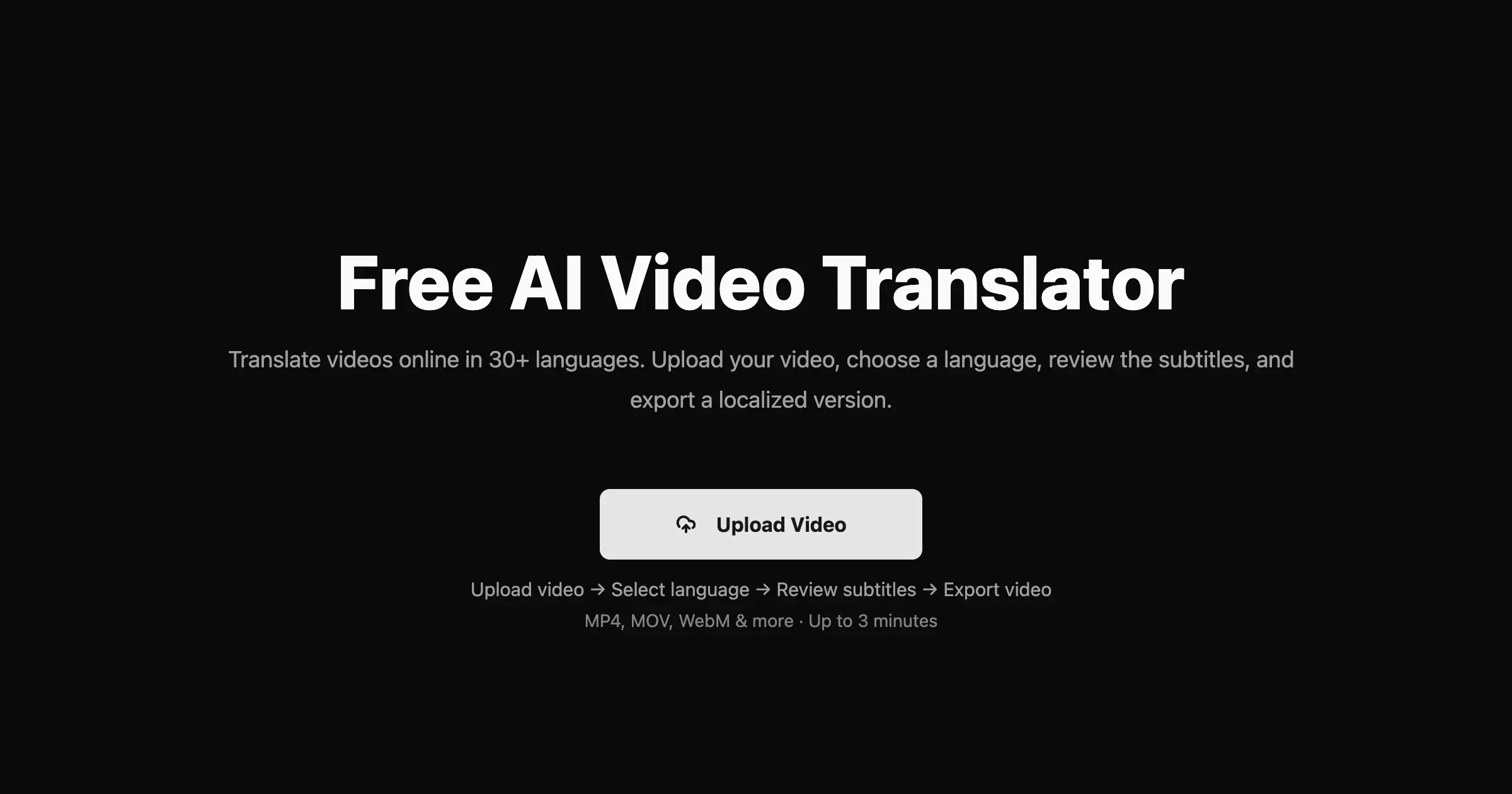

Translate videos into 170+ languages with AI voices, voice cloning, subtitles, and lip-synced dubbing—all in one online studio.
AI-powered cinema-grade bilingual subtitles and dubbing that localize video content frame by frame.
The Verdict
AI-generated from listing dataVidnoz offers far broader language coverage and advanced lip‑sync/voice cloning but limits free usage to 60 seconds, while VideoLingo provides a richer subtitle workflow for a modest 15‑minute free limit but supports far fewer languages.
Key differences
- •Language breadth: Vidnoz 140+ languages vs VideoLingo 8+
- •Free usage limits: Vidnoz 60 seconds vs VideoLingo 15 minutes
- •Advanced video features: Vidnoz includes lip‑sync, multi‑voice, subtitle erasure; VideoLingo focuses on bilingual subtitles and dubbing
- •Export quality: Vidnoz offers 4K export and watermark removal with premium; VideoLingo does not specify export resolution
- •Community & openness: VideoLingo is open‑source with 18,740 GitHub stars; Vidnoz is a closed SaaS tool
Pricing & value
VideoLingo’s freemium gives 15 min free vs Vidnoz only 60 sec; both lack detailed paid pricing.
Ease of use / learning curve
Vidnoz works entirely in‑browser with simple upload; VideoLingo’s beta may require more setup despite being online.
Features & depth
Vidnoz provides lip‑sync, multi‑voice detection, subtitle erasure, 4K export, 140+ languages; VideoLingo limited to 8+ languages and subtitle/dubbing.
Integrations & ecosystem
VideoLingo is open‑source with a large GitHub community, enabling extensions; Vidnoz offers no integration details.
Collaboration
Neither product mentions collaboration tools or multi‑user workflows.
Scalability
Vidnoz premium supports up to 800 minutes translation; VideoLingo’s limits beyond free tier are unspecified.
Support
Both provide no specific support information in the given facts.
Choose VideoLingo if…
Creators prioritizing bilingual subtitles, open‑source flexibility, and a longer free trial over language breadth.
Choose Vidnoz AI Video Translator if…
Content creators needing many languages, lip‑sync, or 4K output, and willing to pay for premium minutes.
Common questions
How many languages does each tool support?
Vidnoz supports 140+ languages with regional variants; VideoLingo supports 8+ languages.
What is the free usage limit for each platform?
Vidnoz allows free translation of the first 60 seconds; VideoLingo offers a free trial of up to 15 minutes of video.
Does either solution offer advanced video features like lip‑sync or 4K export?
Vidnoz provides lip‑sync, multi‑voice detection, subtitle erasure, and 4K export (premium). VideoLingo does not list these features.