


Vidnoz AI Video Translator vs VMEG AI Video Translator
Side-by-side comparison of features, pricing, ratings, and alternatives.


Vidnoz AI Video Translator is a free online tool that lets you translate videos into 140+ languages while keeping the original speaker's voice character. It uses AI to clone voices and adapt lipsync so translated videos feel natural and authentic — not like robotic dubbing. The workflow is entirely browser-based: you upload a video or paste a URL, choose source and target languages, enable optional features like subtitles, multi-voice detection, or accent handling, and the AI processes your file for download. Beyond simple translation, the platform includes specialized tools for content professionals: it can erase original burned-in subtitles, translate subtitle tracks alone, accept proofread SRT/ASS files for higher accuracy, and automatically detect multiple speakers so conversations in your video sound clear and distinct. Advanced options like adaptive speech rate and accent improvement further refine the output for a professional finish. Vidnoz targets content creators, educators, marketers, and media teams who need to localize videos for global audiences — whether it's a YouTube vlog, a corporate training module, or an advertising spot. The free tier is great for testing, while premium credits unlock longer translations, 4K export, watermark-free output, and faster processing.
VMEG AI Video Translator is an online localization tool that turns videos in any supported format into multilingual content. It translates spoken content into 170+ languages and offers three main output options: a fully dubbed video, translated subtitles, or a separate audio track. Users can upload a file, paste a supported public video link, or pull an existing project from their workspace, making it flexible for creators, educators, and business teams. At the core of the tool is a studio-style dashboard where users can review translated scripts, edit text, adjust voice speed, volume, and tone, and assign voices per speaker. VMEG leverages 17,000+ AI voices and supports voice cloning to keep speakers recognizable across languages. It also detects multiple speakers in interviews, webinars, and conferences, while background music and non-speech audio can remain separate from the translated dialogue. Lip sync can be enabled to better match translated speech to the speaker's mouth movements. VMEG is positioned as a privacy-first, enterprise-ready platform. Customer data is encrypted using AES-256 at rest and TLS 1.3 in transit, isolated by workspace, and not used to train AI models by default. The tool also includes batch production and automation features, making it suitable for large-scale video localization workflows, global content distribution, and professional production standards.
- Accurate AI voice cloning maintains the original speaker's identity
- Huge language and regional variant coverage (140+)
- Offers advanced options like lip-sync, multi-voice, and subtitle erasure
- Works entirely in the browser — no software install needed
- All-in-one localization workflow replaces separate transcription, translation, voiceover, and editing tools
- Supports 170+ languages and 17,000+ AI voices with flexible output formats
- Voice cloning and multi-speaker separation keep dialogue natural and recognizable
- Lip sync alignment makes dubbed videos look more polished and human-like
- Free plan only translates the first 60 seconds of a video
- File upload size is limited to 500 MB
- Processing can take a few minutes depending on video length and complexity
- Advanced features like 4K export, faster processing, and no watermark require paid credits
- Pricing, credits, and usage limits are not transparent until you sign in to your VMEG account
- Video length and file-size limits depend on your account and processing settings, which can restrict large projects
- Advanced features like lip sync and voice cloning may not be available in every workflow and require exploring the dashboard
- Public video links only work for supported sources and you must have permission to process the content
More alternatives & similar tools
Alternatives to Vidnoz AI Video Translator
View all →AI-powered video translation and dubbing that clones your voice into 14+ languages.
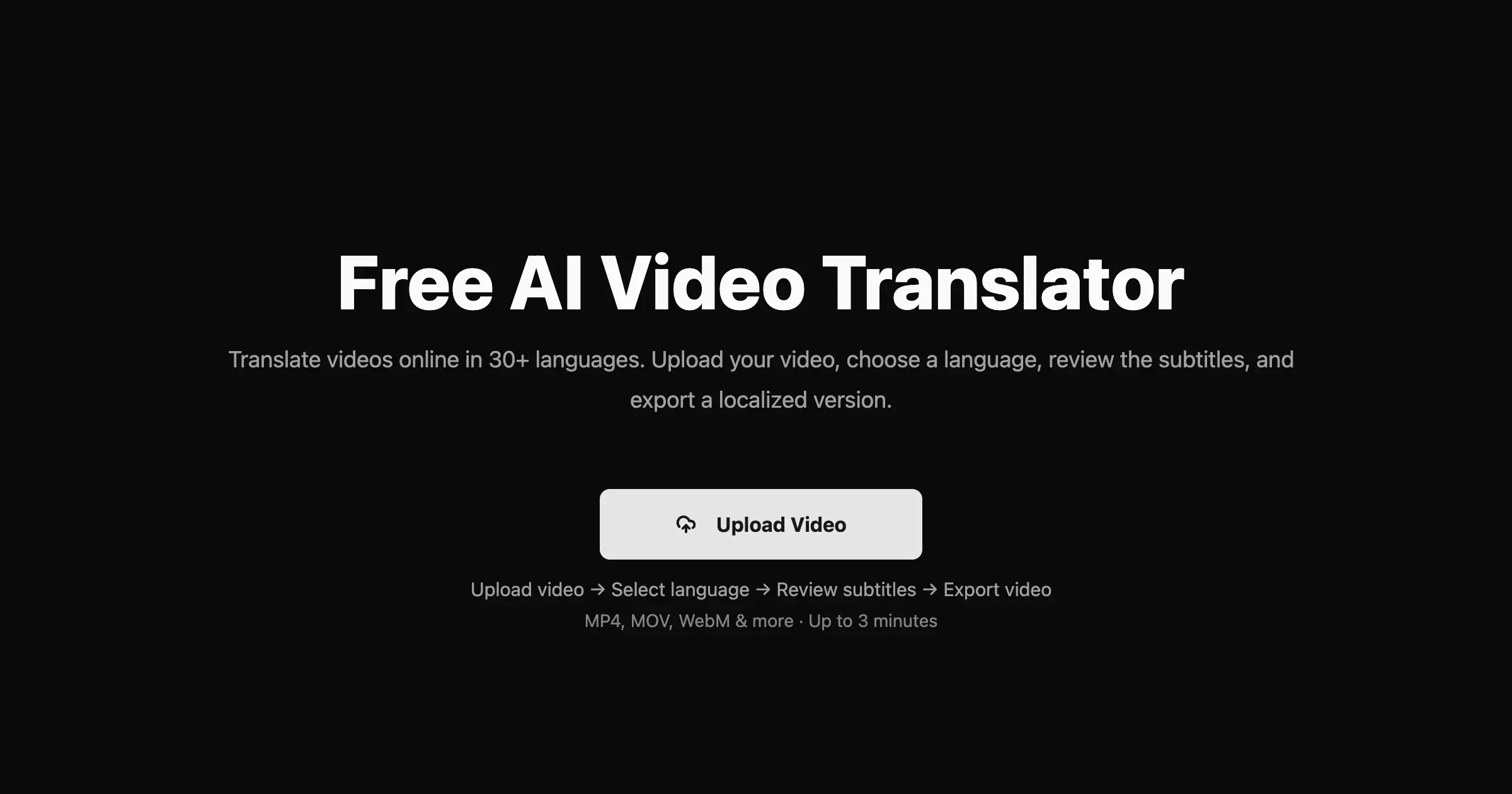
Translate videos into 170+ languages with AI voices, voice cloning, subtitles, and lip-synced dubbing—all in one online studio.

AI-powered cinema-grade bilingual subtitles and dubbing that localize video content frame by frame.
Alternatives to VMEG AI Video Translator
View all →
An AI subtitle generator that automatically transcribes and translates videos into captions in 76 languages in under 3 minutes.
Translate your videos seamlessly in 140+ languages with natural voice clone and preserve authentic speaking styles.

The Verdict
AI-generated from listing dataBoth tools offer AI video translation with voice cloning and lip‑sync, but Vidnoz focuses on a simple freemium browser experience with limited free minutes, while VMEG provides a broader ecosystem of voices, formats, and enterprise‑grade security but hides pricing and limits.
Key differences
- •Vidnoz limits free use to the first 60 seconds and caps uploads at 500 MB; VMEG’s limits are undisclosed and depend on account tier.
- •VMEG offers 17,000+ AI voices and supports more output formats (audio track, multiple subtitle types) versus Vidnoz’s single voice cloning approach.
- •VMEG includes explicit enterprise‑grade security (AES‑256 at rest, TLS 1.3) and workspace isolation; Vidnoz does not mention security features.
- •Vidnoz provides a browser‑only workflow with no install required; VMEG allows file upload, public links, and project imports, indicating a more flexible ingestion pipeline.
- •VMEG supports 170+ languages and regional accents, slightly more than Vidnoz’s 140+.
Pricing & value
Both list pricing as unknown; Vidnoz offers a free 60‑second trial, VMEG does not disclose limits.
Ease of use / learning curve
Vidnoz works entirely in the browser with a single upload step; VMEG has multiple input methods and more settings.
Features & depth
VMEG provides 17,000+ AI voices, multiple output options, and detailed security; Vidnoz focuses on core translation and lip‑sync.
Integrations & ecosystem
VMEG supports file upload, public links, existing projects, and various subtitle formats; Vidnoz only lists basic video formats.
Security & privacy
VMEG explicitly mentions AES‑256 encryption at rest, TLS 1.3 in transit, and workspace isolation; Vidnoz provides no security details.
Scalability
VMEG’s enterprise‑grade infrastructure (AWS) and unspecified account limits suggest higher scalability than Vidnoz’s 500 MB file cap.
Support
Neither product description includes support details; both are unspecified.
Choose Vidnoz AI Video Translator if…
Content creators needing a quick, browser‑only free trial for short videos.
Choose VMEG AI Video Translator if…
Teams requiring extensive voice options, enterprise security, and flexible import/export workflows.
Common questions
Which tool is cheaper for occasional use?
Vidnoz offers a free 60‑second translation; VMEG does not disclose pricing, so Vidnoz is the safer low‑cost option.
Do either of these solutions guarantee data privacy?
VMEG states AES‑256 encryption at rest and TLS 1.3 in transit with isolated workspaces; Vidnoz provides no privacy details.
Can I use my own subtitle file to improve accuracy?
Yes for Vidnoz (supports SRT/ASS upload); VMEG also accepts existing SRT files as an input method.