



CaptionCreator
An AI subtitle generator that automatically transcribes and translates videos into captions in 76 languages in under 3 minutes.
Alternatives

Choose RecCloud if…
- you need AI‑generated voiceovers for your videos
- you want to summarise long YouTube or lecture recordings
- you require a mobile‑friendly workflow on Android or iOS
- you plan to integrate transcription or subtitle APIs into
- you prefer a single UI instead of juggling multiple
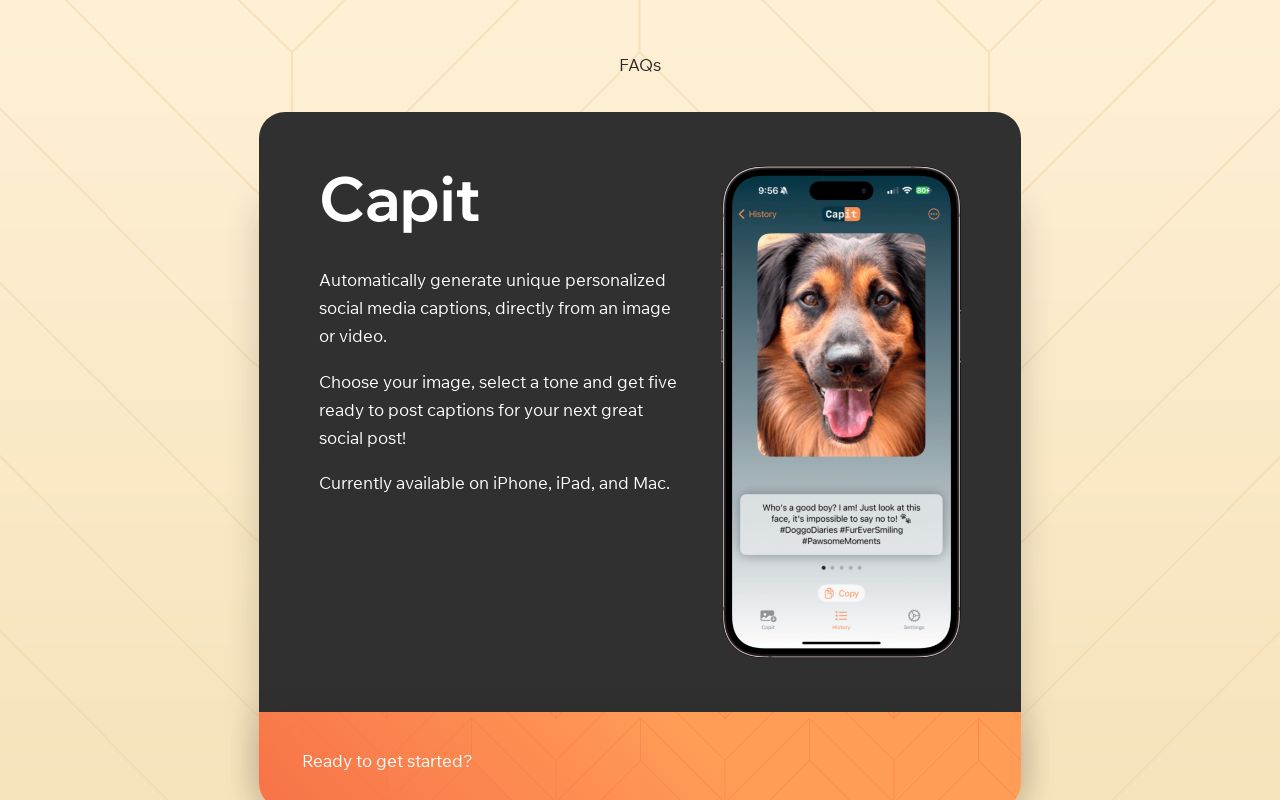
Choose Capit if…
- you need AI‑generated captions directly from an image or
- you work exclusively on iPhone, iPad, or Mac
- you want five tone‑varied caption options per post
- you need an on‑device editor for spacing and hashtags
- you prefer a freemium app that saves profile settings for

Choose AutoCaption if…
- you need automatic resizing for TikTok, Reels, Shorts, or
- you want to publish directly from the captioning tool
- you rely on branded caption templates for consistent look
- your team collaborates on caption edits in real time
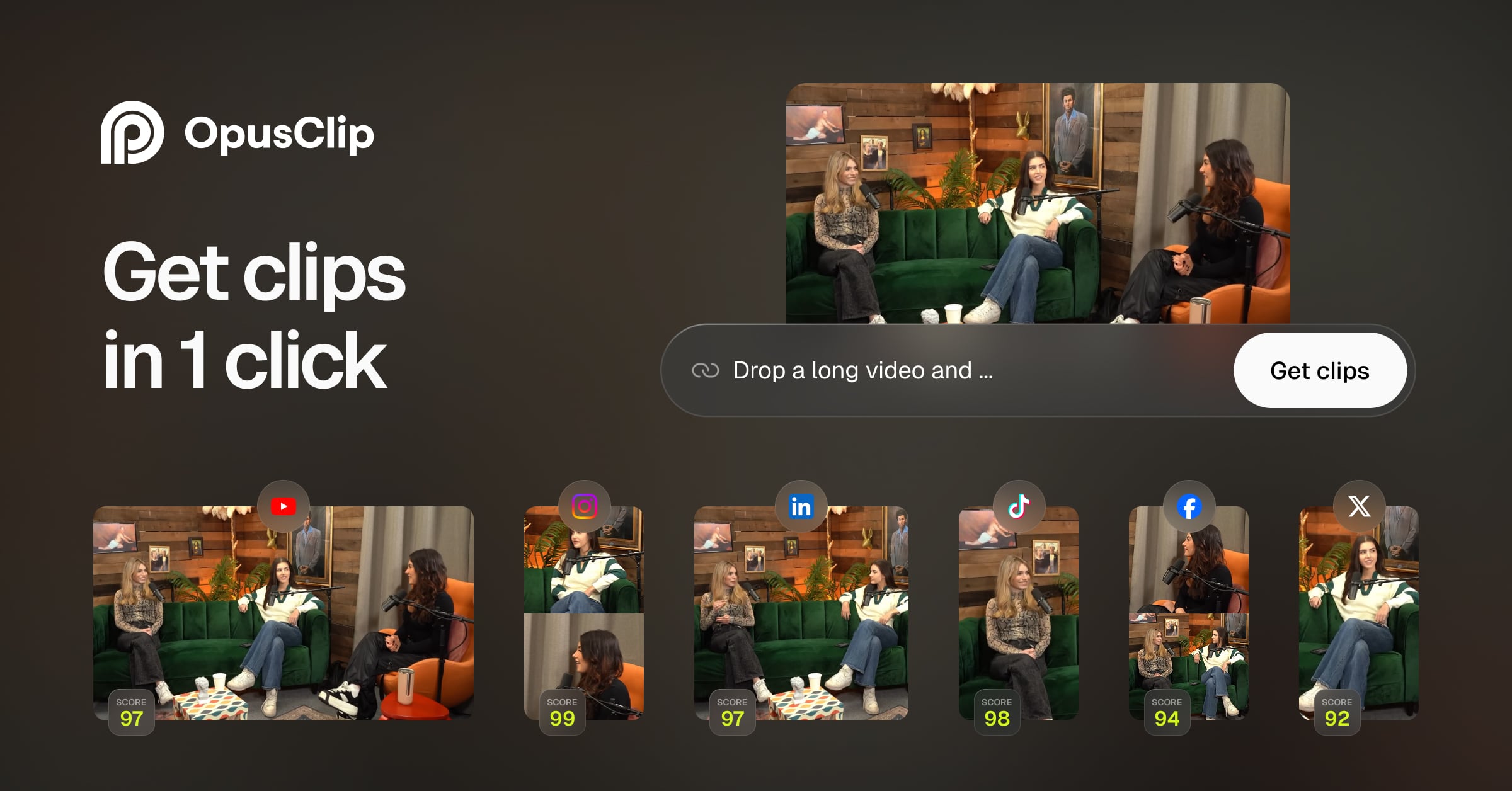
Choose OpusClip Captions if…
- you need a free tool that adds styled captions without a
- you need aspect‑ratio presets for TikTok, Instagram Reels,
- you need a drag‑and‑drop upload that outputs ready‑to‑post
- you need creator‑style caption presets that mimic popular
Choose TurboTranscript if…
- you need speaker‑wise segmentation for dialogue‑heavy
- you want AI‑generated summaries in addition to transcripts
- you prefer a one‑time payment over recurring credits
- you require real‑time toxicity detection for moderation
How to Decide
CaptionCreator is an AI subtitle generator popular with content creators for fast, watermark‑free subtitles in 76 languages. The alternatives split into a few clear camps: RecCloud leans on an all‑in‑one AI audio‑video suite with cross‑platform web, Android, iOS and Windows support; TurboTranscript emphasizes a massive 130+ language roster plus speaker‑wise segmentation and PDF export; Capit is chosen for its iPhone/iPad/Mac‑only app that generates five ready‑to‑post captions per image or video using GPT‑4V; AutoCaption focuses on 100+ languages with dynamic, animated caption styles and automatic resizing for TikTok, Reels, Shorts and LinkedIn; OpusClip Captions stands out for being a completely free drag‑and‑drop tool that adds creator‑style caption presets and platform‑specific aspect‑ratio outputs.
When weighing CaptionCreator against these options, the most decisive factors are: the breadth of language support (76 vs 130+ vs 100+), the speed and format of subtitle delivery (under 3 minutes with SRT/VTT export vs instant styled video captions), the pricing structure and credit model (free tier with monthly credits vs one‑time purchase vs freemium with no credit limits), the available export or publishing pathways (plain subtitle files vs PDF/Styled video exports vs direct social‑platform publishing), and the platform ecosystem (web‑only, mobile‑only, or integrated social‑media workflows).
All Alternatives
“AI tool that transcribes, subtitles and translates videos, matching CaptionCreator's core function.”
“AI-powered transcription and subtitling in many languages, same core purpose as CaptionCreator.”
“Creates auto‑captions for videos quickly, targeting creators who need subtitles.”
“Generates subtitles and translations directly onto video files, focusing on caption creation.”
“Provides transcription, translation and instant subtitle generation for audio/video.”
Is this your tool?
Claim this page to update details, reply to user reviews, and drive more traffic to your product.
Claim this Product →