


Photo Video AI vs PhotoAI
Side-by-side comparison of features, pricing, ratings, and alternatives.


Photo Video AI (pvid.app) is an AI-powered online video generator that turns photos, images, and text into cinematic videos. It supports photo-to-video, text-to-video, video-to-video, and multi-photo storyboard workflows with AI motion control, style transfer, voiceover, music, and up to 4K export. The platform is aimed at content creators and social media marketers who want professional-looking videos without editing skills.
PhotoAI is an online AI-powered photo and video generator designed for anyone who wants to transform a single uploaded photo into stylized portraits, themed images, or short AI-generated videos. It offers a library of more than 1000 AI photo and video effects, spanning professional headshots, dating photos, YouTube thumbnails, seasonal themes like autumn and Christmas, plus anime, fantasy, superhero, and glamour styles. The workflow is intentionally simple: choose an effect, upload a clear photo, and let the AI create a new visual result. No Photoshop or video editing experience is required. The platform also supports photo-to-video effects, turning still images into short AI video clips, and allows users to generate multiple versions so they can pick the result that works best. With a strong focus on memes, viral trends, and social media content, PhotoAI targets casual creators and everyday users who want eye-catching content without learning complex editing tools. It makes AI photo experimentation accessible, convenient, and practical for anyone looking to refresh their profile pictures, create fun content, or explore new visual styles.
Start free with 100 credits; paid upgrades available for more generations, faster processing, and priority support.
- Free tier with 100 credits and no credit card required
- No editing experience required
- Multi-photo storyboard for consistent character/camera style
- Supports several powerful AI models (Kling 3.0, Veo 3.1, Seedance 2.0, Gemini Omni)
- Huge library of 1000+ AI photo and video effects
- No editing or design skills required to get results
- Combines AI photo generation and photo-to-video in one platform
- Great for memes, viral trends, and social media content
- Free credits are limited; high-volume usage requires paid subscription
- Simple per-month credits may be a bit priceful for casual users
- Cloud-only, requires internet connection and depends on server availability
- Advanced features such as 4K upgrades and Omni input require premium credits
- AI results can vary between generations, so faces, hands, hair, and movement may need review
- Quality depends on uploading a clear, well-lit source image
- Web-based only, with no mention of an offline or native desktop version
- Users may need to try several versions before getting the desired output
More alternatives & similar tools
Alternatives to Photo Video AI
View all →
Alternatives to PhotoAI
View all →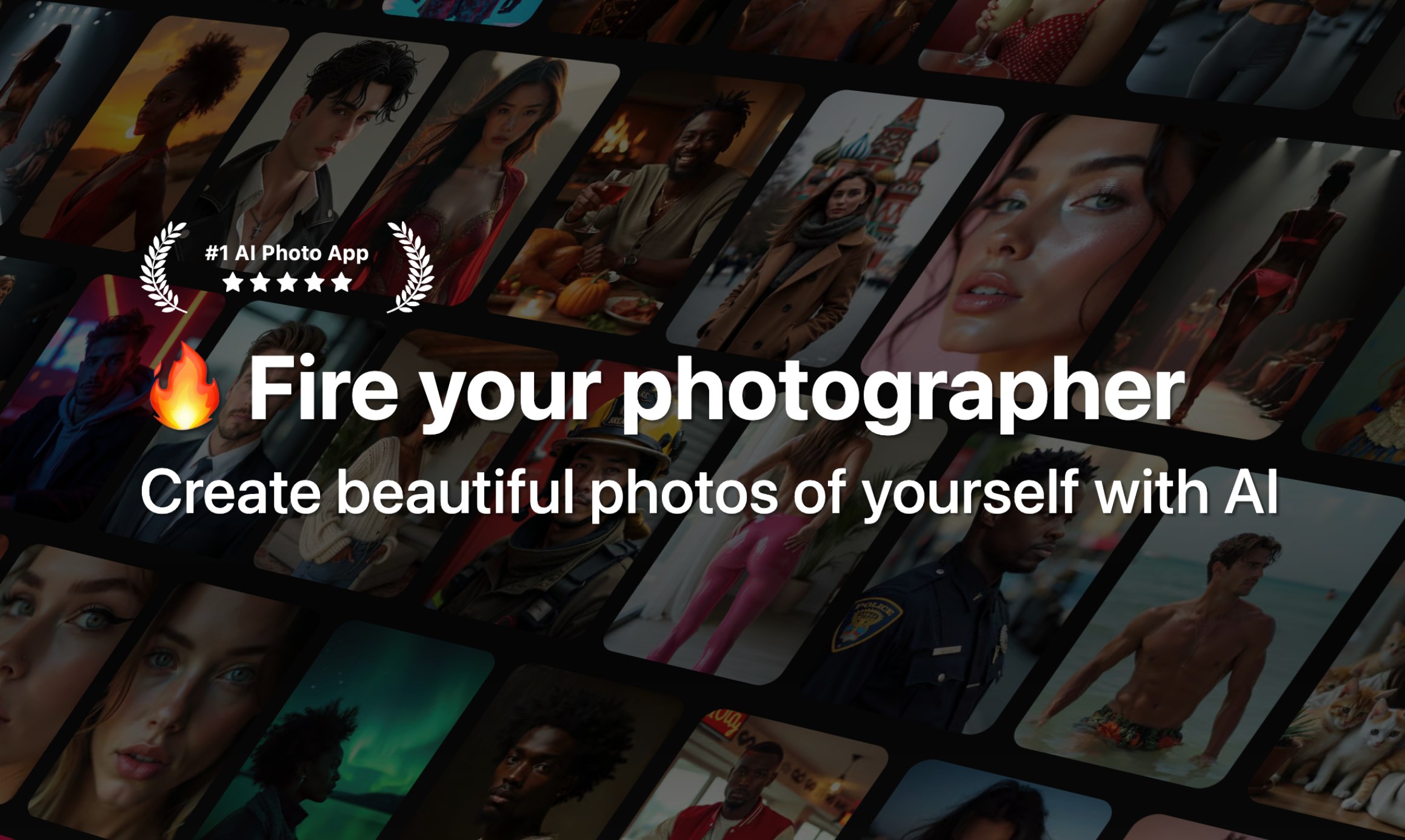
The Verdict
AI-generated from listing dataPhoto Video AI offers a free tier with credits and 4K export but limits volume, while PhotoAI provides a massive library of effects with no pricing info and no clear credit limits.
Key differences
- •Photo Video AI uses a freemium credit system with defined free credits; PhotoAI’s pricing is unknown and no credit limits are described.
- •Photo Video AI supports multiple aspect ratios, 4K export, and several AI models; PhotoAI focuses on 1000+ preset effects without detailed resolution specs.
- •Photo Video AI includes text‑to‑video, video‑to‑video, and style‑transfer features; PhotoAI centers on photo‑to‑video effects and preset style categories only.
- •Photo Video AI’s free tier requires no credit card; PhotoAI does not disclose any free usage or trial terms.
- •Photo Video AI lists specific input formats and video durations; PhotoAI only mentions a single uploaded photo as source input.
Pricing & value
Photo Video AI offers a free tier with 100 credits and clear paid upgrade options; PhotoAI’s pricing is unknown.
Ease of use / learning curve
PhotoAI emphasizes one‑click transformations and no editing skills; Photo Video AI requires choosing models and credit management.
Features & depth
Photo Video AI provides text‑to‑video, multi‑photo storyboards, motion control, style transfer, voiceover, and 4K export.
Integrations & ecosystem
Neither product lists integrations; both are web‑based only.
Collaboration
No collaboration features are mentioned for either tool.
Scalability
Photo Video AI’s credit system scales with paid plans; PhotoAI lacks any disclosed scaling mechanism.
Support, Security & privacy
No information on support, security, or privacy is provided for either product.
Choose Photo Video AI if…
Content creators needing diverse AI video tools, 4K output, and a free‑credit start.
Choose PhotoAI if…
Users who want a huge library of ready‑made photo/video effects and minimal setup, without concern for pricing details.
Common questions
Is there a free version I can try?
Photo Video AI offers a free tier with 100 credits and no credit card required; PhotoAI’s free availability is not specified.
Can I export 4K video?
Yes, Photo Video AI supports up to 4K MP4 export; PhotoAI does not state any export resolution.
What kinds of AI models or effects are available?
Photo Video AI includes multiple models (Kling 3.0, Veo 3.1, etc.) and features like style transfer; PhotoAI offers 1000+ preset photo/video effects but no model details.