


Photo AI vs PhotoAI
Side-by-side comparison of features, pricing, ratings, and alternatives.
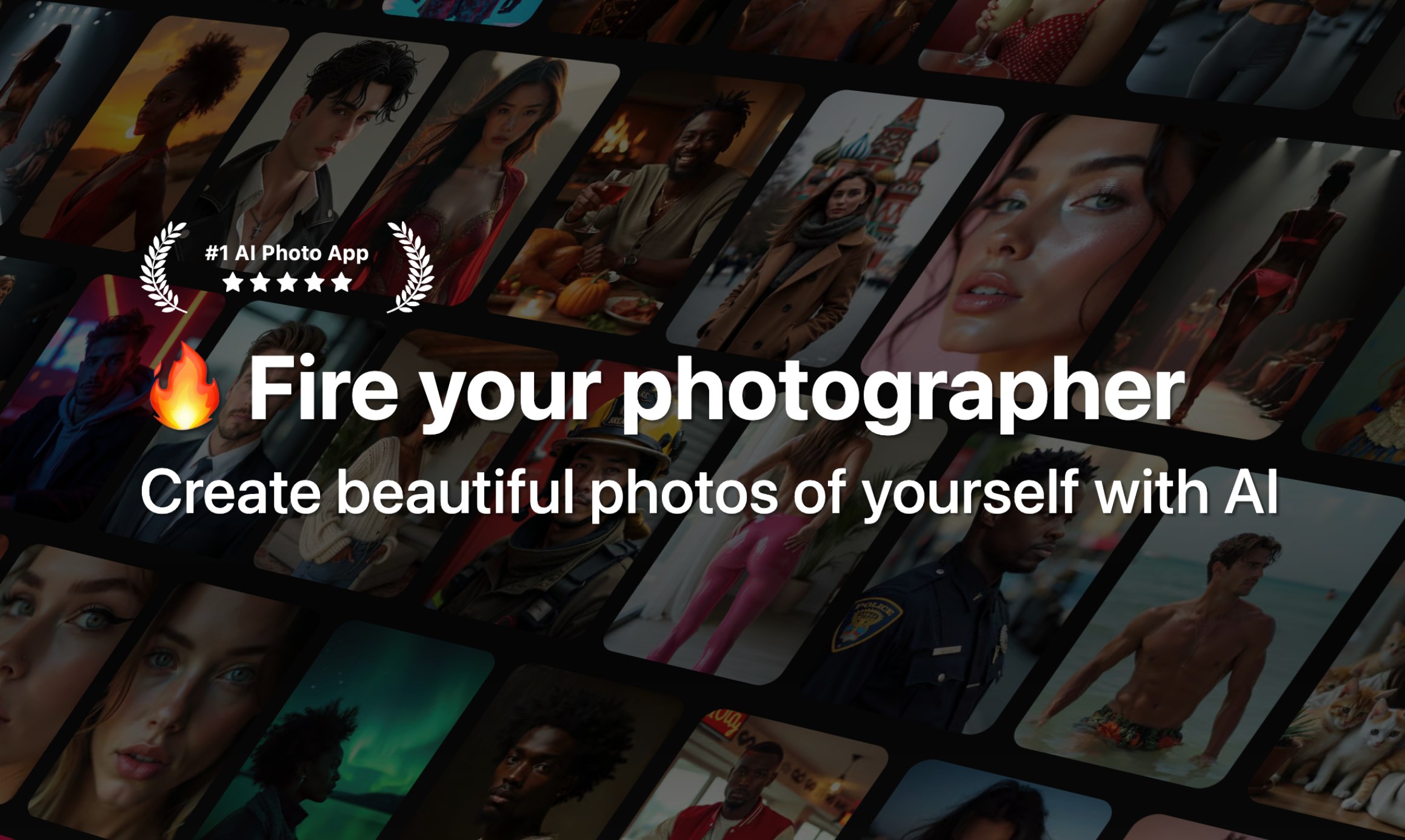

Photo AI is a generative AI platform that creates highly realistic AI photos and videos of you from just a few uploaded selfies. It uses fine-tuning (DreamBooth on Flux with a custom 'Hyper Realism' model) to learn your identity, then lets you generate professional headshots, lifestyle photos, couple photos, creative packs, and even AI videos without any technical skills.
PhotoAI is an online AI-powered photo and video generator designed for anyone who wants to transform a single uploaded photo into stylized portraits, themed images, or short AI-generated videos. It offers a library of more than 1000 AI photo and video effects, spanning professional headshots, dating photos, YouTube thumbnails, seasonal themes like autumn and Christmas, plus anime, fantasy, superhero, and glamour styles. The workflow is intentionally simple: choose an effect, upload a clear photo, and let the AI create a new visual result. No Photoshop or video editing experience is required. The platform also supports photo-to-video effects, turning still images into short AI video clips, and allows users to generate multiple versions so they can pick the result that works best. With a strong focus on memes, viral trends, and social media content, PhotoAI targets casual creators and everyday users who want eye-catching content without learning complex editing tools. It makes AI photo experimentation accessible, convenient, and practical for anyone looking to refresh their profile pictures, create fun content, or explore new visual styles.
No exact prices or plan names were explicitly stated in the provided content.
- No technical skill required – train a personal model in about a minute
- Photorealistic results with Hyper Realism / Flux-based fine-tuning
- Wide variety of photo packs: Tinder, Hinge, LinkedIn, CEO, Old Money, Cosplay, etc.
- Can create AI videos from still photos, including talking videos and mocap
- Huge library of 1000+ AI photo and video effects
- No editing or design skills required to get results
- Combines AI photo generation and photo-to-video in one platform
- Great for memes, viral trends, and social media content
- No true coupon codes; only annual plan discounts are offered
- Credit system can be complex and videos cost a lot (100 credits per video)
- Strict refund policy: only eligible if no model created, under 20 lifetime generations, and no referral signup
- Requires uploading many personal photos for best results, raising privacy concerns
- AI results can vary between generations, so faces, hands, hair, and movement may need review
- Quality depends on uploading a clear, well-lit source image
- Web-based only, with no mention of an offline or native desktop version
- Users may need to try several versions before getting the desired output
More alternatives & similar tools
Alternatives to Photo AI
View all →
Turn one selfie into thousands of unique AI headshots and avatars in under a minute.
Alternatives to PhotoAI
View all →
The Verdict
AI-generated from listing dataPhoto AI offers custom model training and high‑fidelity video generation for a subscription price, while PhotoAI provides a massive library of preset effects for free or unknown cost.
Key differences
- •Photo AI lets you train a personal AI model from 5‑20 selfies; PhotoAI works from a single uploaded image only.
- •Photo AI includes video creation (talking, mocap) and 3D model generation; PhotoAI offers only short photo‑to‑video clips.
- •Photo AI is available on Web and iOS with subscription billing; PhotoAI is web‑only with no pricing details disclosed.
- •Photo AI charges credits for video output (100 credits per video); PhotoAI’s pricing and credit model are not specified.
Pricing & value
PhotoAI’s pricing is unknown but appears free‑to‑try; Photo AI requires a paid subscription with credit costs for videos.
Ease of use / learning curve
PhotoAI advertises one‑click transformations for non‑technical users; Photo AI needs selfie collection and model training steps.
Features & depth
Photo AI provides custom model training, hyper‑realistic outputs, video types, 3D models, and photo packs; PhotoAI offers preset effects only.
Integrations & ecosystem
Photo AI integrates with Stripe for billing and offers iOS app plus web; PhotoAI is web‑only with no integration details.
Security & privacy
PhotoAI only requires one photo; Photo AI requires uploading many personal photos, raising privacy concerns.
Choose Photo AI if…
Creators who need a personalized, high‑quality AI avatar and video generation and are willing to pay subscription.
Choose PhotoAI if…
Casual users or marketers wanting quick, varied effects without learning or paying for a subscription.
Common questions
Can I create a custom AI model of my face with PhotoAI?
No, PhotoAI only generates from a single uploaded image; custom model training is a Photo AI feature.
What platforms are supported?
Photo AI works on Web and iOS; PhotoAI is web‑browser only.
Is there a free tier or trial?
PhotoAI’s pricing is unknown but appears free‑to‑try; Photo AI requires a paid subscription and uses credits for video output.