


PhotoGenerator AI vs Photor AI
Side-by-side comparison of features, pricing, ratings, and alternatives.

PhotoGenerator AI is a powerful and versatile AI photo editor designed to transform any idea into high-resolution, polished images. Leveraging the latest image generation models, it offers users the ability to create unique visuals from text prompts or refine existing images. The platform boasts a comprehensive prompt gallery, allowing users to explore and replicate thousands of ready-to-use prompts, or use them as inspiration for their own creations. Beyond generation, PhotoGenerator AI excels in editing capabilities, enabling users to restyle, retouch, and remix their uploaded photos with simple text commands, powered by advanced models that preserve the integrity of the original image. With a focus on accessibility and quality, PhotoGenerator AI provides a free tier with initial credits, making it easy for anyone to start generating professional-grade images. The service supports multiple AI models, including GPT Image 2, Nano Banana 2, Midjourney, and Seedream 5.0, offering a range of artistic and photorealistic styles to suit diverse creative needs. It also includes an AI photo upscaler to enhance images to 4K resolution.
Photor AI is an AI-powered photo transformation and analysis platform that lets users upload photos and apply a wide range of creative, fun, and practical AI effects. It includes tools like removing eyeglasses, generating wanted posters, creating Lego portraits, palm reading, fridge roasting, zodiac-from-face analysis, anime/Ghibli-style transformations, Renaissance portraits, and many more. The platform also features a community art wall where users can share and discover creations.
PhotoGenerator AI offers various subscription plans with increasing credits and premium features.
Free Plan offers 5 free credits per day after sign-in; paid upgrade pricing is not listed on this page.
- Offers a free tier with initial credits for immediate use.
- Supports multiple advanced AI models (GPT Image 2, Nano Banana 2, Midjourney, Seedream 5.0).
- Provides both image generation from text and advanced photo editing/restyling.
- Features a prompt gallery for inspiration and easy replication.
- Wide variety of creative AI tools and effects
- Simple upload-and-transform workflow
- Community wall for inspiration and sharing
- Fun use cases beyond standard photo editing
- Free tier has limited credits per month.
- Higher resolution, more models, and faster generation require paid plans.
- The interface and credit system may require some learning for new users.
- Requires uploading personal photos
- Novelty-focused rather than professional-grade editing
- May rely on third-party AI models for generation
More alternatives & similar tools
Alternatives to PhotoGenerator AI
View all →
Generate, edit, transform, upscale, and combine AI tools on one canvas without ever starting over.

Alternatives to Photor AI
View all →
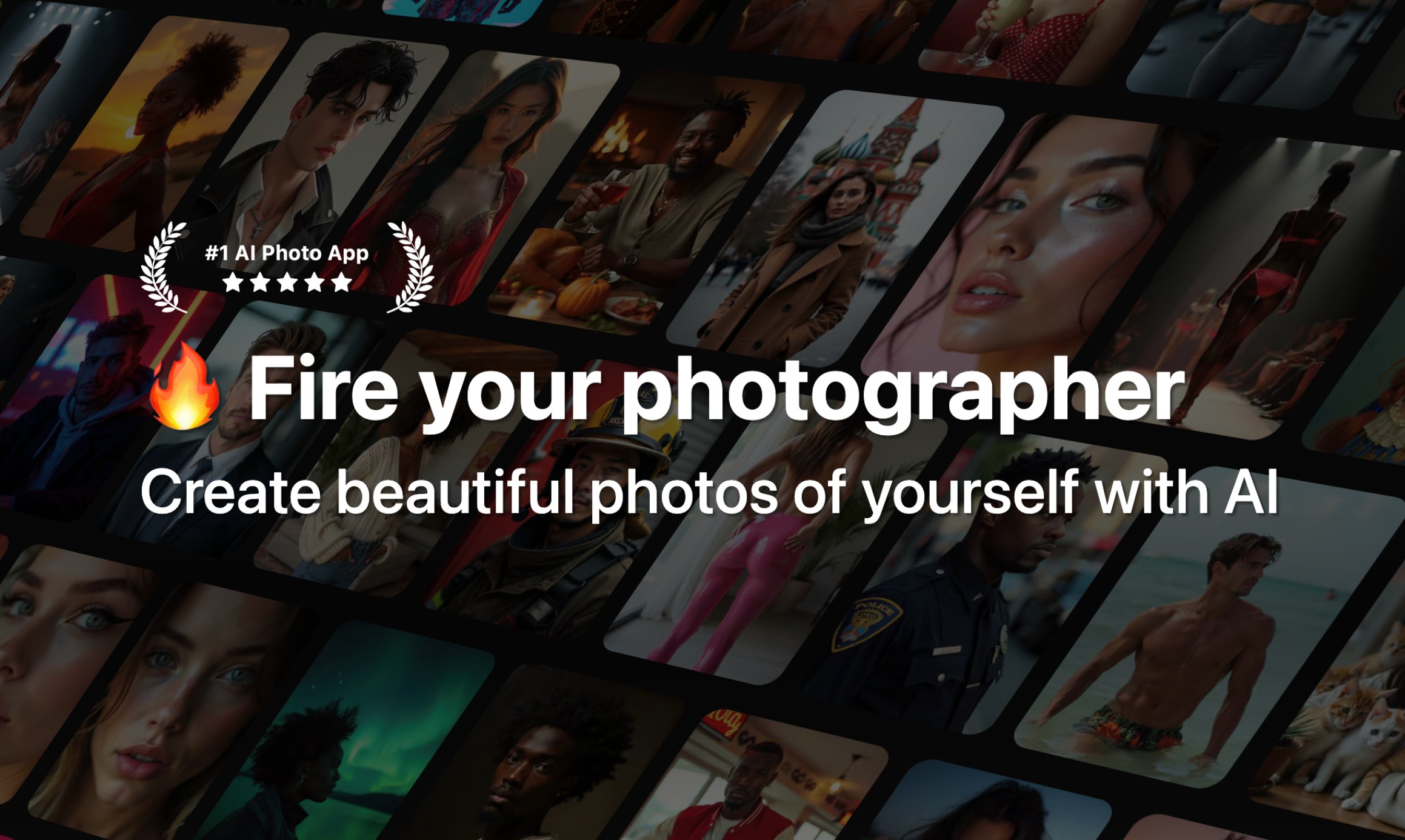
Upload your photo and let AI help you retouch, enhance, or transform it in seconds.
Turn any idea into polished, high-resolution photos with a free AI photo generator.
The Verdict
AI-generated from listing dataPhotoGenerator AI is a professional‑grade, subscription‑based tool with high‑resolution generation and editing, while Photor AI is a free‑focused, novelty‑oriented web app for quick fun transformations.
Key differences
- •PhotoGenerator AI supports multiple advanced AI models and 4K upscaling; Photor AI offers only basic creative effects.
- •PhotoGenerator AI provides a prompt‑gallery and text‑to‑image generation; Photor AI relies on uploading existing photos.
- •PhotoGenerator AI has tiered paid plans for higher volume and commercial use; Photor AI is freemium with limited daily credits and no pricing details.
- •PhotoGenerator AI targets designers, marketers, and e‑commerce; Photor AI targets casual creators and social‑media users.
- •PhotoGenerator AI includes editing/restyling capabilities via prompts; Photor AI focuses on face‑centric transformations and community sharing.
Pricing & value
PhotoGenerator AI offers free starter credits but requires paid plans for higher volume; Photor AI only provides 5 free daily credits with no paid tier disclosed.
Ease of use / learning curve
Photor AI’s simple upload‑and‑transform workflow is more immediately intuitive than PhotoGenerator AI’s prompt‑based system.
Features & depth
PhotoGenerator AI includes text‑to‑image generation, multi‑model support, 4K upscaling, and prompt‑gallery; Photor AI offers limited creative effects.
Integrations & ecosystem
PhotoGenerator AI lists support for leading AI models (GPT Image 2, Nano Banana 2, Midjourney, Seedream 5.0); Photor AI’s ecosystem is not specified.
Collaboration
Photor AI provides a community wall for sharing and inspiration; PhotoGenerator AI does not mention collaborative features.
Scalability
PhotoGenerator AI’s paid tiers increase credits and resolution, suitable for higher‑volume professional use; Photor AI caps at 5 daily credits.
Support & security
Neither product’s support channels or security/privacy details are specified in the provided facts.
Choose PhotoGenerator AI if…
Professional designers, marketers, or e‑commerce teams needing high‑resolution, customizable AI images.
Choose Photor AI if…
Casual creators or social‑media users wanting quick, fun photo effects without a paid commitment.
Common questions
Can I use the images commercially?
PhotoGenerator AI permits commercial use per its terms; Photor AI’s commercial‑use policy is not specified.
What are the limits on free usage?
PhotoGenerator AI offers initial free credits then requires a subscription; Photor AI gives 5 free credits per day with no paid plan listed.
Do I need to upload my own photos to generate images?
PhotoGenerator AI can create images from text prompts alone; Photor AI requires uploading existing photos for its effects.