


Photo AI vs Photor AI
Side-by-side comparison of features, pricing, ratings, and alternatives.
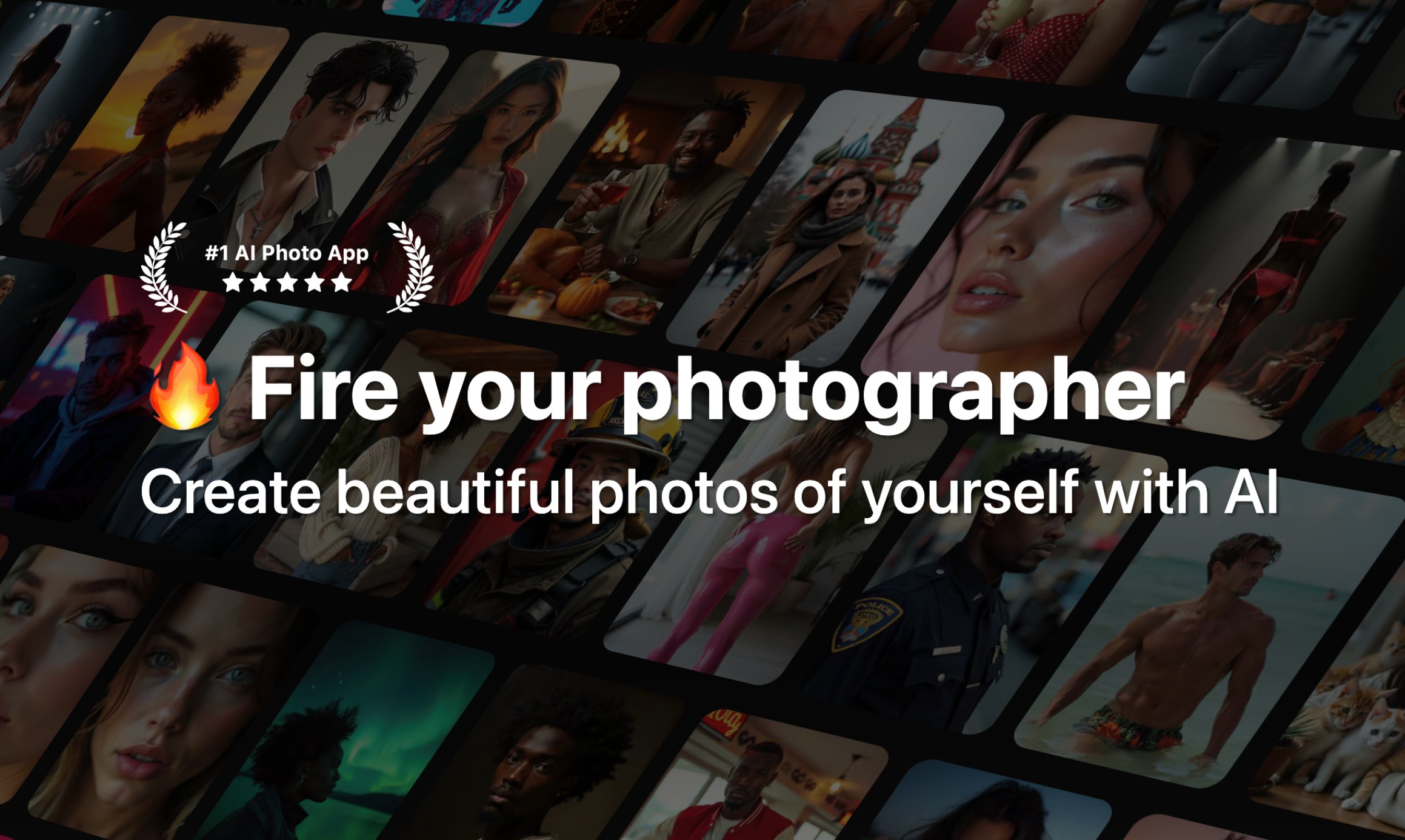

Photo AI is a generative AI platform that creates highly realistic AI photos and videos of you from just a few uploaded selfies. It uses fine-tuning (DreamBooth on Flux with a custom 'Hyper Realism' model) to learn your identity, then lets you generate professional headshots, lifestyle photos, couple photos, creative packs, and even AI videos without any technical skills.
Photor AI is an AI-powered photo transformation and analysis platform that lets users upload photos and apply a wide range of creative, fun, and practical AI effects. It includes tools like removing eyeglasses, generating wanted posters, creating Lego portraits, palm reading, fridge roasting, zodiac-from-face analysis, anime/Ghibli-style transformations, Renaissance portraits, and many more. The platform also features a community art wall where users can share and discover creations.
No exact prices or plan names were explicitly stated in the provided content.
Free Plan offers 5 free credits per day after sign-in; paid upgrade pricing is not listed on this page.
- No technical skill required – train a personal model in about a minute
- Photorealistic results with Hyper Realism / Flux-based fine-tuning
- Wide variety of photo packs: Tinder, Hinge, LinkedIn, CEO, Old Money, Cosplay, etc.
- Can create AI videos from still photos, including talking videos and mocap
- Wide variety of creative AI tools and effects
- Simple upload-and-transform workflow
- Community wall for inspiration and sharing
- Fun use cases beyond standard photo editing
- No true coupon codes; only annual plan discounts are offered
- Credit system can be complex and videos cost a lot (100 credits per video)
- Strict refund policy: only eligible if no model created, under 20 lifetime generations, and no referral signup
- Requires uploading many personal photos for best results, raising privacy concerns
- Requires uploading personal photos
- Novelty-focused rather than professional-grade editing
- May rely on third-party AI models for generation
More alternatives & similar tools
Alternatives to Photo AI
View all →
Alternatives to Photor AI
View all →
Upload your photo and let AI help you retouch, enhance, or transform it in seconds.

Turn any idea into polished, high-resolution photos with a free AI photo generator.
The Verdict
AI-generated from listing dataPhoto AI is a paid, subscription‑based tool for creating highly realistic personal avatars and videos, while Photor AI is a free‑to‑try, web‑only creative effects platform.
Key differences
- •Photo AI trains custom AI models from 5‑20 personal photos; Photor AI does not offer model training.
- •Photo AI generates photorealistic videos and 3D models; Photor AI focuses on 2D transformations and analysis.
- •Photo AI is available on Web and iOS with subscription billing; Photor AI is web‑only and freemium.
- •Photo AI’s pricing is subscription‑based with annual discounts; Photor AI offers limited free credits daily with paid upgrade not disclosed.
- •Photo AI targets professional‑grade personal branding (LinkedIn, CEO headshots); Photor AI targets casual creators and community sharing.
Pricing & value
Photor AI provides a free tier with daily credits; Photo AI requires paid subscription, no free tier.
Ease of use / learning curve
Photor AI offers simple upload‑and‑transform workflow; Photo AI requires uploading many photos and model training.
Features & depth
Photo AI includes custom model training, hyper‑realistic video, 3D generation, and extensive photo packs; Photor AI limited to effects.
Integrations & ecosystem
Photo AI runs on Web and iOS with Stripe billing; Photor AI is web‑only with no noted integrations.
Collaboration
Photor AI has a community wall for sharing creations; Photo AI lacks built‑in collaboration features.
Scalability
Photo AI supports unlimited generations per model (subject to credits); Photor AI caps free usage to 5 credits per day.
Security & privacy
Both require uploading personal photos; no specific privacy details provided for either.
Choose Photo AI if…
Individuals needing professional‑grade, personalized AI avatars or videos and willing to pay for a subscription.
Choose Photor AI if…
Casual creators wanting free, fun AI photo effects and community inspiration without a subscription.
Common questions
Can I try either product for free?
Photor AI offers 5 free credits per day after sign‑in; Photo AI has no free tier, only paid subscriptions.
Which tool can generate realistic videos of me?
Photo AI provides AI video generation, talking video, and mocap video; Photor AI does not offer video creation.
Do I need technical skills to use these tools?
Photo AI requires uploading multiple photos and model training (≈1 minute); Photor AI works via simple upload‑and‑transform with no training.