


Crop.photo
Crop, resize, and generate marketplace-ready product images in bulk with reusable AI recipes for every retailer's spec.



What is Crop.photo?
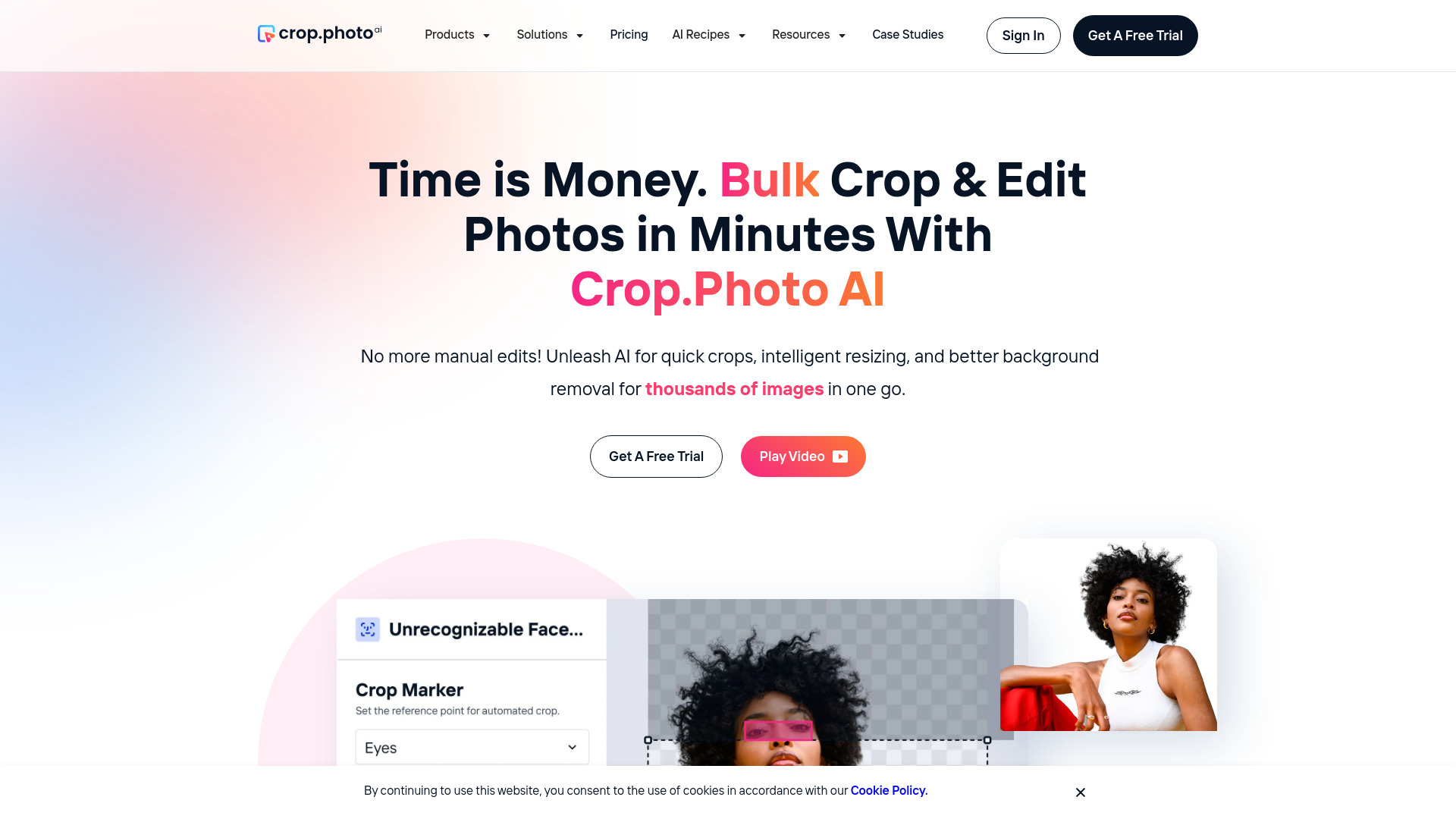
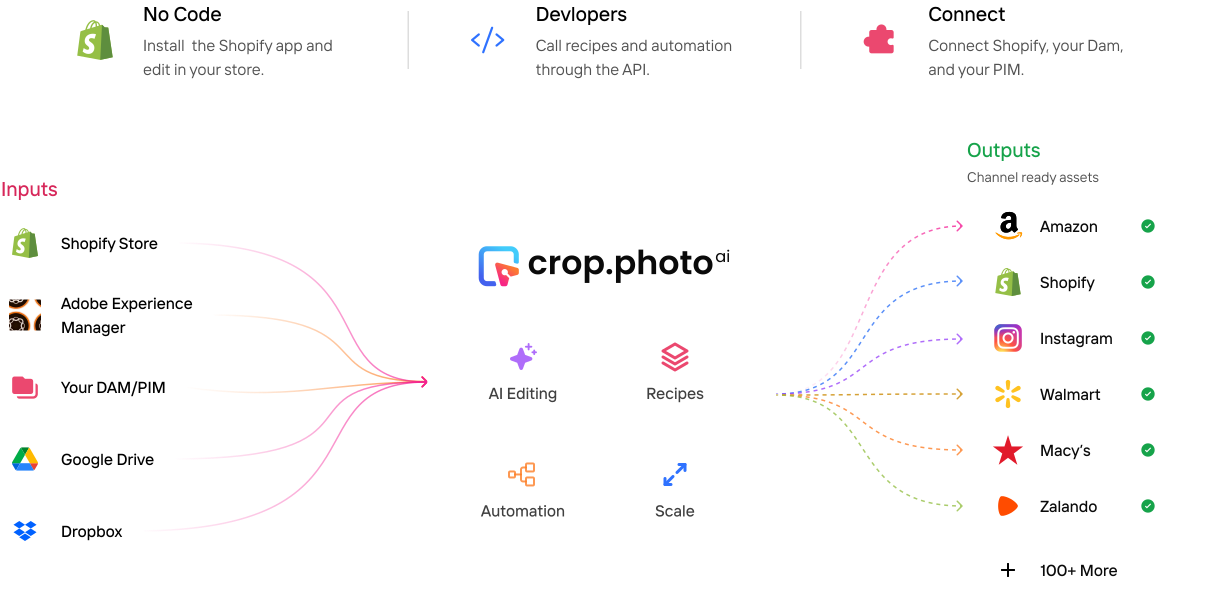
Crop.photo is a bulk image editing platform built specifically for ecommerce teams that need to prepare product photos for multiple retailers and marketplaces. Instead of manually cropping, resizing, and adjusting each image, users can create reusable 'recipes' that define exact specifications—dimensions, DPI, background color, file type, margins, and face crop details—and then apply them across thousands of SKUs in one go. The platform uses AI to analyze each image, detect the subject and composition, and automatically apply the correct crop and adjustments, ensuring consistency across the entire catalog. Beyond cropping and resizing, Crop.photo also offers AI-powered generation for missing assets, on-model shots, videos, and banners, making it a comprehensive tool for ecommerce content production. With integrations like a Shopify app and the ability to run automated workflows end-to-end, it's designed to eliminate the repetitive manual editing that slows down catalog launches and revisions.
SpecificationsAI-estimated
Key Features of Crop.photo
Use Cases for Crop.photo
Ecommerce catalog bulk image preparation
Apply consistent cropping, sizing, and formatting to thousands of product images before uploading to marketplaces like Amazon or Shopify.
Meeting retailer specifications
Use pre-built recipes to ensure every image adheres to the exact specs of retailers like Amazon, Nordstrom, Macy's, and Shopify.
Automating image editing for large product lines
Set up reusable recipes that automatically process new SKU images, saving hours of manual editing time.
Generating missing product assets
Create on-model shots or lifestyle images using AI generation when original photos are incomplete or unavailable.
Creating banner images at scale
Generate and resize banner images for multiple channels, ensuring they meet layout and size requirements.
Processing videos for product listings
Crop and resize product videos to match platform-specific dimensions, ensuring they display correctly across marketplaces.
Integrating with Shopify store
Install the Shopify app to crop, resize, edit, and generate product images directly within the store, saving them back to the product listings.
How to use Crop.photo?
Sign up and upload images
Create a free account on crop.photo and upload your product images or connect your catalog from a source like a marketplace or vendor feed.
Choose or create a recipe
Select a pre-built retailer recipe (e.g., Amazon, Shopify) that defines dimensions, DPI, background, file type, and margins, or create your own custom recipe to match your exact requirements.
Run AI Match and apply the recipe
Let the AI analyze your images and automatically apply the chosen recipe across the entire batch, cropping, resizing, and adjusting as needed. You can also manually adjust or override per image if desired.
Review and export
Preview the processed images to ensure they meet the required specs, then export them or push them directly to your marketplace or Shopify store through the integration.
Pros & Cons of Crop.photo
Pros
- Bulk processing: Apply recipes to thousands of images at once, saving significant time.
- Retailer-specific recipes: Pre-built specs for Amazon, Shopify, Nordstrom, Macy's, and more, ensuring compliance.
- AI-powered: Content-aware cropping and pose detection automate the process, reducing manual work.
- Versatile: Handles not only images but also videos and banners, and can generate missing assets with AI.
- Integration: Shopify app available, plus end-to-end automation capabilities.
Cons
- Primarily aimed at ecommerce teams; may be overkill for individual users needing simple edits.
- Full feature set likely requires a paid subscription; free tier is limited for testing.
- Reliance on AI might not suit users who prefer precise, manual control over every crop.
- Limited information on pricing and specific plan details on the homepage.
Frequently Asked Questions
Can I crop multiple images at once?
Yes, crop.photo is built for bulk image editing. Upload thousands of product images and crop, resize, and align them in one go using reusable AI recipes.
Does cropping reduce image quality?
No. Crop.photo uses content-aware cropping and resizing without degrading resolution, keeping your images sharp and marketplace ready.
Can I crop images to a specific size or aspect ratio?
Yes. Set any dimensions or aspect ratio, or pick a marketplace recipe - Amazon, Shopify, Nordstrom, etc and get every image to match the specs in bulk or use a retailer recipe for Amazon, Shopify, Macy’s, Nordstrom, and more.
Is there a free image cropper?
You can sign up for free to run in your browser. No installation needed to test AI cropping on your own images before upgrading. It’s designed for teams editing at volume.
How does AI image cropping work?
AI image cropping analyzes each image to detect the subject, face, body position, and composition. It then applies your chosen recipe - crop, resize, margins, background, and output settings - consistently across your entire catalog using content-aware AI.
What is an AI image cropper?
An AI image cropper automatically detects the subject and applies consistent crops without manually dragging crop boxes. Crop.photo combines AI cropping, resizing, background editing and reusable recipes to prepare retailer-ready product images in bulk.
Do you have a Shopify app?
Yes, you can install the shopify app via https://apps.shopify.com/bulk-ai-crop-and-edit-photos to crop, resize, edit and generate product images directly and save them back in your shopify store.
Can it meet Amazon, Macy's, and Nordstrom specs?
Yes. Use existing retailer recipes or create your own for any retailer. Apply them across your entire catalog, including dimensions, aspect ratio, DPI, margins, backgrounds, and TIFF output where required.
Does it work with Shopify?
Yes. Install the Shopify app, or use the web app.
How is it different from Photoroom or Canva?
They edit one image at a time. We run recipes across your whole catalog, with pose-aware crops and retailer-spec output, plus generation, video, and banners.
Is there an image cropper online?
Yes. Crop.photo is an image cropper online, no install needed. Sign up free, crop images online in your browser, then scale the same recipe across your whole catalog when you are ready.
Can I crop images online without installing anything?
Yes. You can crop images online right in your browser. Run it on a few images to test, or apply one recipe across thousands at once.
Reviews & Ratings0.0
No reviews yet. Be the first to write one!
Top Alternatives & Similar Software
View all alternatives & similar software→


People also viewed


Related searches
Is this your tool?
Claim this page to update details, reply to user reviews, and drive more traffic to your product.
Claim this Product →
Tags
Explore Related Topics
Keep up with Crop.photo alternatives
New alternatives, pricing changes and the week's biggest movers - one email every Tuesday.