


AutoCropper
Auto-crop images & split scans into separate photos

What is AutoCropper?
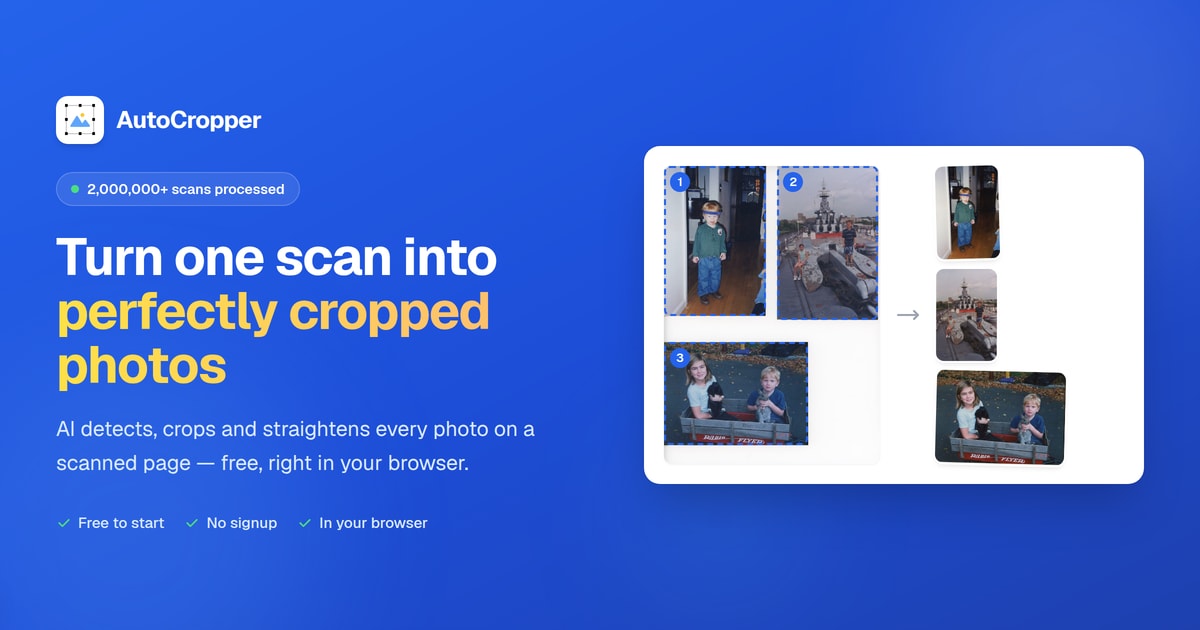
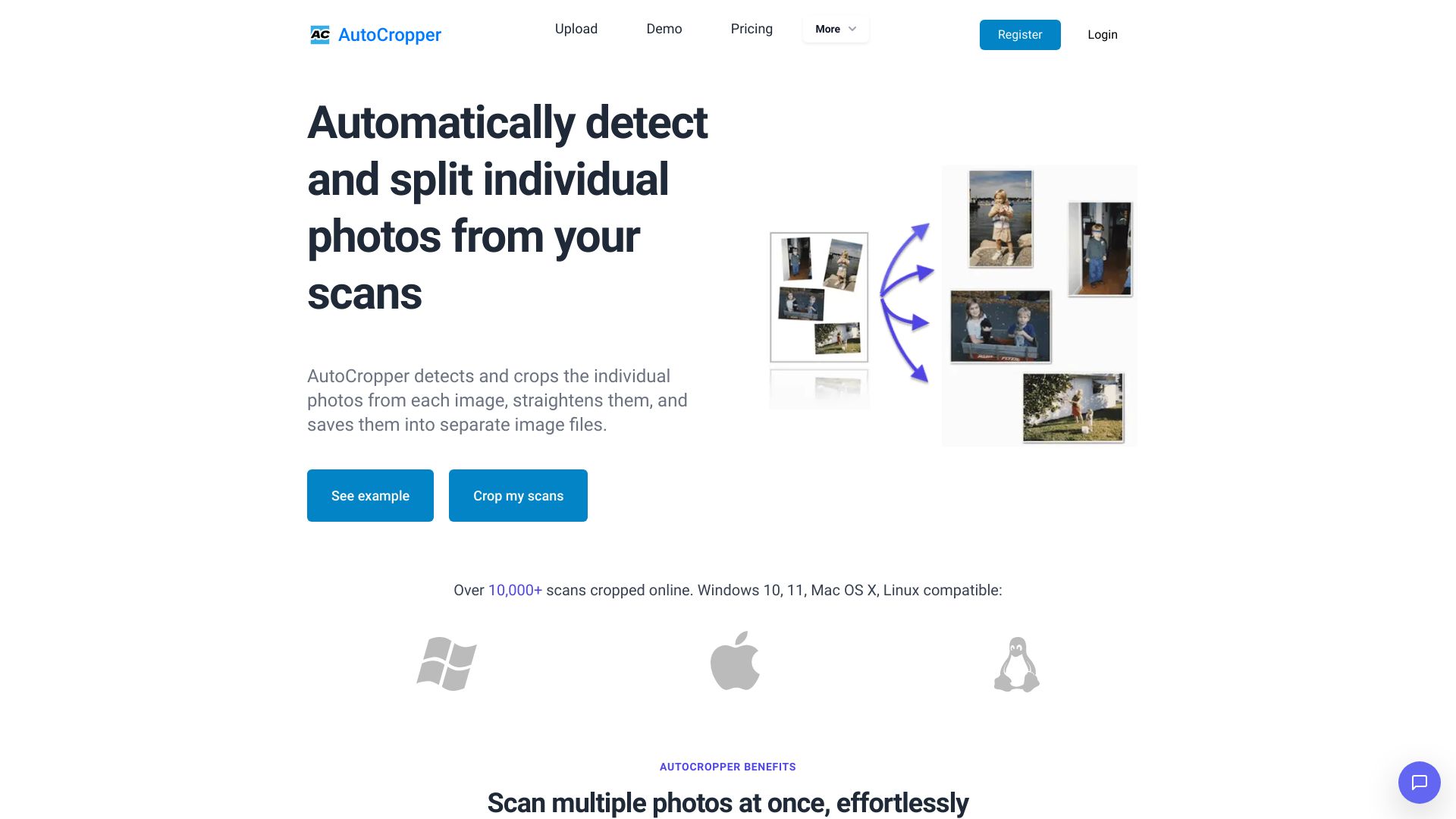
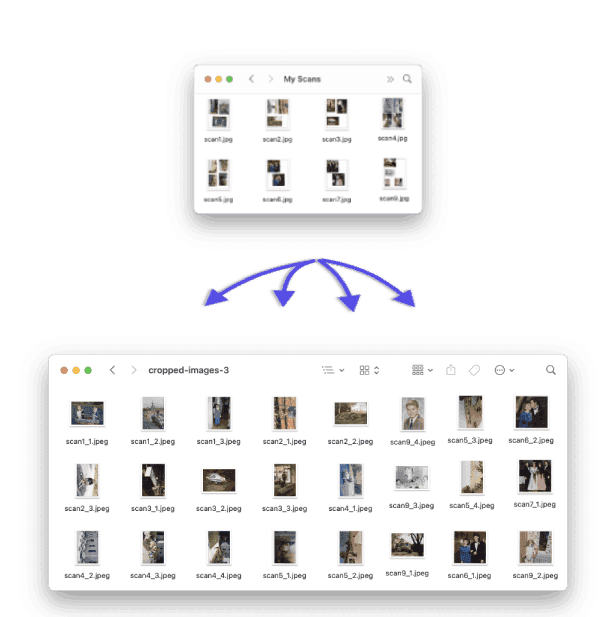
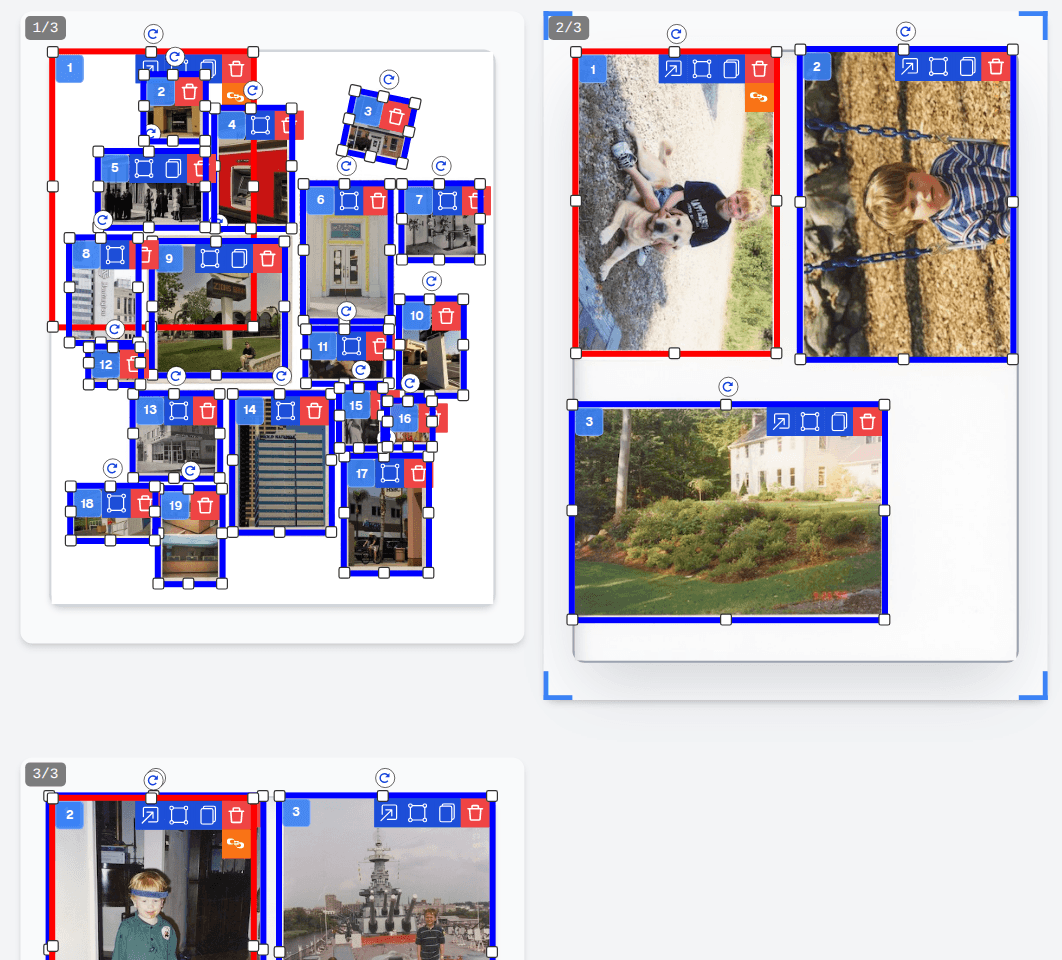
AutoCropper is a free, browser-based AI photo cropping tool that automatically detects, crops, straightens, and splits multiple photos from a single scanned page or image. It is designed for digitizing photo albums, card binder sheets, negatives, and other multi-photo scans quickly and without manual cropping.
SpecificationsAI-estimated
Key Features of AutoCropper
Use Cases for AutoCropper
Digitize scanned album pages
Upload a scan of an album page and AutoCropper splits each photo into its own file.
Split trading card binder sheets
Detect and crop individual cards from a full binder page scan.
Process negatives and contact sheets
Use film strip mode to create uniform crops across negatives, photo booth strips, and contact sheets.
How to use AutoCropper?
Start with your scans
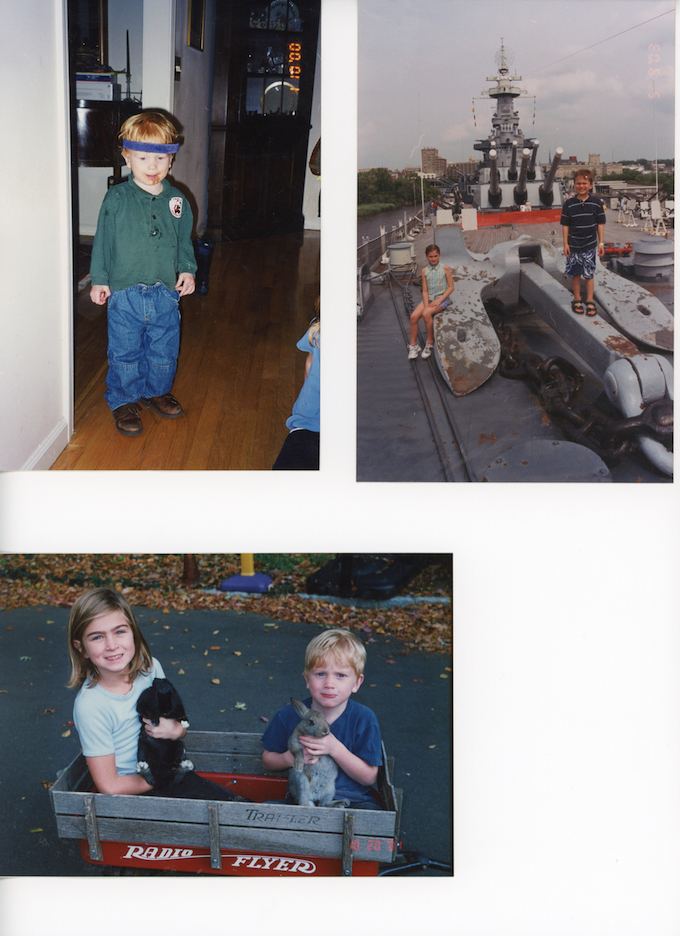
Use any scanned page or photo with multiple images: album pages, photo piles, card binder sheets, or phone photos.
Upload and review AI detection
Drop in the pages. AI draws numbered boxes around each photo. Adjust, resize, or rotate boxes if needed.
Export individual files
Download each detected photo as a separate full-resolution file, named after the original page.
Pros & Cons of AutoCropper
Pros
- Automatically detects multiple photos on a scan
- Batch processes multiple scans at once
- Automatic rotation detection and straightening
- Full-resolution export with no compression
- No upload size limit mentioned
- Supports JPEG, PNG, TIFF, PDF, and HEIC
- Sync crops across multiple images
- Reusable crop templates
- Film strip mode for negatives and contact sheets
- EXIF encoding and metadata support
- Runs entirely in the browser
Cons
- AI detection may require manual adjustment for unusual layouts
- Free tier limitations not clearly detailed on the landing page
- Primarily useful for multi-photo scans rather than single-image cropping
- Heavy scans may depend on browser performance
Frequently Asked Questions
Is AutoCropper free?
The landing page describes AutoCropper as a free AI photo cropper and says 'Free to start'. Specific premium limits are not detailed on the main page.
What file types are supported?
AutoCropper supports JPEG, PNG, TIFF, PDF, and HEIC uploads.
Does AutoCropper compress images?
No. It advertises full-quality upload and download with no compression.
Pricing Overview
View full pricing →AutoCropper is free to use online, with no upload size limit or compression.
Reviews & Ratings0.0
No reviews yet. Be the first to write one!
Top Alternatives & Similar Software
View all alternatives & similar software→

People also viewed


Related searches
About the Product
Is this your tool?
Claim this page to update details, reply to user reviews, and drive more traffic to your product.
Claim this Product →
Tags
Keep up with AutoCropper alternatives
New alternatives, pricing changes and the week's biggest movers - one email every Tuesday.