


GoLinks
Instant Access to Internal Knowledge
What is GoLinks?
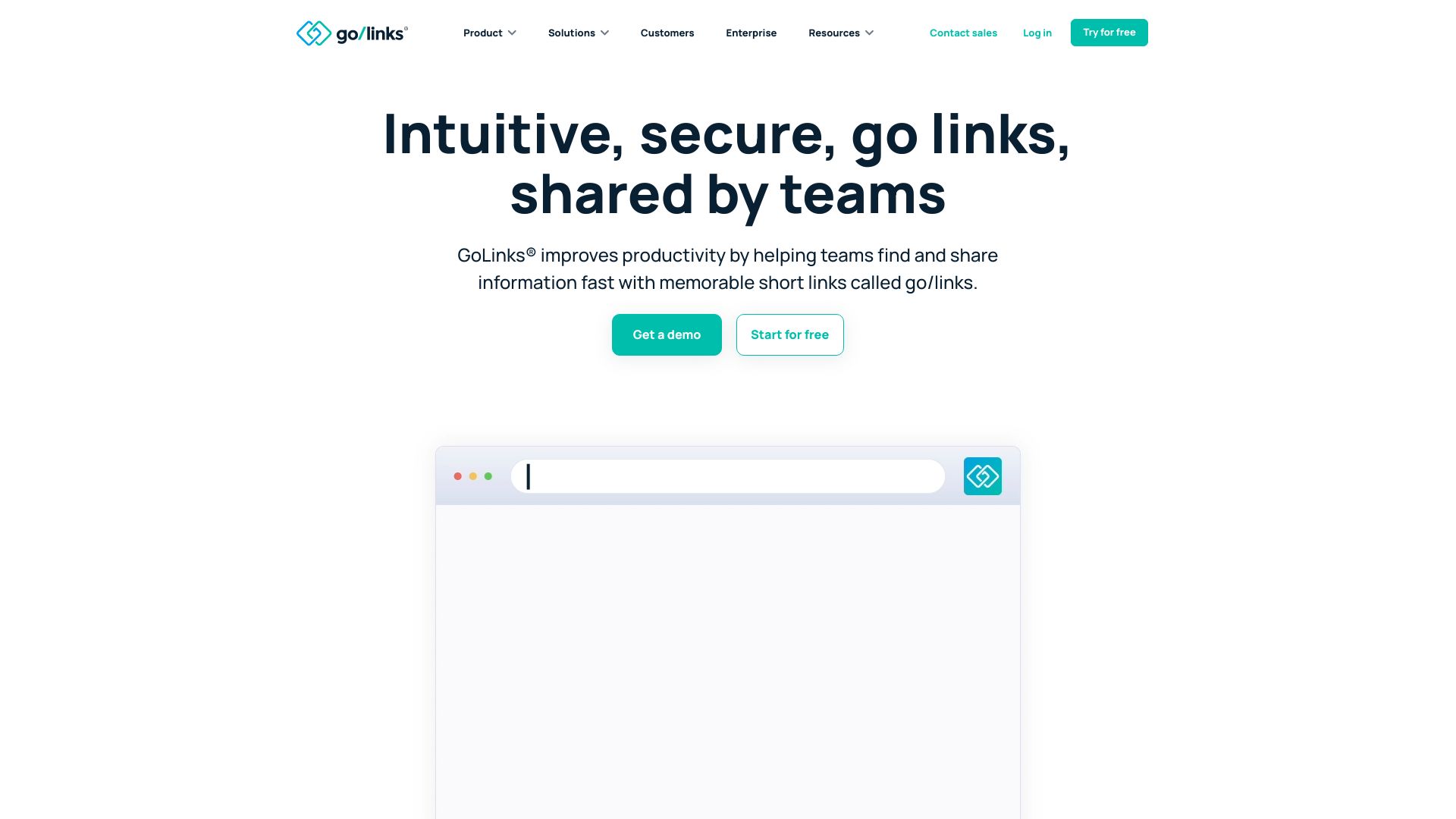
GoLinks is an AI-driven knowledge discovery and link management platform that provides internal short links (go links) to help teams retrieve and share information in seconds. It empowers organizations to move faster by offering intuitive short links, AI-powered search suggestions, and integrations with popular work tools.
SpecificationsAI-estimated
Key Features of GoLinks
Use Cases for GoLinks
IT Support
Simplify access to IT resources and helpdesk portals with short links like go/it-help.
Engineering & Development
Share direct links to repositories, PRs, CI/CD dashboards, and incident logs across teams.
Sales & Marketing
Provide easy access to sales enablement materials, campaign dashboards, and competitive intel.
Human Resources
Link to onboarding docs, PTO requests, benefits portals, and internal policies.
Customer Support
Route agents to knowledge bases, ticket systems, and support tools quickly.
Collaboration & Documentation
Share meeting notes, design files, project boards, and wikis with easy-to-remember links.
How to use GoLinks?
Create Go Links
Define intuitive short keywords (e.g., go/sprint) that map to specific URLs, internal tools, or dashboards.
Share with your team
Share go links verbally, via chat, or in documentation—no need to type long URLs.
Discover with AI
Use GoAI Assistant to ask questions and get direct links or suggested resources based on semantic search.
Organize and manage
Use collections and tags to keep links structured and easily searchable.
Integrate with your stack
Install browser extensions and use integrations with Slack, Chrome, and other apps for seamless access.
Monitor and scale
Track usage insights and manage access controls to scale deployment across the organization.
Pros & Cons of GoLinks
Pros
- Creates memorable and shareable short links like go/it-help
- AI-powered GoAI assistant provides fast and accurate answers
- Wide range of integrations with popular apps (Jira, Slack, GitHub, etc.)
- Multiple link types including variable, private, unlisted, multi-links, geo-links, and aliases
- Enterprise-grade security (SOC 2 Type 2, SSO, SCIM, RBAC)
- No VPN required, works on all browsers and mobile apps
- Easy to deploy in about an hour
- Supports multiple domains and remote teams
Cons
- Potential dependency on the platform for internal knowledge access
- May require initial setup and adoption by teams
- Limited to organizations with a structured link naming convention
- Advanced features may require a paid subscription
Frequently Asked Questions
What is a Go Link?
A Go Link is a short, memorable internal link (e.g., go/sales-docs) that redirects to a specific URL or resource. It helps team members access information quickly without remembering long URLs.
How does GoAI Assistant work?
GoAI Assistant uses generative AI and semantic/lexical analysis to understand your query and provide the most relevant internal links or answers, acting like a trusted coworker.
Is GoLinks secure for enterprise use?
Yes, GoLinks is SOC 2 Type 2 certified, supports SSO with SCIM, role-based access control, and requires no VPN for remote access. It also supports multiple domains.
Can I create different types of go links?
Yes, GoLinks offers variable links, private links, unlisted links, multi-links, geo-links, and aliases to cater to various use cases.
What integrations are available?
GoLinks integrates with popular tools like Slack, Jira, GitHub, AWS, Datadog, GitLab, Salesforce, Zendesk, and many more, plus browser extensions for Chrome, Firefox, and Safari.
How long does deployment take?
GoLinks is a turnkey solution that can be integrated and rolled out in about an hour, with minimal setup required.
Reviews & Ratings0.0
No reviews yet. Be the first to write one!
Top Alternatives & Similar Software
View all alternatives & similar software→


People also viewed


Related searches
About the Product
Is this your tool?
Claim this page to update details, reply to user reviews, and drive more traffic to your product.
Claim this Product →
Tags
Explore Related Topics
Keep up with GoLinks alternatives
New alternatives, pricing changes and the week's biggest movers - one email every Tuesday.