


TreeMind树图
An AI-powered mind mapping platform that turns a single sentence into a structured, collaborative, and beautifully designed mind map.

What is TreeMind树图?
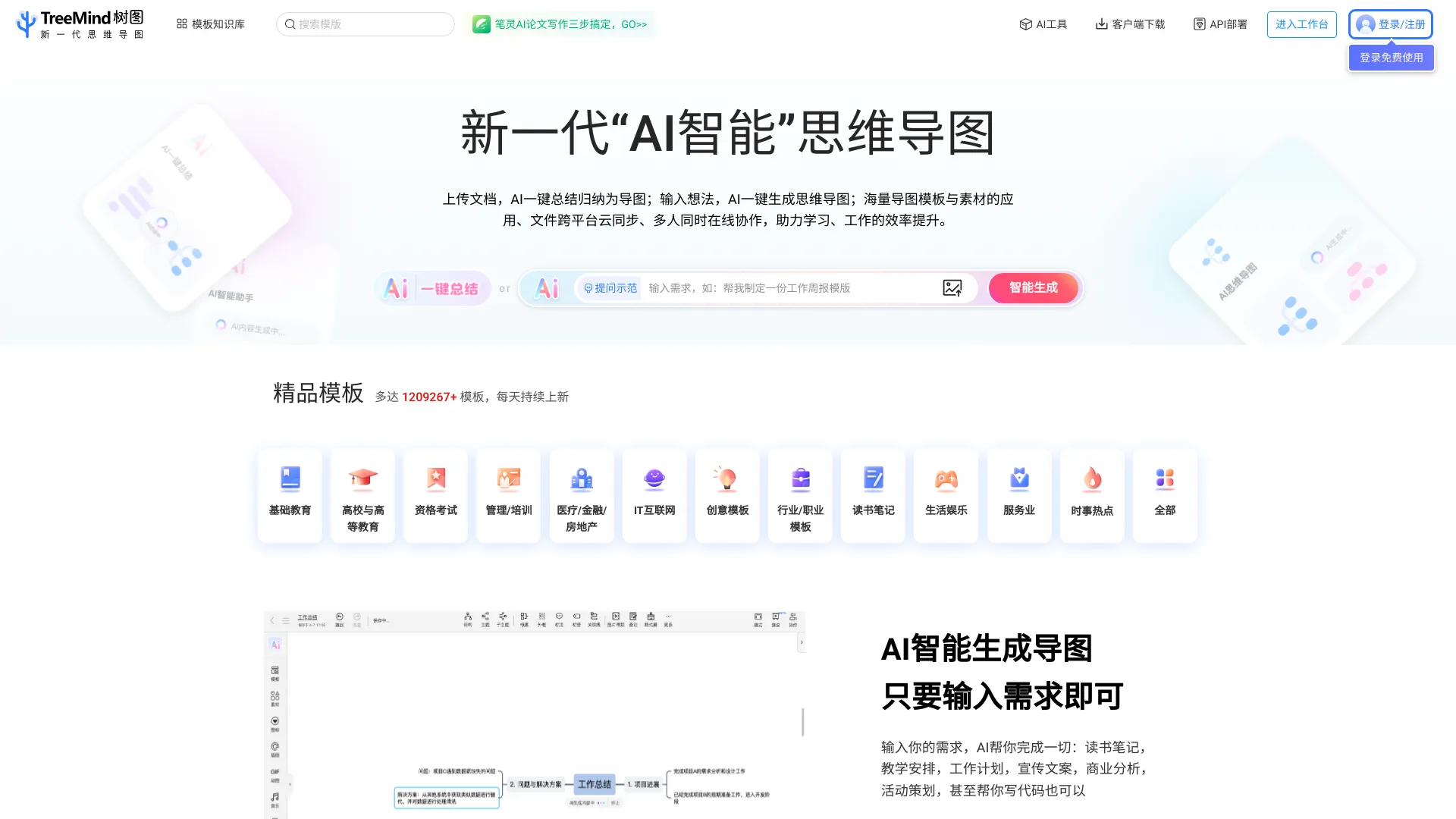
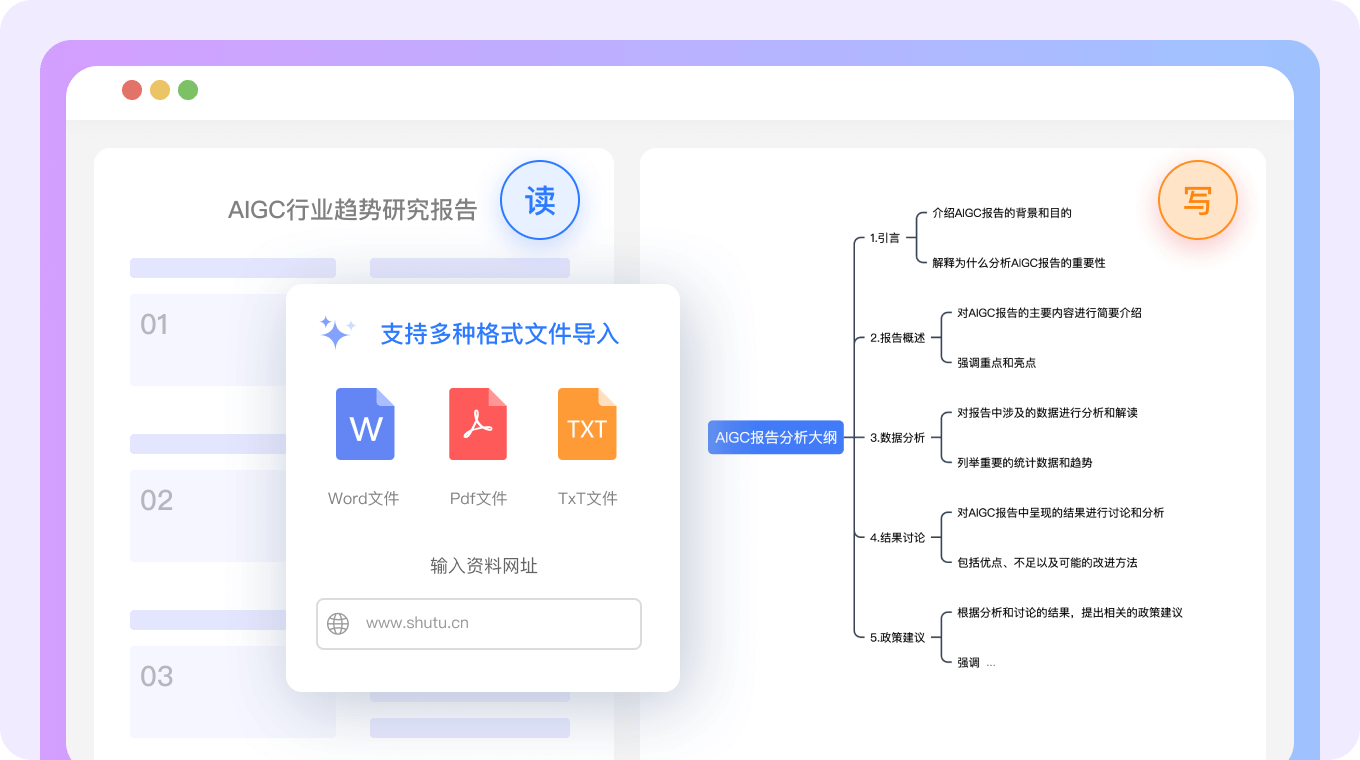
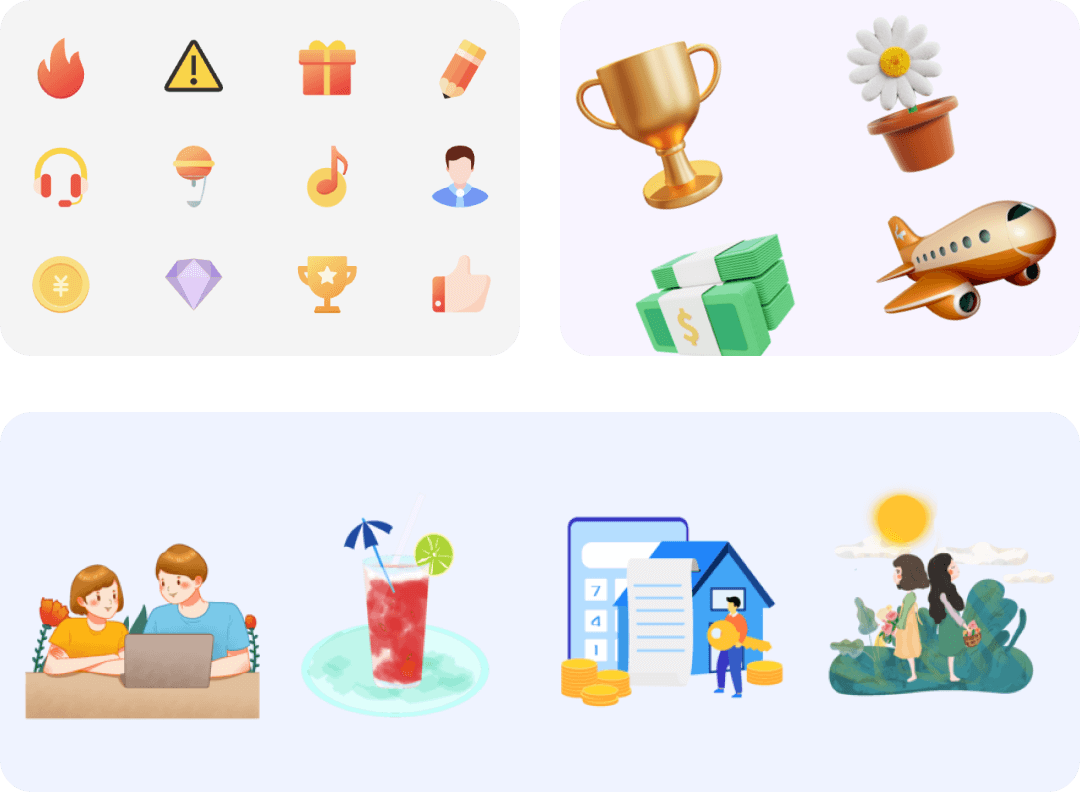
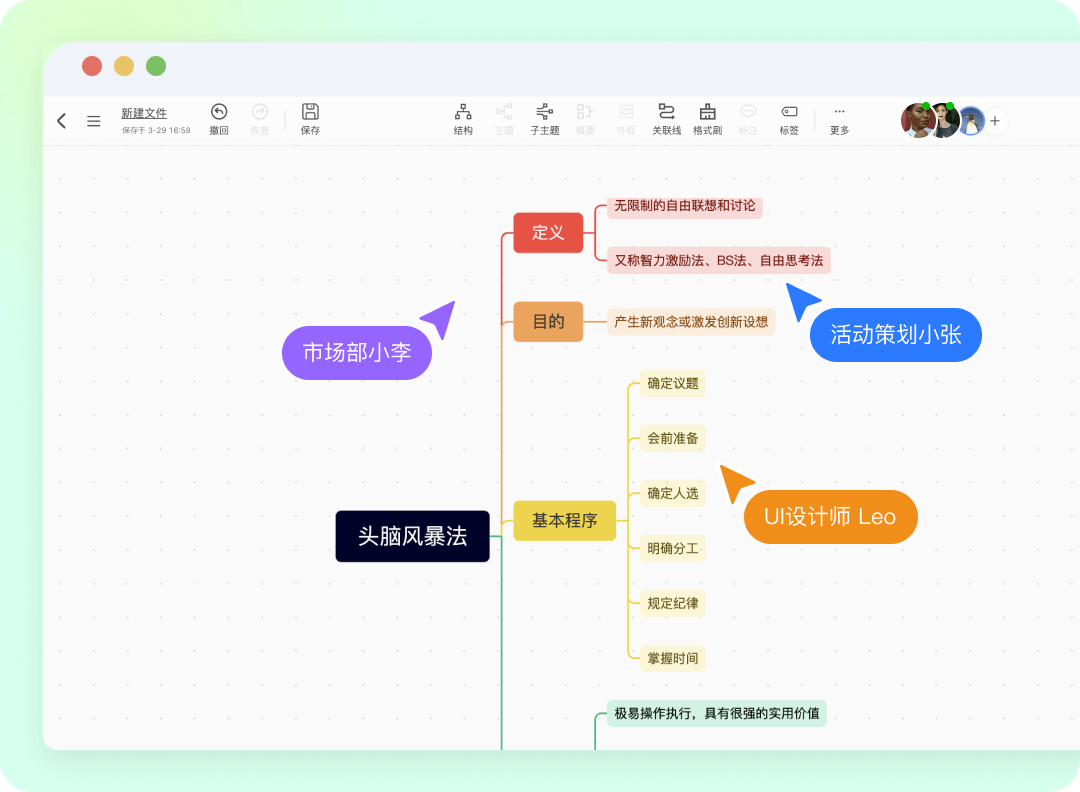
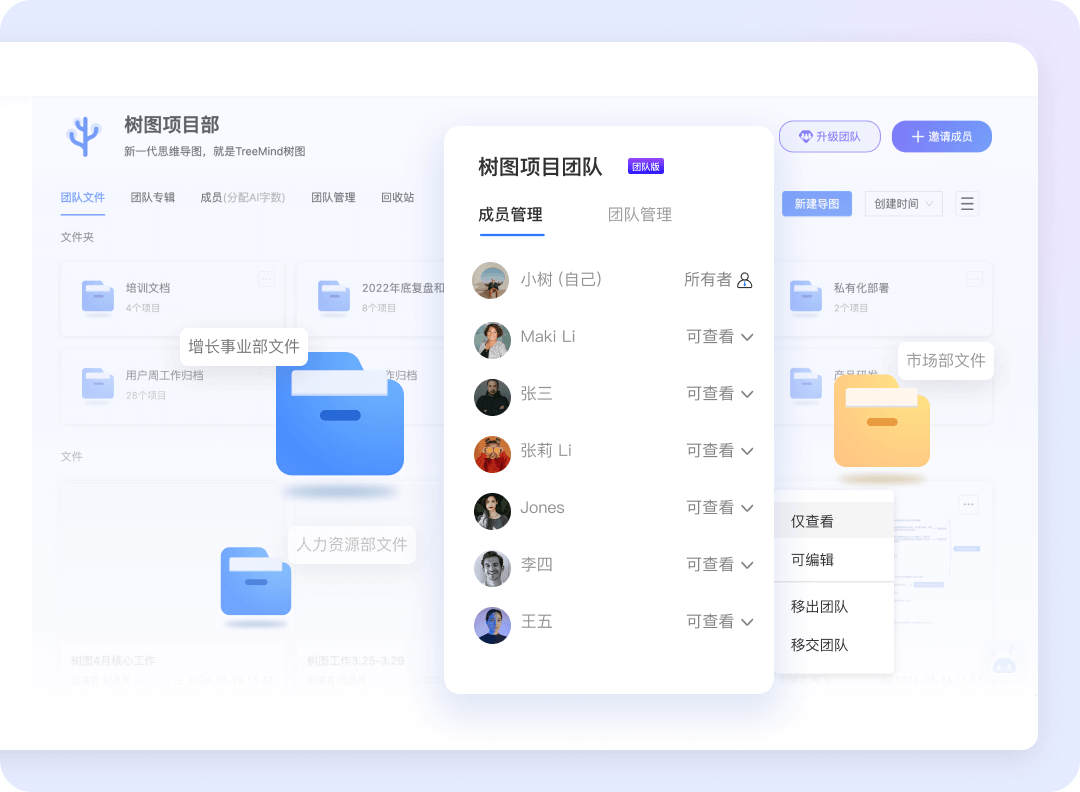
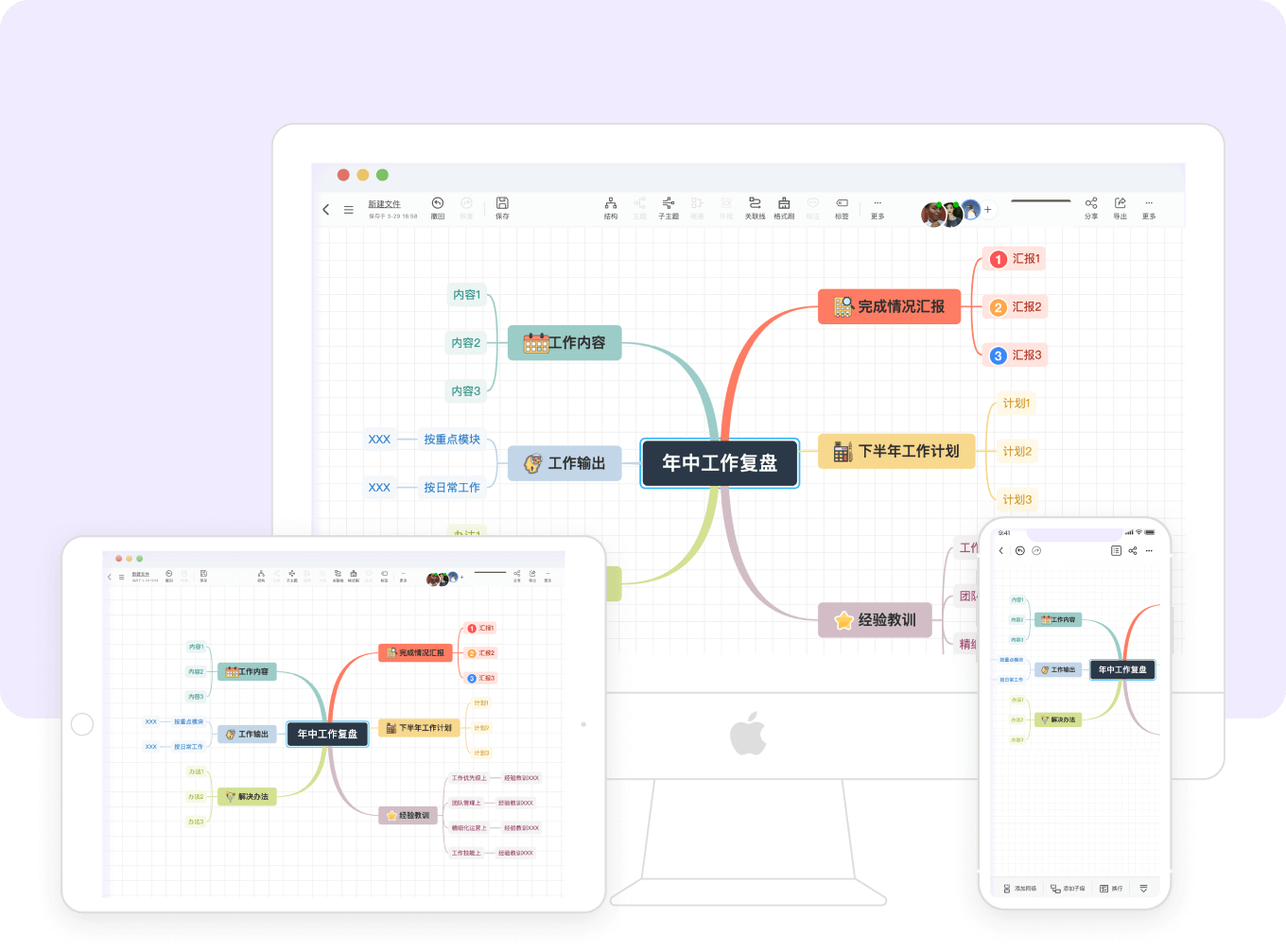
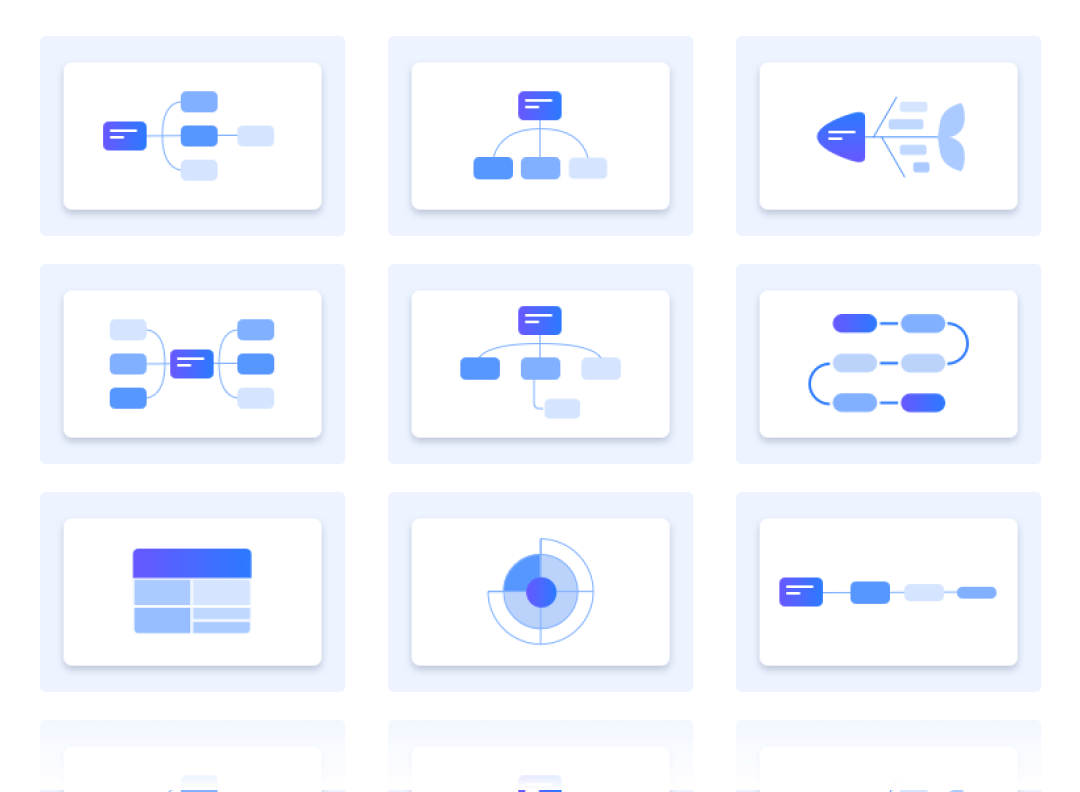
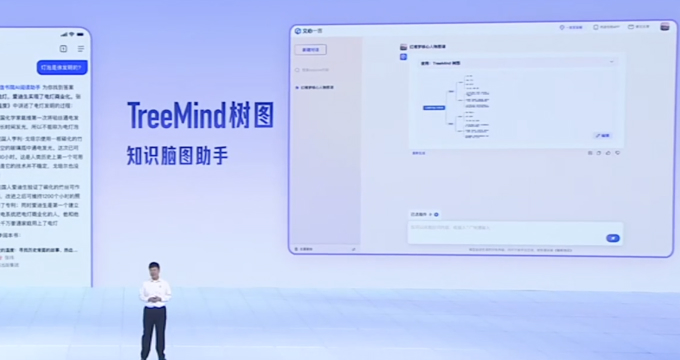
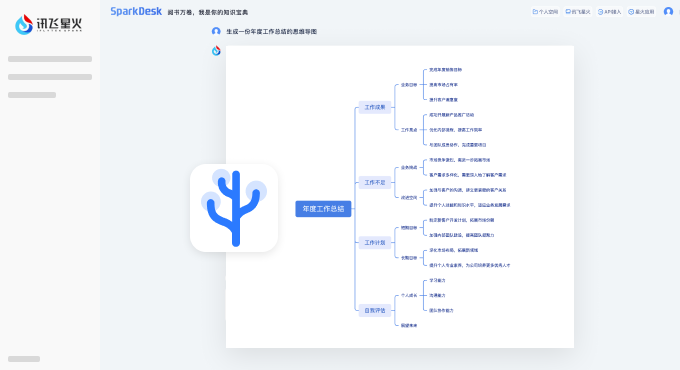
TreeMind树图 (TreeMind) is an online AI-powered mind mapping software designed to make idea structuring fast and visual. Its headline feature turns a single sentence into a complete mind map, covering scenarios such as reading notes, teaching plans, work plans, copywriting, business analysis, and event planning. The platform is available as a web version plus native clients for Windows, macOS, Linux, iOS, iPad, and Android/Pad, with real-time saving and cross-platform sync. Beyond AI generation, TreeMind focuses heavily on the full workflow around mind mapping. A split-screen mode lets users read source documents on one side while building their map on the other, eliminating constant window switching. The interactive presentation mode supports live demos with cheers, comments, and votes for easier team review. Multi-user editing and team spaces enable concurrent collaboration, file management, knowledge retention, and project delivery. The product also ships with an extensive content library: over 1.2 million templates across education, IT/Internet, finance, healthcare, real estate, entertainment, and lifestyle, plus a resource library with icons, illustrations, backgrounds, photos, 3D elements, GIFs, audio, and video. TreeMind provides 30+ diagram structures including mind maps, logic charts, tree diagrams, fishbone diagrams, organization charts, and timelines, with support for hybrid structures. It is an official partner of Baidu ERNIE Bot, iFlytek Spark, and ByteDance Coze, and offers SDK/API integration for enterprises.
SpecificationsAI-estimated
Key Features of TreeMind树图
Use Cases for TreeMind树图
Reading and Study Notes
Generate structured reading notes from books or articles using AI, with split-screen reading to reference the original source material.
Teaching and Lesson Planning
Teachers can create lesson plans, teaching schedules, and knowledge maps quickly from a short prompt.
Work Plan and Project Management
Plan tasks, milestones, and responsibilities in a visual mind map and share it with the whole team.
Marketing and Copywriting
Brainstorm promotional campaigns, copy frameworks, and content calendars using AI-generated maps.
Business Analysis
Structure market research, SWOT analysis, and competitive intelligence into clear, presentable diagrams.
Event Planning
Organize event themes, schedules, roles, and logistics with templates and collaborative editing.
Team Brainstorming
Use real-time multi-user editing for remote or in-person brainstorming and group research sessions.
Enterprise Knowledge Management
Use team spaces and SDK/API integration for knowledge retention, workflow management, and embedding tools into enterprise products.
How to use TreeMind树图?
Open TreeMind on your preferred platform
Go to shutu.cn in a browser, or download the desktop/mobile client for Windows, macOS, Linux, iOS, iPad, or Android/Pad, then sign in to your workspace.
Generate with AI or choose a template
Click the AI mind map feature and type one sentence describing your topic, or start from one of the 1.2M+ templates in the library.
Edit and customize your mind map
Select from 30+ structures, switch individual child topics to a different structure if needed, and enrich your map with icons, images, 3D elements, GIFs, audio, and video from the resource library.
Collaborate and review with your team
Invite teammates to edit in real time, or use demo/presentation mode to review the map together and let participants cheer, comment, and vote.
Sync, share, or integrate
Content auto-saves and syncs across platforms. Use team spaces for file management and delivery, or leverage the enterprise SDK/API for custom integration.
Pros & Cons of TreeMind树图
Pros
- One-sentence AI generation dramatically reduces the time from blank page to structured mind map.
- Split-screen mode combines reading and mapping in one view for focused research and study.
- 1.2M+ templates and a multi-type resource library cover a wide range of industries and use cases.
- Real-time multi-user editing and team spaces support efficient group workflows and knowledge management.
- Cross-platform clients and cloud sync keep maps available on desktop, mobile, and web.
Cons
- The landing page does not reveal detailed pricing or plan limits, so users need to explore the app or contact sales to understand paid tiers.
- AI generation and cloud syncing are cloud-dependent, and no offline editing mode is highlighted on the site.
- The showcased interface and template descriptions are primarily in Chinese, which may create a barrier for non-Chinese-speaking users.
- Advanced enterprise embedding through SDK/API is positioned as a custom business service rather than a fully self-serve integration.
Frequently Asked Questions
What is TreeMind树图?
TreeMind树图 is an online AI-powered mind mapping software. It lets you generate, edit, present, and collaborate on mind maps, and it supports Windows, macOS, Linux, iOS, iPad, Android/Pad, and web platforms.
How does the AI one-sentence generation work?
You enter a sentence or requirement, and the AI automatically creates a complete mind map structure for use cases like reading notes, teaching plans, work plans, copywriting, business analysis, and event planning.
What mind map structures are supported?
TreeMind supports 30+ structures including common mind maps, logic charts, tree diagrams, fishbone diagrams, organization charts, and timelines. It also supports hybrid structures where child topics can switch to a different layout.
How many templates and resources are available?
The template library has over 1.2 million templates spanning education, IT/Internet, finance, healthcare, real estate, entertainment, and lifestyle. There is also a resource library with icons, illustrations, backgrounds, photos, 3D elements, GIFs, audio, and video.
Can teams collaborate in real time?
Yes. Multiple people can view and edit the same mind map simultaneously. Team spaces let members manage files and workflows together for brainstorming, knowledge retention, and project delivery.
Does TreeMind support cross-platform sync?
Yes, content is saved in real time and synced across browsers, desktop clients, and mobile apps, so you can view and edit files anywhere.
What is the split-screen mind map feature?
Split-screen mode lets you read and store source materials on one side of the screen while building your mind map on the other, so you don't need to switch windows. It supports uploading multiple file formats for reference.
Can enterprises integrate TreeMind into their own products?
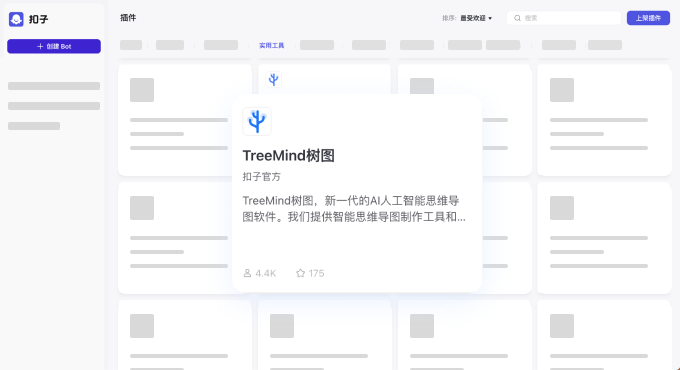
Yes. TreeMind provides SDK and API access for enterprises to quickly build AI products and tools. It is also an official plugin partner of Baidu ERNIE Bot, iFlytek Spark, and ByteDance Coze.
Reviews & Ratings0.0
No reviews yet. Be the first to write one!
Top Alternatives & Similar Software
View all alternatives & similar software→




People also viewed


Related searches
About the Product
Is this your tool?
Claim this page to update details, reply to user reviews, and drive more traffic to your product.
Claim this Product →
Tags
Explore Related Topics
Keep up with TreeMind树图 alternatives
New alternatives, pricing changes and the week's biggest movers - one email every Tuesday.