



MindMap AI
Turn any idea, PDF, YouTube video, or URL into a structured AI-powered mind map.

What is MindMap AI?
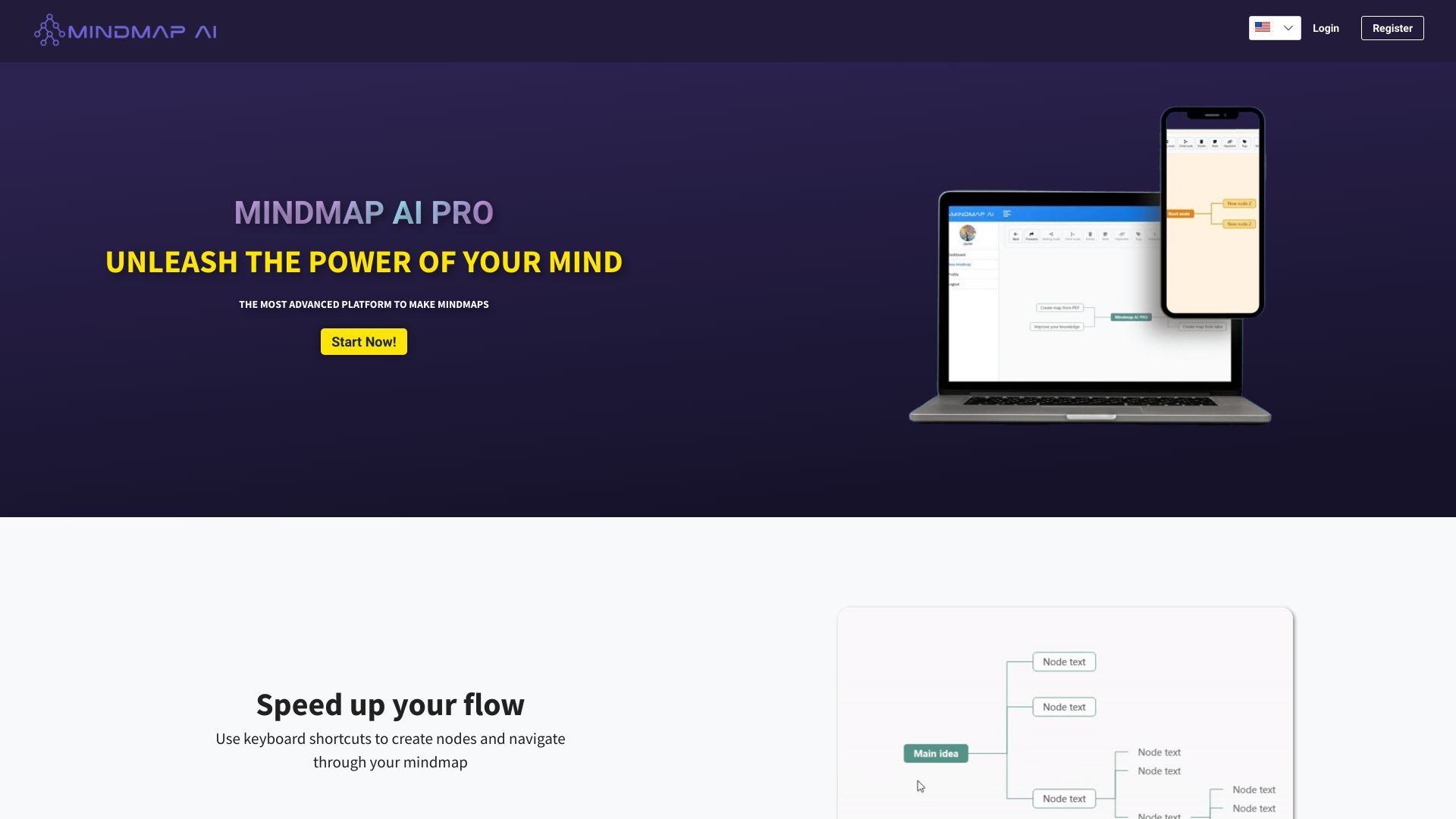
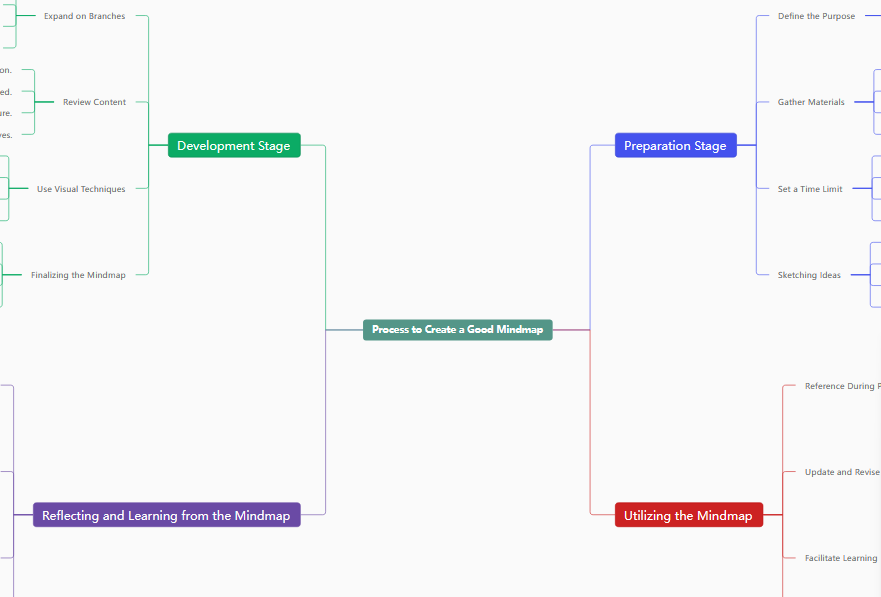
MindMap AI is a web-based mind mapping platform that uses artificial intelligence to convert unstructured content into clear, organized visual maps. It accepts a wide range of inputs, including a simple idea, a PDF document, a YouTube video, or any web URL, and automatically extracts the key concepts to create a structured mind map. This makes it a flexible tool for turning raw information into actionable visuals quickly. The platform goes beyond basic diagramming by offering real-time collaboration, so teams can work on the same map together. Users can customize maps with notes, icons, media, links, connections, and tags, and choose from customizable themes to match their needs. Maps can also be shared via public links or exported as PDF, PNG, or JPEG files, making them easy to use in presentations and reports. MindMap AI is designed for anyone who needs to organize information efficiently, from students and researchers to professionals and teams. Its keyboard shortcuts and AI-driven workflow aim to reduce the time spent on manual structuring, allowing users to focus on thinking, learning, and decision-making. The product offers a free entry point without requiring a credit card, with a quick setup process and the option to cancel at any time.
SpecificationsAI-estimated
Key Features of MindMap AI
Use Cases for MindMap AI
Brainstorming and organizing ideas
Turn a rough concept or thought into a structured, visual mind map to explore connections and plan next steps.
Summarizing documents
Upload PDFs to automatically extract key concepts and create concise visual summaries for reports or research.
Learning from video content
Convert YouTube videos into organized mind maps highlighting main points for easier review and note-taking.
Analyzing web pages
Paste a URL to condense articles, documentation, or blog posts into the most relevant content.
Team planning and collaboration
Work in real time with team members to map out goals, tasks, and project structures.
Preparing presentations
Export maps as PDF, PNG, or JPEG and use them as clear visual aids to improve presentations.
How to use MindMap AI?
Upload your content
Share an idea, upload a PDF, paste a YouTube URL, or enter any web link.
AI processes
The AI analyzes and structures the information automatically.
Get your map
Receive a visual, organized mind map ready to use or customize.
Pros & Cons of MindMap AI
Pros
- AI-powered generation from multiple sources including ideas, PDFs, YouTube videos, and URLs
- Real-time team collaboration on mind maps
- Multiple export formats: PDF, PNG, and JPEG
- Keyboard shortcuts for faster workflow
- No credit card required to start free
Cons
- No offline mode is mentioned, so the AI-powered map creation likely requires an internet connection.
- Desktop and mobile apps are not mentioned; the product appears to be web-based only.
- Free plan limits, such as the number of maps or AI queries, are not disclosed.
- Complex or nuanced source material may need manual review and editing after AI processing.
Frequently Asked Questions
What is MindMap AI?
MindMap AI is a web-based platform that uses artificial intelligence to turn ideas, PDFs, YouTube videos, and web URLs into visual, organized mind maps.
What types of content can I use to create a mind map?
You can start from an idea, upload a PDF, paste a YouTube URL, or enter any web link.
How does the AI create the mind map?
After you upload your content, the AI analyzes and structures the information automatically, delivering an organized visual map.
Can I collaborate with my team?
Yes, you can share and collaborate in real time with your team on mind maps.
Can I export or share my mind maps?
You can share them through public links or export them as PDF, PNG, or JPEG files for presentations.
Is a credit card required to start?
No, you can start free today with no credit card required, set up in about 2 minutes, and cancel anytime.
Are there keyboard shortcuts?
Yes, keyboard shortcuts let you create, edit, and navigate mind maps without using the mouse, helping you work faster.
Can I customize the look and content of my mind map?
Yes, you can customize maps with custom notes, icons, media, links, connections, and custom tags, and apply customizable themes.
Reviews & Ratings0.0
No reviews yet. Be the first to write one!
Top Alternatives & Similar Software
View all alternatives & similar software→



People also viewed


Related searches
Is this your tool?
Claim this page to update details, reply to user reviews, and drive more traffic to your product.
Claim this Product →
Tags
Explore Related Topics
Keep up with MindMap AI alternatives
New alternatives, pricing changes and the week's biggest movers - one email every Tuesday.