



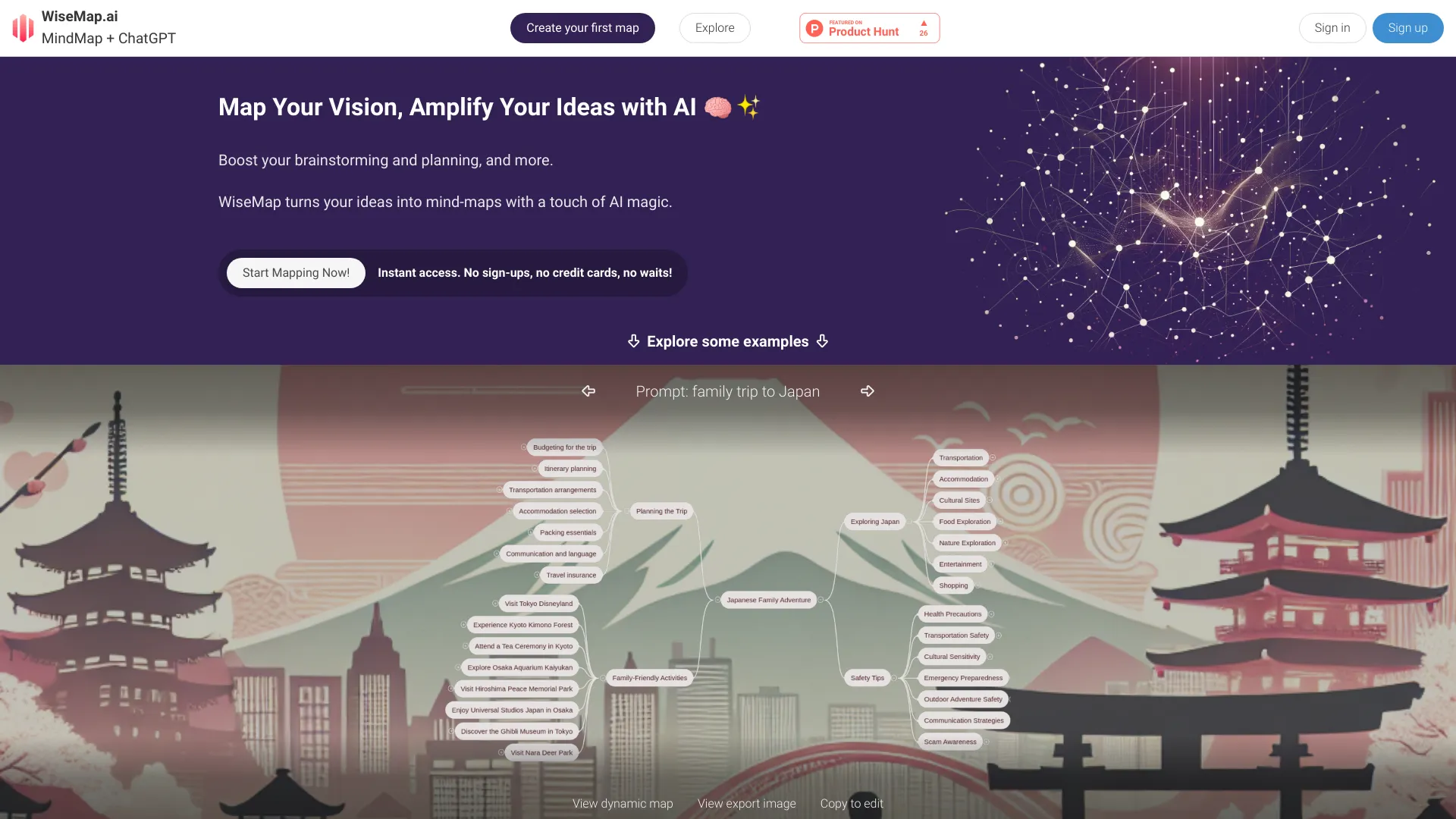
What is WiseMap?
WiseMap combines mind mapping with ChatGPT to help users turn ideas into dynamic mind maps. It offers automated mapping, AI auto-expansion, chat-based map refinement, AI-generated backgrounds, manual editing, and sharing features.
SpecificationsAI-estimated
Key Features of WiseMap
Use Cases for WiseMap
Brainstorming Sessions
Facilitate dynamic and productive team brainstorming online, with AI suggesting ideas and connections.
Innovation Management
Streamline new idea management, evaluating feasibility and development stages with AI insights.
Educational Purposes
Enhance student learning by organizing notes and ideas into mind maps, facilitated by AI.
Goal Setting
Map out personal goals visually with actionable steps suggested by AI.
Daily Planning & Productivity
Boost daily productivity with task prioritization and planning strategies suggested by AI.
Personal Project Organization
Plan and execute personal projects like renovations or trip planning with AI assistance.
How to use WiseMap?
Start Creating
Go to WiseMap and choose to create your first map.
Enter a Prompt
Provide a prompt or describe what you want the mind map to cover. You can use your own language.
Use Examples or Web Search
Try one of the built-in example prompts or search the web for relevant content (available for registered users).
Generate the Map
Let the AI create the initial mind map structure. You can also add an AI-generated background image.
Edit and Expand
Manually edit nodes or ask the AI to auto-expand the map with related ideas.
Share or Export
Share the map publicly or privately, export it as an image, or copy it to edit further.
Pros & Cons of WiseMap
Pros
- Instant access with no sign-up or credit card required
- AI-powered mind map generation from simple prompts
- Chat with the map to refine and update ideas naturally
- Auto-expand maps with related ideas
- Useful for brainstorming, planning, education, and productivity
- Supports sharing and earning credits
Cons
- Web search integration is only available for registered users
- Requires agreement to Terms of Service and Privacy Policy
Frequently Asked Questions
Do I need to sign up to use WiseMap?
No, WiseMap offers instant access with no sign-ups, credit cards, or waits.
Can I edit the mind maps manually?
Yes, WiseMap allows unlimited manual edits to personalize every node.
Does WiseMap use AI?
Yes, WiseMap is powered by AI to automate mapping, expand ideas, and let you chat with your map.
Can I share my maps?
Yes, you can keep maps private or share them with the world and earn credits for each copy.
Pricing Overview
View full pricing →Pricing page does not contain any explicit pricing or plan names.
Detailed plans are not listed. Visit the official website for pricing information.
Reviews & Ratings0.0
No reviews yet. Be the first to write one!
Top Alternatives & Similar Software
View all alternatives & similar software→



People also viewed


Related searches
About the Product
Is this your tool?
Claim this page to update details, reply to user reviews, and drive more traffic to your product.
Claim this Product →
Explore Related Topics
Keep up with WiseMap alternatives
New alternatives, pricing changes and the week's biggest movers - one email every Tuesday.