


Canary Mail vs eM Client
Side-by-side comparison of features, pricing, ratings, and alternatives.


Canary Mail is an email client that brings multiple email accounts into a single unified inbox while layering in AI features like an email writing assistant, thread summarization, and automatic categorization. It also focuses on security with PGP end-to-end encryption and phishing protection built directly into the app.
eM Client is a desktop email application for Windows and macOS (with companion Android/iOS apps) positioned as an alternative to Outlook and Thunderbird. It bundles email, calendar, tasks, notes, and chat into one interface, with inbox categorization, quick actions, and an AI add-on for drafting and summarizing. The free tier covers up to two accounts for personal, non-commercial use, while paid Personal and Business licenses remove that account limit and unlock features like PGP message encryption, snooze, translation, and mass mail tools. Licenses are available as annual subscriptions or one-time lifetime purchases, and mobile apps are free without a separate license.
- Combines AI productivity features with real security (PGP)
- Free plan available for personal use
- Available across desktop, mobile, and web
- Lifetime purchase option avoids recurring billing
- Flexible licensing: choose annual subscription or one-time lifetime purchase.
- Combines mail, calendar, tasks, and chat in one app instead of separate tools.
- Free tier is usable indefinitely for light personal use, not just a time-limited trial.
- Mature Outlook-style interface familiar to long-time Windows email users.
- Advanced security features are locked to the higher Pro+ tier
- Device limits apply even on paid plans
- AI features may require an internet connection to function
- Free tier is capped at 2 accounts, pushing regular multi-account users to a paid license.
- No native Linux desktop client, unlike some open-source competitors.
- Business per-device pricing can add up quickly for larger teams compared to per-user SaaS tools.
More alternatives & similar tools
Alternatives to Canary Mail
View all →


Alternatives to eM Client
View all →
Mozilla's free, open-source email client with built-in calendar and deep add-on customization.

Unified desktop email client for Windows and Mac that combines multiple inboxes into one workspace.
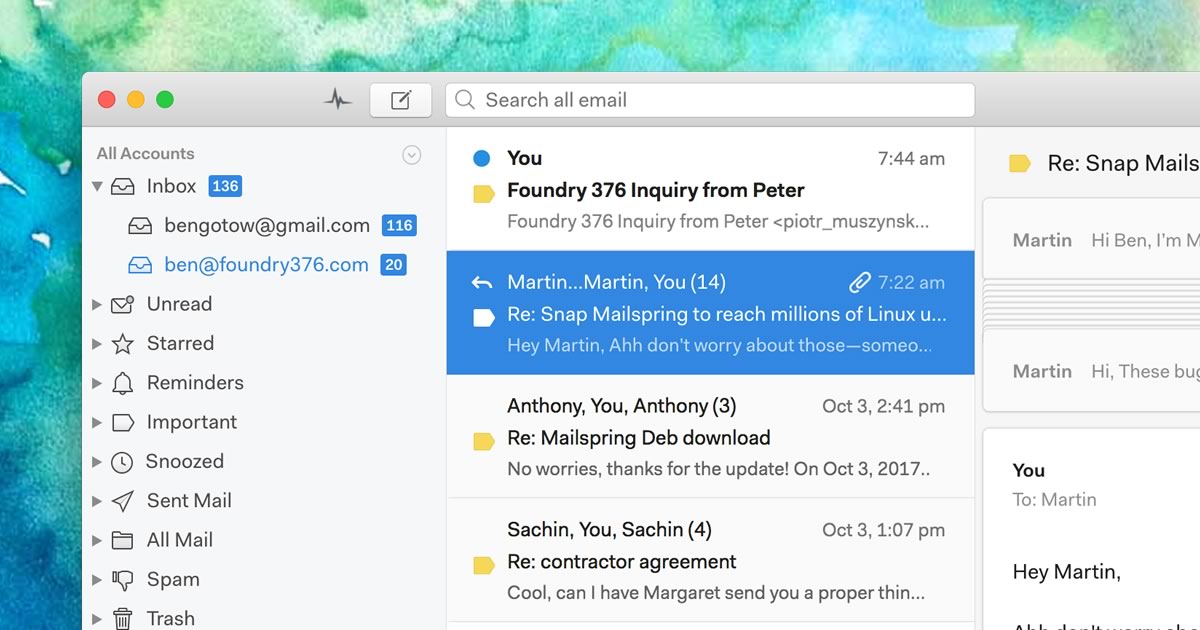
A native desktop email client for Mac, Windows, and Linux with read receipts and send-later.
The Verdict
AI-generated from listing dataBoth eM Client and Canary Mail offer freemium AI‑enhanced email with encryption, but eM Client provides a more mature Outlook‑style desktop suite with flexible licensing, while Canary Mail focuses on a unified inbox and stronger security features at the cost of limited device counts.
Key differences
- •eM Client includes built‑in calendar, tasks, notes, and chat; Canary Mail is primarily an email client.
- •Canary Mail offers PGP plus SecureSend for HIPAA‑level messages; eM Client only mentions PGP encryption.
- •eM Client provides both annual subscription and one‑time lifetime licenses; Canary Mail’s lifetime option is noted but pricing details are unclear.
- •Canary Mail has AI features that require internet connectivity; eM Client’s AI add‑on is described without that limitation.
- •Business licensing: eM Client offers a license manager for organization deployment; Canary Mail does not mention any business‑level deployment tools.
Pricing & value
eM Client offers both subscription and one‑time lifetime options; Canary Mail only mentions freemium and a lifetime purchase without detail.
Ease of use / learning curve
eM Client uses an Outlook‑style interface familiar to Windows users; Canary Mail’s unified inbox is newer and may require adjustment.
Features & depth
eM Client bundles calendar, tasks, notes, and chat, whereas Canary Mail focuses on email‑only features.
Integrations & ecosystem
eM Client supports IMAP/POP3/Exchange and includes a license manager for business deployment; Canary Mail lists only desktop deployment.
Collaboration
Canary Mail provides phishing/BEC detection and SecureSend for HIPAA messages, enhancing secure collaboration.
Scalability
Canary Mail’s Pro+ tier adds advanced security for larger teams, though device limits exist; eM Client per‑device pricing can become costly for large teams.
Support
eM Client offers forum support free and paid VIP support; Canary Mail’s support options are not specified.
Security & privacy
Canary Mail includes HIPAA‑grade SecureSend and BEC detection; eM Client only mentions PGP encryption.
Migration / lock‑in
Both provide freemium tiers and no open‑source code; migration effort depends on user data export tools not detailed.
Choose Canary Mail if…
Power users or professionals prioritizing advanced email security and unified inbox across devices.
Choose eM Client if…
Windows/Mac users needing a full Outlook‑style suite with calendar, tasks, and flexible licensing.
Common questions
Which product offers a calendar and task management built‑in?
eM Client includes calendar, tasks, notes, and chat; Canary Mail does not.
Do either of the tools provide HIPAA‑level encryption?
Canary Mail offers SecureSend for HIPAA‑sensitive messages; eM Client only mentions PGP encryption.
What licensing models are available?
eM Client offers annual subscription and one‑time lifetime licenses; Canary Mail offers a freemium plan and a lifetime purchase option, but details are limited.