


ChangeFace.ai vs Photify AI
Side-by-side comparison of features, pricing, ratings, and alternatives.
ChangeFace.ai is an online AI face swap tool that replaces a face in a target photo with a face from a separate source image. You simply upload two photos—the image you want to edit and the face you want applied—and the service generates a realistic composite at a fixed ultra quality setting. It is designed as a fast, no-experience alternative to manual Photoshop compositing, letting non-designers produce natural-looking face swaps without touching layers, masks, or color curves. The tool automates the most complex parts of face swapping: it aligns facial landmarks, adapts skin tone, and blends edges automatically so the replacement face matches the target image's pose, lighting, and expression. It handles different angles and lighting conditions reasonably well, though input quality matters—clear, front-facing, evenly lit photos produce the most convincing results. For repetitive workflows, the simple upload-generate-download loop makes it easy to iterate quickly through multiple face options. ChangeFace.ai is aimed at content creators assembling social media visuals, marketers testing ad concepts, designers mocking up campaigns, and anyone who needs a quick realistic face replacement in a photo. The tool currently supports one face swap per generation, so group photos require cropping and re-running, and it offers fewer fine-tuning controls than professional compositing packages. It is best for users who value speed and ease of use over granular editing control.
Photify AI is an AI-powered photo generator that turns a single selfie into a set of stylized, professional-looking portraits in about two seconds. Rather than requiring a camera setup, photographer, or editing skills, users upload one photo of themselves and receive a range of AI-generated looks, making it a quick route to headshots, avatars, and creative portrait styles. The platform is organized around themed "packs" that bundle related looks, letting users explore different aesthetics and pick the ones that suit their needs. Because the generation is driven by a single selfie, the workflow stays minimal: upload, choose a pack, and review the results. The app is offered free to get started, lowering the barrier for people who want to experiment before committing to anything further. Photify AI is best suited to individuals who want polished profile pictures, social media avatars, or playful portrait variations without booking a photo session. Freelancers, job seekers updating a LinkedIn photo, creators building a personal brand, and casual users who simply enjoy experimenting with AI imagery will find it especially useful.
- Extremely easy to use: no editing or design skills required
- Fast iteration for testing multiple face options quickly
- Automatic skin tone adaptation, feature alignment, and edge blending
- No installation or software setup—works entirely in the browser
- Generates new looks from just one selfie, with no photo shoot required
- Fast turnaround, delivering results in roughly two seconds
- Free app available to start without upfront cost
- Themed photo packs offer a variety of styles to explore
- Only one face swap per generation—group photos require cropping and re-running the tool for each face
- Output quality is fixed at ultra quality with no user-adjustable settings
- Results depend heavily on input image clarity, face angle, and lighting; poor inputs can produce blurry or distorted swaps
- No fine-grained manual controls for masks, edges, or color curves
- Output quality and realism depend heavily on the quality of the source selfie
- Limited detail on pricing tiers and what the paid packs include on the page
- Does not specify privacy or data retention practices in the scraped content
More alternatives & similar tools
Alternatives to ChangeFace.ai
View all →

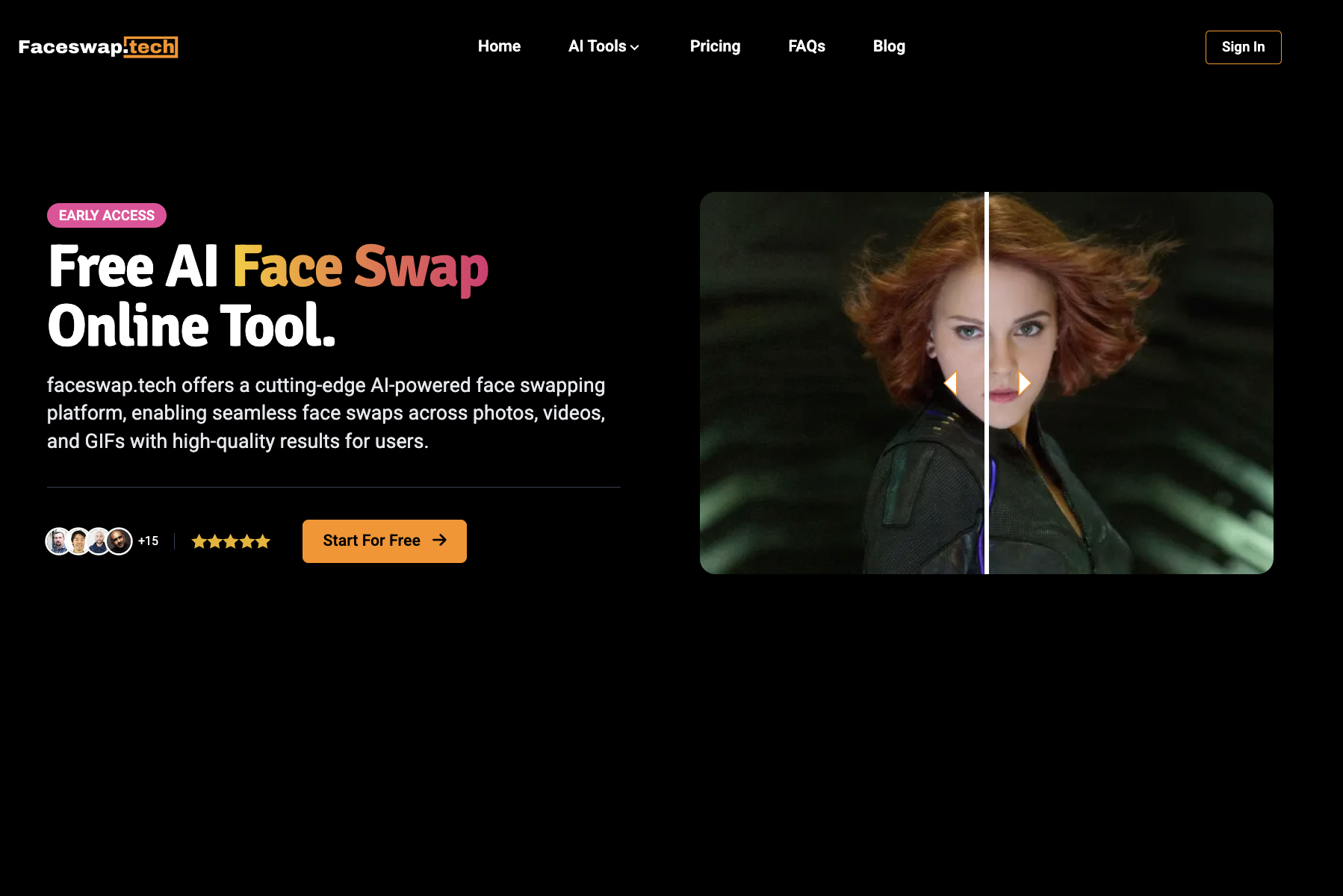
Swap faces in photos, videos, and GIFs with AI in seconds—free, watermark-free, and entirely online.

Alternatives to Photify AI
View all →
Free, unlimited AI image generation without sign-up - create stunning girl images and more in seconds.
The Verdict
AI-generated from listing dataChangeFace.ai is the stronger pick for creators and marketers who need controlled, repeatable face swaps in photos, while Photify AI suits consumers wanting quick, low-effort portrait looks from a single selfie. The main trade-off is depth and swap control (A) versus speed and casual simplicity (B), with pricing for both largely unspecified.
Key differences
- •Core purpose: ChangeFace.ai swaps a source face onto a target photo, while Photify AI generates new portrait looks from one selfie.
- •Input model: ChangeFace.ai needs two uploads (target image and your face); Photify AI needs only one selfie.
- •Multi-face handling: ChangeFace.ai does one swap per generation and requires re-running for groups; Photify AI does not specify group handling.
- •Speed and platform: Photify AI cites about two seconds per generation and a mobile app; ChangeFace.ai runs in-browser with no installation and no stated timing.
- •Control: ChangeFace.ai has fixed ultra output with no fine-grained controls; Photify AI offers themed photo packs but no stated adjustment options.
Pricing & value
Photify AI offers a free app with paid packs; ChangeFace.ai pricing is unknown, so value is hard to confirm.
Ease of use / learning curve
ChangeFace.ai needs only two uploads and one click; Photify AI needs one selfie and select. Both require no editing skill.
Features & depth
ChangeFace.ai offers feature alignment, skin tone adaptation, and lighting blending; Photify AI lists themed packs but little technical depth.
Integrations & ecosystem
Integrations are not specified for either product.
Collaboration
Collaboration features are not specified for either product.
Scalability
ChangeFace.ai is cited for fast iteration on ad visuals and content variations at volume; Photify AI scale is not specified.
Support
ChangeFace.ai includes a built-in troubleshooting guide for blurry results and edge artifacts; Photify AI support is not specified.
Security & privacy
Neither product's privacy or data retention practices are specified in the provided facts.
Migration / lock-in
Export formats and lock-in terms are not specified for either product.
Choose ChangeFace.ai if…
A content creator or marketer testing multiple face variations for ad visuals or content at volume.
Choose Photify AI if…
A consumer wanting quick, free AI portrait looks from a single selfie on mobile.
Common questions
Which is cheaper?
Photify AI has a free app with paid photo packs, but ChangeFace.ai pricing is unknown, so a direct cost comparison isn't possible from the facts provided.
Can either handle group photos with multiple faces?
ChangeFace.ai handles one face swap per generation, so group photos require cropping and re-running for each face. Photify AI's handling of groups is not specified.
Which is easier for a non-designer?
Both need no editing experience. ChangeFace.ai requires two uploads and one click, while Photify AI requires only one selfie and a simple selection.