


Photify AI vs PhotoBoutique
Side-by-side comparison of features, pricing, ratings, and alternatives.
Photify AI is an AI-powered photo generator that turns a single selfie into a set of stylized, professional-looking portraits in about two seconds. Rather than requiring a camera setup, photographer, or editing skills, users upload one photo of themselves and receive a range of AI-generated looks, making it a quick route to headshots, avatars, and creative portrait styles. The platform is organized around themed "packs" that bundle related looks, letting users explore different aesthetics and pick the ones that suit their needs. Because the generation is driven by a single selfie, the workflow stays minimal: upload, choose a pack, and review the results. The app is offered free to get started, lowering the barrier for people who want to experiment before committing to anything further. Photify AI is best suited to individuals who want polished profile pictures, social media avatars, or playful portrait variations without booking a photo session. Freelancers, job seekers updating a LinkedIn photo, creators building a personal brand, and casual users who simply enjoy experimenting with AI imagery will find it especially useful.
PhotoBoutique is an AI photo generator that transforms a handful of selfies into custom avatars, professional headshots, and stylized portraits. Instead of applying a one-size-fits-all filter, it trains a personalized AI model on 10-35 photos of your face and uses that model to create images that look like you. The whole training process takes roughly one hour, after which you can download, enhance, and share your new photos. The app focuses on three core experiences: AI Professional Headshot, Avatar Creator, and AI Photo Generator. It is designed for people who want a polished LinkedIn-style headshot, a distinctive profile picture, or a fun set of AI portraits in a variety of artistic styles. Reviewers highlight the realistic detail, ease of use, and high quality of the final images, with several saying the results are suitable for professional work profiles. PhotoBoutique is a good fit for busy professionals, job seekers, social media users, and anyone who wants to refresh their digital identity. Since it does not require photo editing skills, the workflow is simple: upload enough clear face photos, wait for the model training to finish, and then browse the generated collection. The result is a fast, approachable way to unlock creative visual possibilities from ordinary selfies.
- Generates new looks from just one selfie, with no photo shoot required
- Fast turnaround, delivering results in roughly two seconds
- Free app available to start without upfront cost
- Themed photo packs offer a variety of styles to explore
- Creates highly realistic AI avatars and headshots, based on App Store user reviews.
- Easy three-step workflow makes it accessible to non-editors.
- Generates a wide variety of artistic styles and themes.
- Can be used for professional work profiles and social media.
- Output quality and realism depend heavily on the quality of the source selfie
- Limited detail on pricing tiers and what the paid packs include on the page
- Does not specify privacy or data retention practices in the scraped content
- Requires uploading 10-35 photos of your face, which can be time-consuming and raises privacy considerations.
- AI training and generation are not instant; users wait about one hour before photos are ready.
- The website does not mention a free plan, offline mode, or Android availability, so the full platform and pricing picture is unclear.
- The product is focused on AI avatars, headshots, and portraits rather than general-purpose photo editing.
More alternatives & similar tools
Alternatives to Photify AI
View all →Free, unlimited AI image generation without sign-up - create stunning girl images and more in seconds.
Alternatives to PhotoBoutique
View all →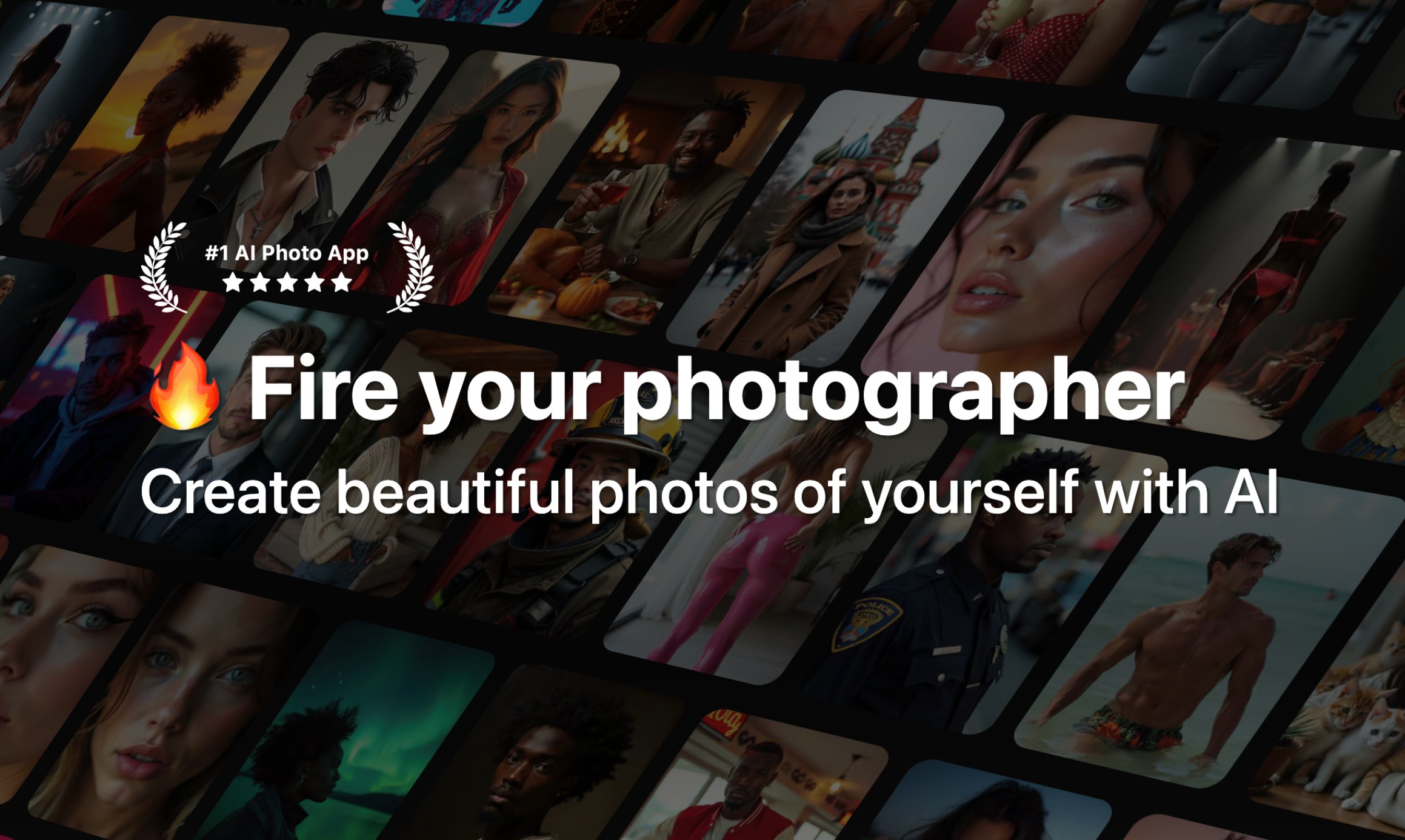
The Verdict
AI-generated from listing dataPhotoBoutique offers deeper, more realistic personalized output but needs 10-35 face photos and about an hour of training, while Photify AI is faster and easier with a free app but depends heavily on a single selfie's quality. The main trade-off is quality and privacy exposure versus speed and low effort.
Key differences
- •Input requirement: PhotoBoutique needs 10-35 photos of your face to train a custom model, whereas Photify AI generates looks from just one selfie.
- •Turnaround: PhotoBoutique takes about one hour for training and generation; Photify AI delivers results in about two seconds.
- •Output approach: PhotoBoutique trains a personalized model on your face and offers avatars, headshots, and artistic styles; Photify AI offers themed photo packs with multiple looks.
- •Pricing: PhotoBoutique's pricing is unknown and no free plan is mentioned; Photify AI offers a free app with paid photo packs, though pack contents are unclear.
- •Privacy: PhotoBoutique's multi-photo upload raises privacy considerations; Photify AI's privacy and data retention practices are not specified.
Pricing & value
Photify AI has a free app to start; PhotoBoutique's pricing and free plan are not specified.
Ease of use / learning curve
Photify AI needs only a single selfie and minimal workflow; PhotoBoutique requires gathering 10-35 photos first.
Features & depth
PhotoBoutique offers custom model training, avatars, headshots, and styles from classic to contemporary; Photify offers themed packs.
Integrations & ecosystem
Integrations are not specified for either product; both support downloading and sharing results.
Collaboration
Collaboration features are not specified for either product.
Scalability
Scalability information is not specified for either product.
Support
Support options are not specified for either product.
Security & privacy
Photify AI's page does not specify privacy practices, but PhotoBoutique's 10-35 face uploads raise greater privacy concerns.
Choose Photify AI if…
You want fast, low-effort portrait looks from one selfie and a free starting point.
Choose PhotoBoutique if…
You want highly realistic, personalized headshots or avatars and can wait an hour and supply many photos.
Common questions
Which is cheaper to start with?
Photify AI offers a free app to get started with paid photo packs; PhotoBoutique's pricing and any free plan are not specified.
How hard is each to use?
Photify AI needs just one selfie with a minimal workflow; PhotoBoutique follows a three-step process but requires uploading 10-35 photos of your face.
Which produces more realistic results?
PhotoBoutique's personalized model is praised for realistic, high-detail output in user reviews; Photify AI's quality depends heavily on the source selfie.