


Hotpot.ai vs PhotoAI
Side-by-side comparison of features, pricing, ratings, and alternatives.

Hotpot.ai is an online AI creative suite built around the idea that AI should amplify human imagination. It offers an AI image generator that turns a few words into original images, plus an AI video generator that animates photos, characters, or scenes from simple prompts. The platform also includes a dedicated AI headshot studio for professional, lifestyle, glamour, and real-estate portraits, and an AI photo editor for transforming images with text commands. Beyond core generation, Hotpot.ai provides a practical set of photo tools: an upscaler for enlarging images, a colorizer and restorer for old pictures, and a background remover for isolating subjects. Themed portrait packs let users create Halloween costumes or fantasy hero looks, with options for cinematic live-action or painted art styles. All of these features can be started from a single photo or a few descriptive words, making advanced media creation accessible to non-designers. The service is positioned as a more affordable and easier alternative to professional graphic design, with a mission to make graphic design and media creation 10x easier. It is aimed at anyone who wants personal branding, social media visuals, fantasy portraits, or quick photo improvements without learning complicated software. Hotpot.ai is operated by Panabee, LLC and delivered entirely through the browser.
PhotoAI is an online AI-powered photo and video generator designed for anyone who wants to transform a single uploaded photo into stylized portraits, themed images, or short AI-generated videos. It offers a library of more than 1000 AI photo and video effects, spanning professional headshots, dating photos, YouTube thumbnails, seasonal themes like autumn and Christmas, plus anime, fantasy, superhero, and glamour styles. The workflow is intentionally simple: choose an effect, upload a clear photo, and let the AI create a new visual result. No Photoshop or video editing experience is required. The platform also supports photo-to-video effects, turning still images into short AI video clips, and allows users to generate multiple versions so they can pick the result that works best. With a strong focus on memes, viral trends, and social media content, PhotoAI targets casual creators and everyday users who want eye-catching content without learning complex editing tools. It makes AI photo experimentation accessible, convenient, and practical for anyone looking to refresh their profile pictures, create fun content, or explore new visual styles.
- All-in-one creative platform covering AI images, AI videos, AI headshots, and AI photo editing.
- Simple prompt-based and one-photo workflows require no design or coding experience.
- Themed portrait packs for Halloween and fantasy heroes make unique, shareable results easy.
- Includes practical restoration tools like upscaler, colorizer, restorer, and background remover.
- Huge library of 1000+ AI photo and video effects
- No editing or design skills required to get results
- Combines AI photo generation and photo-to-video in one platform
- Great for memes, viral trends, and social media content
- No transparent pricing or free-tier details are shown on the homepage.
- Requires an internet connection and online account; no offline desktop app is mentioned.
- No mention of team collaboration, API access, or enterprise management features.
- AI generation may require multiple attempts or paid credits for final-quality results.
- AI results can vary between generations, so faces, hands, hair, and movement may need review
- Quality depends on uploading a clear, well-lit source image
- Web-based only, with no mention of an offline or native desktop version
- Users may need to try several versions before getting the desired output
More alternatives & similar tools
Alternatives to Hotpot.ai
View all →
Generate, edit, transform, upscale, and combine AI tools on one canvas without ever starting over.


Turn a single photo into 1000+ AI-powered images and short videos with no editing skills required.
Turn everyday selfies into studio-quality, personalized AI headshots in under 30 minutes.
Alternatives to PhotoAI
View all →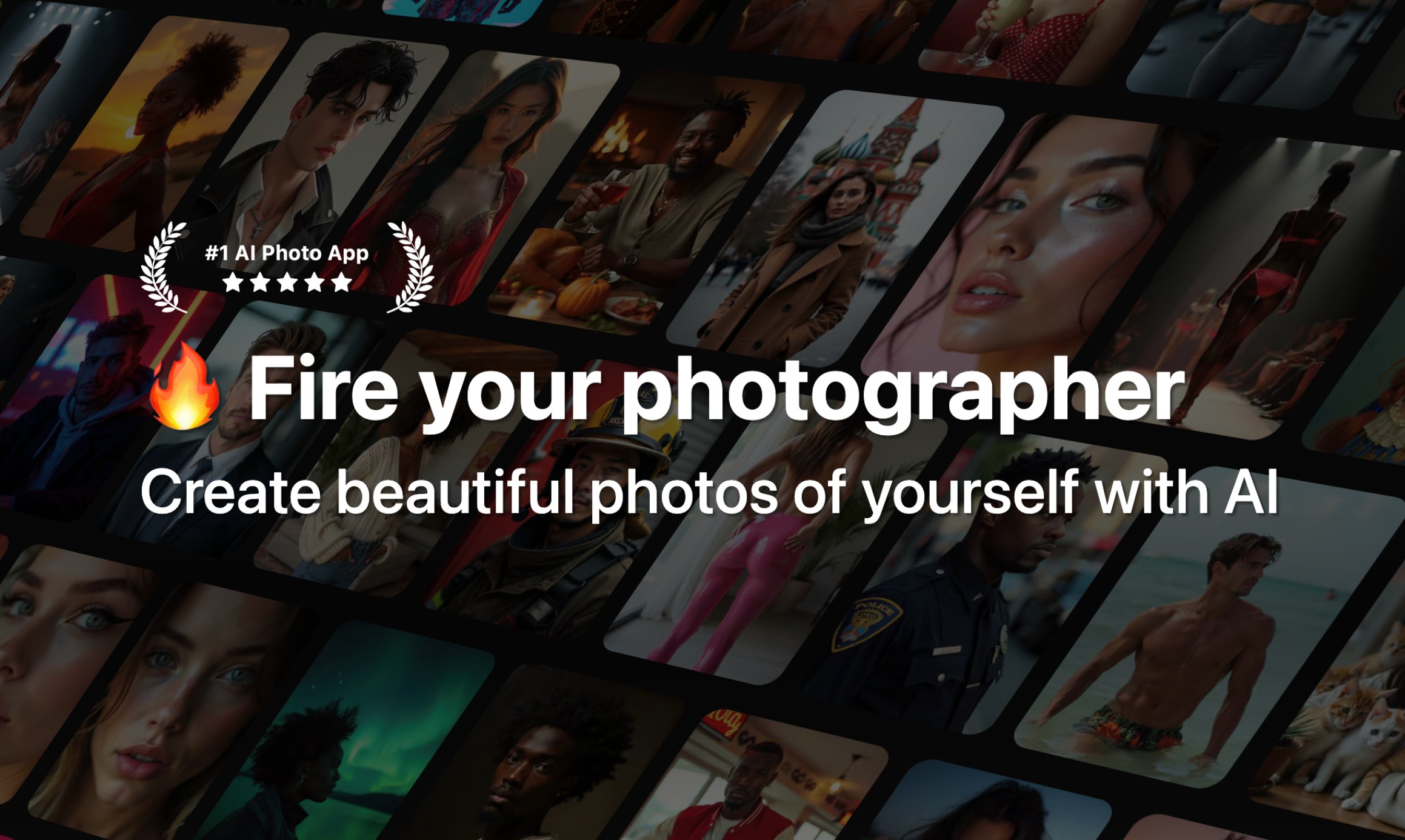

The Verdict
AI-generated from listing dataHotpot.ai offers a broader all‑in‑one creative suite (images, videos, headshots, editing tools) while PhotoAI focuses on a massive library of ready‑made effects for fast social‑media content.
Key differences
- •Hotpot provides text‑to‑image/video generation and dedicated photo‑editing tools; PhotoAI relies on uploading a single photo and applying pre‑built effects.
- •Hotpot includes AI headshot styles and themed portrait packs; PhotoAI’s library is marketed as 1000+ meme‑oriented effects.
- •Hotpot’s workflow is prompt‑driven and can start from scratch; PhotoAI always requires a source photo.
- •Hotpot emphasizes creative flexibility across media types; PhotoAI emphasizes speed and zero‑skill, one‑click transformations for social platforms.
Pricing & value
Both list pricing as unknown; no pricing details are provided for either product.
Ease of use / learning curve
Both are web‑based with no design or editing skills required; each markets a simple, prompt or one‑click workflow.
Features & depth
Hotpot offers text‑to‑image, text‑to‑video, AI headshots, and dedicated photo tools (upscaler, colorizer, restorer, background remover).
Integrations & ecosystem
Neither product mentions APIs, third‑party integrations, or ecosystem connections.
Collaboration
No collaboration, team, or enterprise management features are described for either tool.
Scalability
Both are web services with no information on handling large teams or high‑volume usage.
Support / Security & privacy
Neither product provides details on support channels, security measures, or data‑privacy policies.
Choose Hotpot.ai if…
General consumers or creators who need flexible image/video generation and built‑in editing tools.
Choose PhotoAI if…
Content creators focused on rapid, template‑driven social‑media memes and short videos from a single source photo.
Common questions
Is there a free tier or transparent pricing?
Both products list pricing as unknown; no free‑tier or pricing details are provided in the available information.
Do I need to upload a photo to generate content?
Hotpot can generate images and videos from text prompts alone; PhotoAI requires a clear uploaded photo for all effects.
Can I create custom videos from scratch?
Hotpot supports AI video generation from text or images; PhotoAI only creates short videos by applying effects to an uploaded photo.