


Canary Mail vs Thunderbird
Side-by-side comparison of features, pricing, ratings, and alternatives.


Canary Mail is an email client that brings multiple email accounts into a single unified inbox while layering in AI features like an email writing assistant, thread summarization, and automatic categorization. It also focuses on security with PGP end-to-end encryption and phishing protection built directly into the app.
Thunderbird is a free and open-source desktop email client developed by the Mozilla-backed Thunderbird project, combining email, calendar, and contacts management in one cross-platform application. It supports a unified view across multiple accounts, tagging and advanced filters, and an extensive add-on ecosystem for customization. Funded primarily by user donations rather than ads or data collection, Thunderbird is positioned for privacy-conscious users and organizations who want to own their email experience. It runs on Windows, macOS, and Linux, with an official Android app available through Google Play and F-Droid.
- Combines AI productivity features with real security (PGP)
- Free plan available for personal use
- Available across desktop, mobile, and web
- Lifetime purchase option avoids recurring billing
- Completely free with no premium tier gating core features.
- Open-source codebase is auditable and modifiable by the community.
- Extensive add-on ecosystem rivals browser extension marketplaces for customization depth.
- No ads or data monetization; funded transparently through donations.
- Advanced security features are locked to the higher Pro+ tier
- Device limits apply even on paid plans
- AI features may require an internet connection to function
- Interface feels less modern than newer AI-assisted email clients.
- Mobile experience (Android-only, no official iOS app) lags behind desktop maturity.
- Add-ons can occasionally break across major version upgrades, requiring maintenance.
More alternatives & similar tools
Alternatives to Canary Mail
View all →



Alternatives to Thunderbird
View all →

A free cross-platform email client with AI writing tools, unified inbox, and PGP encryption.
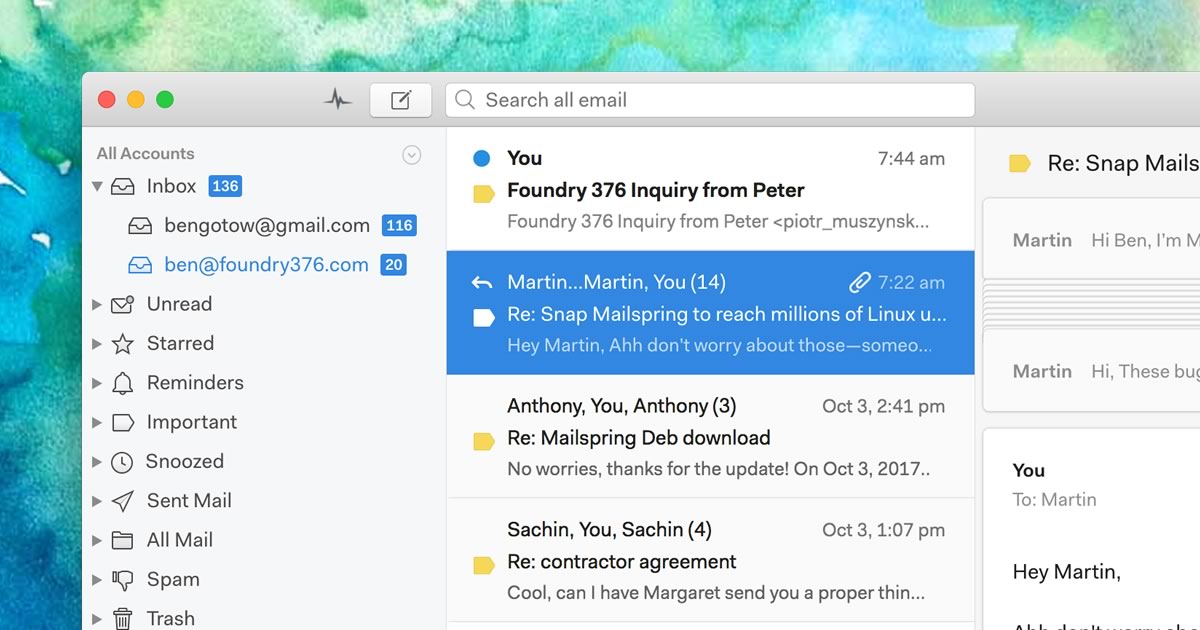
A native desktop email client for Mac, Windows, and Linux with read receipts and send-later.
The Verdict
AI-generated from listing dataThunderbird offers a completely free, open‑source email client with deep customization but limited AI and mobile support, while Canary Mail provides AI‑driven productivity and advanced encryption at a freemium price with some feature lock‑ins.
Key differences
- •Thunderbird is fully free and open‑source; Canary Mail uses a freemium model with paid tiers for advanced features.
- •Thunderbird supports Windows, macOS, Linux, and Android; Canary Mail is available on desktop, mobile, and web but iOS/Android specifics not listed.
- •Thunderbird offers extensive add‑on ecosystem for customization; Canary Mail focuses on built‑in AI tools and encryption.
- •Security: Thunderbird has no built‑in PGP or HIPAA‑grade encryption; Canary Mail includes PGP and SecureSend but only in higher tier.
- •Support: Thunderbird relies on community forums; Canary Mail’s support details not specified beyond product description.
Pricing & value
Thunderbird is completely free with no premium tiers; Canary Mail requires paid plans for advanced security and AI features.
Ease of use / learning curve
Canary Mail offers a modern unified inbox and AI assistants, likely easier for new users than Thunderbird's less modern UI.
Features & depth
Canary Mail includes AI drafting, thread summarization, and built‑in encryption; Thunderbird lacks AI and advanced security features.
Integrations & ecosystem
Thunderbird has a large add‑on marketplace and supports IMAP/POP3/Exchange, CalDAV; Canary Mail’s integrations not detailed.
Security & privacy
Canary Mail provides PGP end‑to‑end encryption and HIPAA‑grade SecureSend (Pro+ tier); Thunderbird has no built‑in encryption.
Support
Thunderbird offers community forums and donation‑funded support; Canary Mail’s support options are not specified.
Scalability / lock‑in
Thunderbird’s open‑source code avoids vendor lock‑in; Canary Mail may lock users into paid tiers for key features.
Choose Canary Mail if…
Professionals who want AI assistance, unified inbox, and built‑in encryption and are willing to pay for premium features.
Choose Thunderbird if…
Privacy‑focused users or organizations needing a free, highly customizable desktop client with community support.
Common questions
Is there any cost to use either product?
Thunderbird is completely free; Canary Mail offers a free tier but charges for advanced AI and security features.
Does either client provide built‑in end‑to‑end encryption?
Canary Mail includes PGP encryption and SecureSend (available in Pro+ tier); Thunderbird does not provide built‑in encryption.
What platforms are supported?
Thunderbird runs on Windows, macOS, Linux, and Android; Canary Mail is available on desktop, mobile, and web (specific OS not listed).