


Speechlab vs VideoLingo
Side-by-side comparison of features, pricing, ratings, and alternatives.

Speechlab is an AI-powered localization and dubbing platform designed for video and audio content. It combines transcription, translation, captioning, subtitling, and dubbing into one unified editor, allowing users to move from raw media to fully localized output without switching between tools. The platform supports more than 50 languages and is aimed at media publishers, marketing teams, corporate learning and development departments, and localization service providers. The product is built around spoken content such as documentaries, podcasts, YouTube videos, audiobooks, product demos, and training modules. Users can start with transcription and then translate, caption, subtitle, or dub as needed. A waveform timeline editor enables segment-level review and correction, while source-clone mode can preserve a speaker's voice characteristics in another language. For multi-speaker content, each speaker can be cloned independently, making it suitable for interviews, panel discussions, and narrative media. Speechlab uses transparent per-minute credit pricing and includes a free tier with two projects. Pro plans add unlimited media length, 4K resolution, sharing for review, and API access. Enterprise plans include bulk processing, API integration, human linguist review, custom voices, role-based access, white-label options, and invoice billing. The platform is designed for teams that need quality control, collaboration, and integration into existing media or translation pipelines.
VideoLingo is an AI-powered video localization platform that generates cinema-grade bilingual subtitles and natural dubbing, aiming to connect audiences across language barriers frame by frame. Built for content creators, educators, and global teams, it goes beyond simple machine translation by adding cultural localization, domain-specific terminology handling, and polished single-line subtitles with precise timing. The platform is currently in Beta and offers a free trial covering up to 15 minutes of video. With a strong open-source community background, the project has earned more than 18,740 stars on GitHub and emphasizes continuous improvement and collaborative development. Its processing pipeline is designed for speed: users can upload content, choose target languages, and receive localized videos in just a few clicks. The service supports 8+ languages and is frequently praised by technical instructors, bloggers, and designers for accurately capturing jargon and preserving the original speaker's tone and intent. VideoLingo is especially valuable for technical content creators who need precise subtitle translations for programming tutorials, online courses, and professional training materials. The combination of cultural adaptation, domain expertise, and natural voice synthesis makes it a versatile tool for making knowledge accessible globally, without the stiff, robotic feel typical of automated translation and dubbing.
VideoLingo offers a free tier with limited features plus paid subscription plans at $5 per month for Starter and $30 per month for Pro.
- All-in-one editor for transcription, translation, captioning, subtitling, and dubbing
- Multi-speaker voice cloning that preserves original speaker identity
- Support for 50+ languages with native-voice options
- Transparent per-minute pricing with a free tier for new users
- Cinema-grade bilingual subtitles with accurate cultural localization
- Domain-specific terminology handling for technical content
- Natural voice synthesis preserves emotional tone and speaking style
- Fast, streamlined workflow requiring only a few clicks
- Only 2 free dubbing projects are included before paid credits are required
- Voice cloning availability varies by language pair
- Credit-based pricing can become expensive for long or multi-language content
- White-glove human review and custom voices are reserved for enterprise plans
- Currently in Beta, so features and stability may evolve over time
- Free tier is limited to 15 minutes of video
- Only 8+ languages are supported, which may not cover all regions or dialects
- The homepage lacks detailed information about advanced editing or enterprise features
More alternatives & similar tools
Alternatives to Speechlab
View all →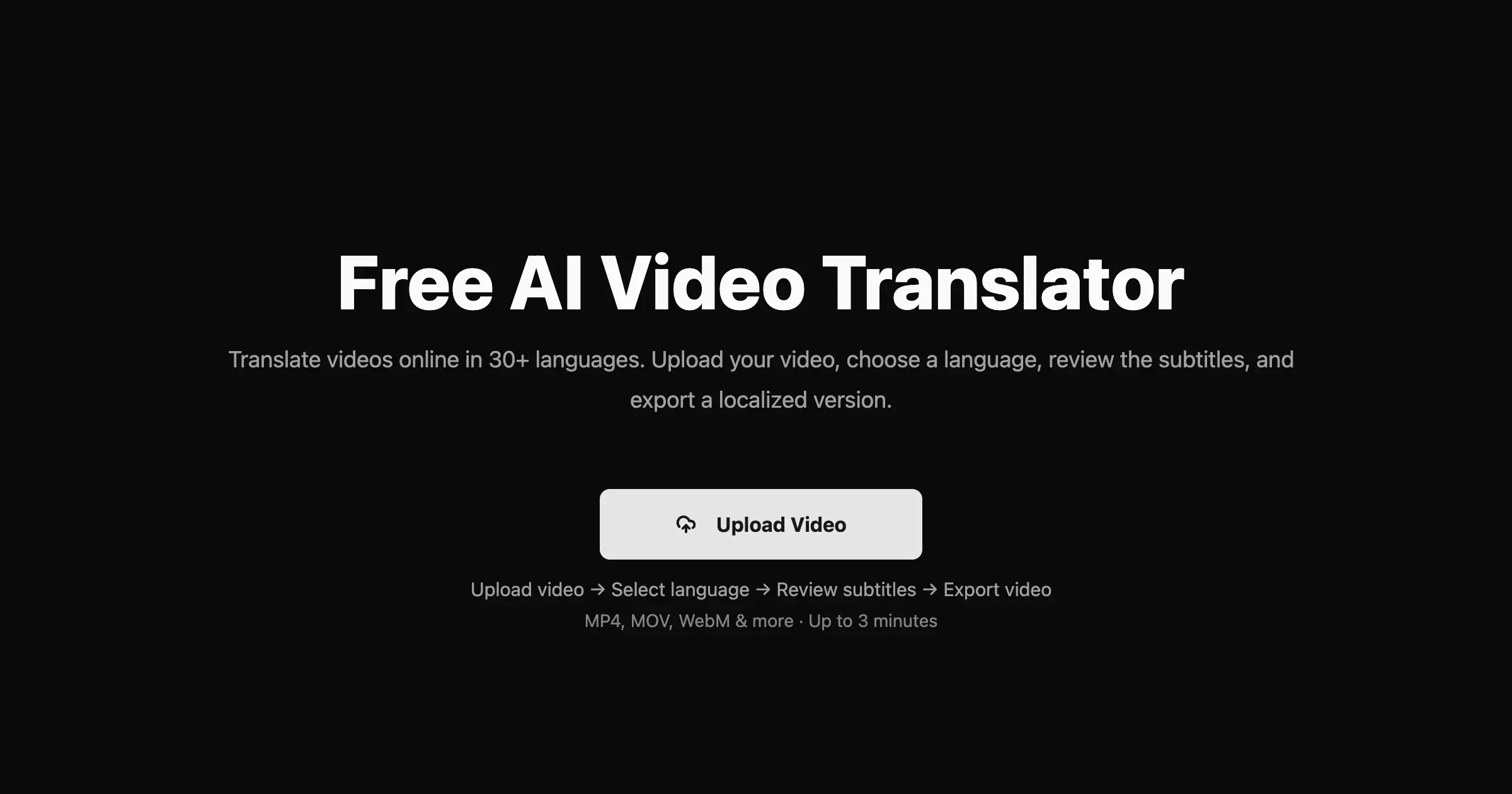

One AI-powered cloud suite to transcribe, subtitle, translate, voice, summarize, and generate video — fast and simple.

Automate shorts, thumbnails, titles, publishing, and localization for every video you create.
AI-powered cinema-grade bilingual subtitles and dubbing that localize video content frame by frame.
Alternatives to VideoLingo
View all →
Translate your videos seamlessly in 140+ languages with natural voice clone and preserve authentic speaking styles.
.png)
One AI editor to localize any video or audio into 50+ languages through dubbing, translation, captions, and subtitles.

Translate videos into 170+ languages with AI voices, voice cloning, subtitles, and lip-synced dubbing—all in one online studio.
The Verdict
AI-generated from listing dataSpeechlab offers a broader language set, deeper editing, and enterprise features at per‑minute pricing, while VideoLingo provides a low‑cost, fast, open‑source‑backed solution with limited language support.
Key differences
- •Language coverage: Speechlab 50+ vs VideoLingo 8+.
- •Editing depth: Speechlab includes waveform timeline, multi‑speaker cloning, custom voices; VideoLingo only basic subtitle/dubbing generation.
- •Pricing model: Speechlab per‑minute credits (free tier 2 projects); VideoLingo freemium 15‑minute limit, $5/mo subscription.
- •Enterprise readiness: Speechlab offers bulk API, human linguist review, role‑based access; VideoLingo lacks such features.
- •Open‑source community: VideoLingo has a public GitHub with 18,740 stars; Speechlab does not.
Pricing & value
VideoLingo offers a $5/month plan and 15‑minute free tier; Speechlab charges $0.6 per minute, which can add up.
Ease of use / learning curve
VideoLingo promises a few‑click workflow; Speechlab includes a full editor with timeline adjustments, requiring more learning.
Features & depth
Speechlab provides transcription, translation, captioning, subtitling, dubbing, multi‑speaker cloning, bulk processing, and human review.
Integrations & ecosystem
Speechlab offers REST API, webhooks, batch tracking, and enterprise integrations; VideoLingo only a web app.
Collaboration
Speechlab includes role‑based access, invoice billing, and enterprise collaboration tools; VideoLingo lacks such features.
Scalability
Speechlab supports bulk processing, 4K video, and enterprise‑grade API; VideoLingo limited to beta capacity and short videos.
Security & privacy
Speechlab states SOC 2 compliance and encryption in transit and at rest; VideoLingo provides no security details.
Choose Speechlab if…
Enterprises or media firms needing many languages, custom voice cloning, and API‑driven bulk workflows.
Choose VideoLingo if…
Small creators or educators on a tight budget who need quick bilingual subtitles for a few languages.
Common questions
How many languages can each platform handle?
Speechlab supports 50+ languages; VideoLingo supports 8+ languages.
What are the cost implications for long‑form or multi‑language projects?
Speechlab charges $0.6 per minute (credits) and may become expensive; VideoLingo caps free use at 15 minutes and charges $5/month.
Can I automate large batches of videos via API?
Yes, Speechlab provides REST API, webhooks, and batch job tracking; VideoLingo does not offer an API.