


CaptionCreator vs VideoLingo
Side-by-side comparison of features, pricing, ratings, and alternatives.


CaptionCreator is an AI-powered web tool that automatically generates subtitles for your videos. Instead of manually timing captions, you simply upload a video or audio file and the service transcribes the spoken content into clean, ready-to-use subtitles. It also supports translation, letting you turn a single video into subtitles in dozens of languages without needing a separate translation workflow. The tool offers two main modes: Transcribe and Translate. Transcribe converts speech into subtitles or plain text in 76 supported languages, while Translate converts the audio or video into subtitles in any supported language. You can then burn the subtitles directly into the video, edit them in the built-in studio, or export them as SRT, VTT, or plain text files. Because only the audio track is uploaded, there is no video size limit, and the company says any length of video can be processed in under three minutes. CaptionCreator is aimed at content creators, social media managers, educators, and video editors who need fast, multilingual captioning. It offers a free tier for short clips, plus two monthly subscription plans: Basic at $10/month for 300 minutes of transcription/translation and Pro at $25/month for 1,000 minutes. Paid plans include no watermarks, 4K quality support, and access to all subtitle styles and editing features.
VideoLingo is an AI-powered video localization platform that generates cinema-grade bilingual subtitles and natural dubbing, aiming to connect audiences across language barriers frame by frame. Built for content creators, educators, and global teams, it goes beyond simple machine translation by adding cultural localization, domain-specific terminology handling, and polished single-line subtitles with precise timing. The platform is currently in Beta and offers a free trial covering up to 15 minutes of video. With a strong open-source community background, the project has earned more than 18,740 stars on GitHub and emphasizes continuous improvement and collaborative development. Its processing pipeline is designed for speed: users can upload content, choose target languages, and receive localized videos in just a few clicks. The service supports 8+ languages and is frequently praised by technical instructors, bloggers, and designers for accurately capturing jargon and preserving the original speaker's tone and intent. VideoLingo is especially valuable for technical content creators who need precise subtitle translations for programming tutorials, online courses, and professional training materials. The combination of cultural adaptation, domain expertise, and natural voice synthesis makes it a versatile tool for making knowledge accessible globally, without the stiff, robotic feel typical of automated translation and dubbing.
VideoLingo offers a free tier with limited features plus paid subscription plans at $5 per month for Starter and $30 per month for Pro.
- Supports 76 languages for both transcription and translation
- Processes videos of any length in under 3 minutes
- Free tier available without an account
- No video size limit because only audio is uploaded
- Cinema-grade bilingual subtitles with accurate cultural localization
- Domain-specific terminology handling for technical content
- Natural voice synthesis preserves emotional tone and speaking style
- Fast, streamlined workflow requiring only a few clicks
- Monthly credits expire and do not roll over, so unused minutes are lost at the end of the month
- Free tier is limited to 120-second files and only 3-5 files per day
- No lifetime or perpetual pricing option is mentioned; paid access is subscription-based
- Remaining credits are deleted if you delete your account
- Currently in Beta, so features and stability may evolve over time
- Free tier is limited to 15 minutes of video
- Only 8+ languages are supported, which may not cover all regions or dialects
- The homepage lacks detailed information about advanced editing or enterprise features
More alternatives & similar tools
Alternatives to CaptionCreator
View all →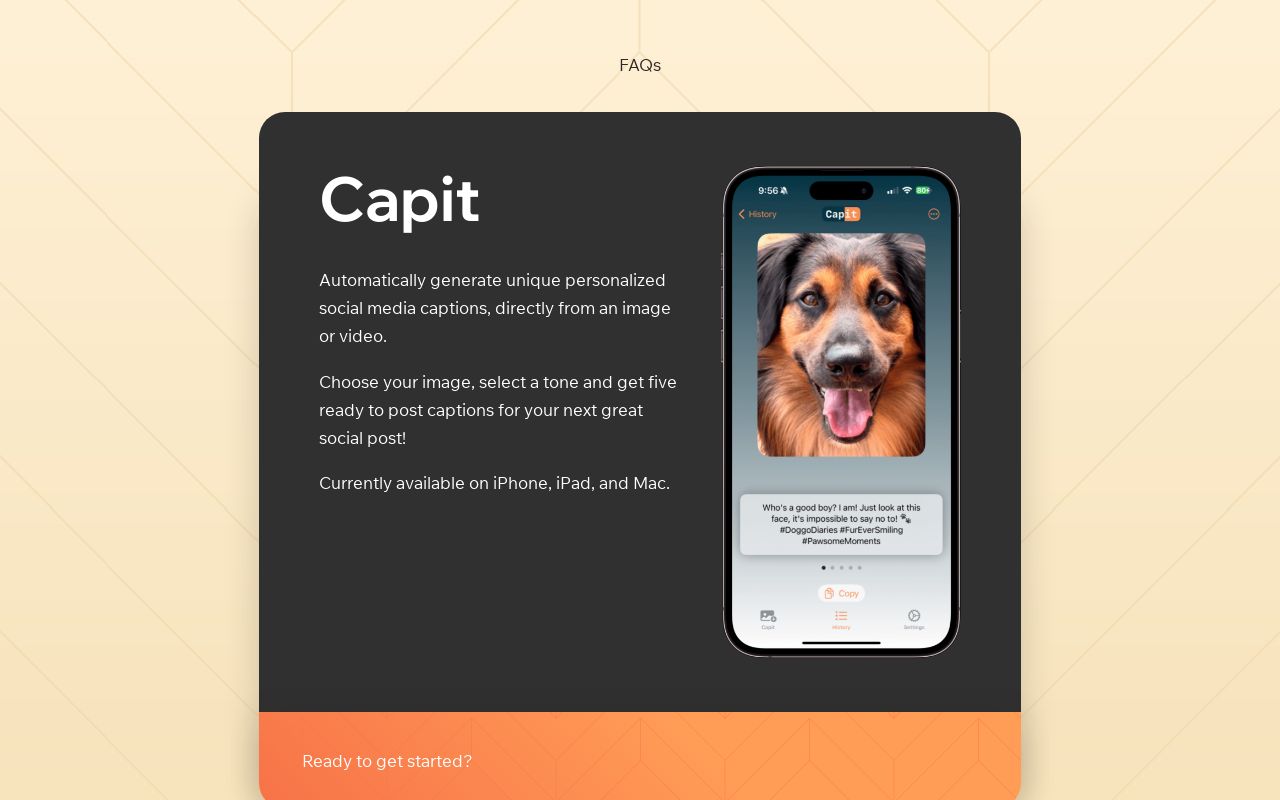
Transcribe, translate, and summarize audio & video in 130+ languages with speaker separation and instant subtitle generation.

Alternatives to VideoLingo
View all →
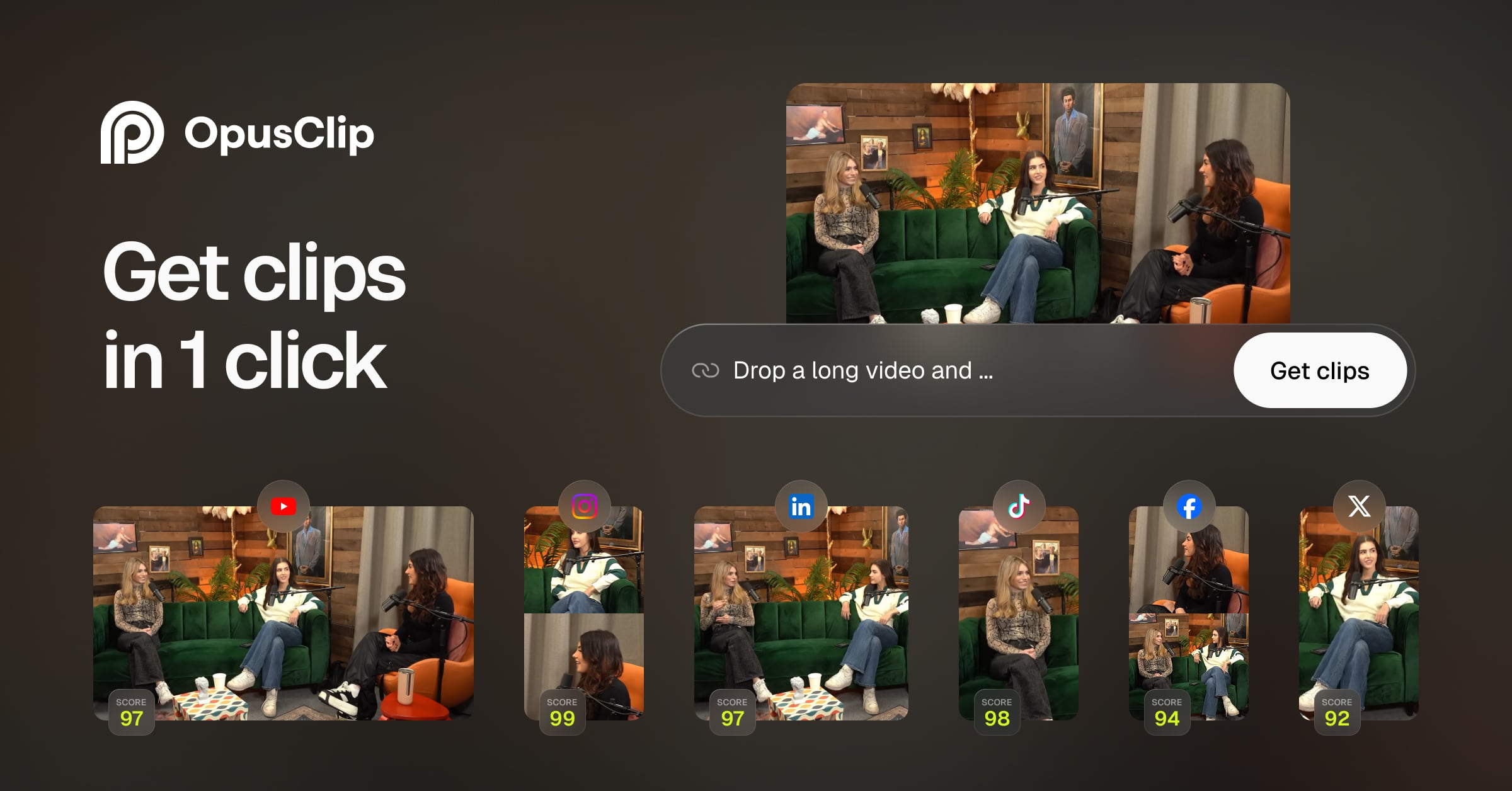
Translate your videos seamlessly in 140+ languages with natural voice clone and preserve authentic speaking styles.
.png)
One AI editor to localize any video or audio into 50+ languages through dubbing, translation, captions, and subtitles.

Translate videos into 170+ languages with AI voices, voice cloning, subtitles, and lip-synced dubbing—all in one online studio.
The Verdict
AI-generated from listing dataCaptionCreator offers broader language support and unlimited video size at low monthly fees, while VideoLingo provides cinema‑grade bilingual subtitles, dubbing, and an open‑source community but fewer languages and a beta status.
Key differences
- •CaptionCreator supports 76 languages versus VideoLingo’s 8+
- •CaptionCreator processes any video length in under 3 minutes; VideoLingo’s free tier limited to 15 minutes
- •VideoLingo adds AI dubbing and cultural localization; CaptionCreator focuses on subtitles only
- •CaptionCreator uses a credit‑per‑minute model with $10/$25 / month plans; VideoLingo’s pricing details beyond $5 / month not specified
- •VideoLingo is in beta with an open‑source community; CaptionCreator is a commercial SaaS with defined paid tiers
Pricing & value
CaptionCreator has clear $10/$25 / month plans and a free tier; VideoLingo only lists a $5 / month tier and limited free minutes.
Ease of use / learning curve
CaptionCreator offers a built‑in studio and simple credit system; VideoLingo is beta with fewer UI details disclosed.
Features & depth
VideoLingo provides AI dubbing, cultural localization, and cinema‑grade subtitles, which CaptionCreator lacks.
Integrations & ecosystem
VideoLingo highlights an open‑source community (18,740 GitHub stars); CaptionCreator has no integration info.
Collaboration
Neither product mentions collaboration tools; no data to differentiate.
Scalability
CaptionCreator has no video size limit and processes any length quickly; VideoLingo’s free tier caps at 15 minutes.
Support & stability
CaptionCreator is a mature SaaS; VideoLingo is in beta, implying potential instability.
Choose CaptionCreator if…
Content creators needing many languages, unlimited video length, and predictable monthly pricing.
Choose VideoLingo if…
Creators prioritizing high‑quality bilingual subtitles, dubbing, and community‑driven development over language breadth.
Common questions
How many languages can each tool handle?
CaptionCreator supports 76 languages; VideoLingo supports 8+ languages.
Is there a free option to try each service?
CaptionCreator offers a free tier (120‑second files, 3‑5 files/day); VideoLingo provides 15 minutes of free video processing.
Can I get AI‑generated voice dubbing?
Yes, VideoLingo includes AI dubbing; CaptionCreator does not offer dubbing, only subtitles.